4. Set TV to Video Input (see your TV Manual for instructions) and watch Video or still pictures on TV screen.
How to upload your video clips to YouTube
1. Install the ArcSoft MediaImpression program
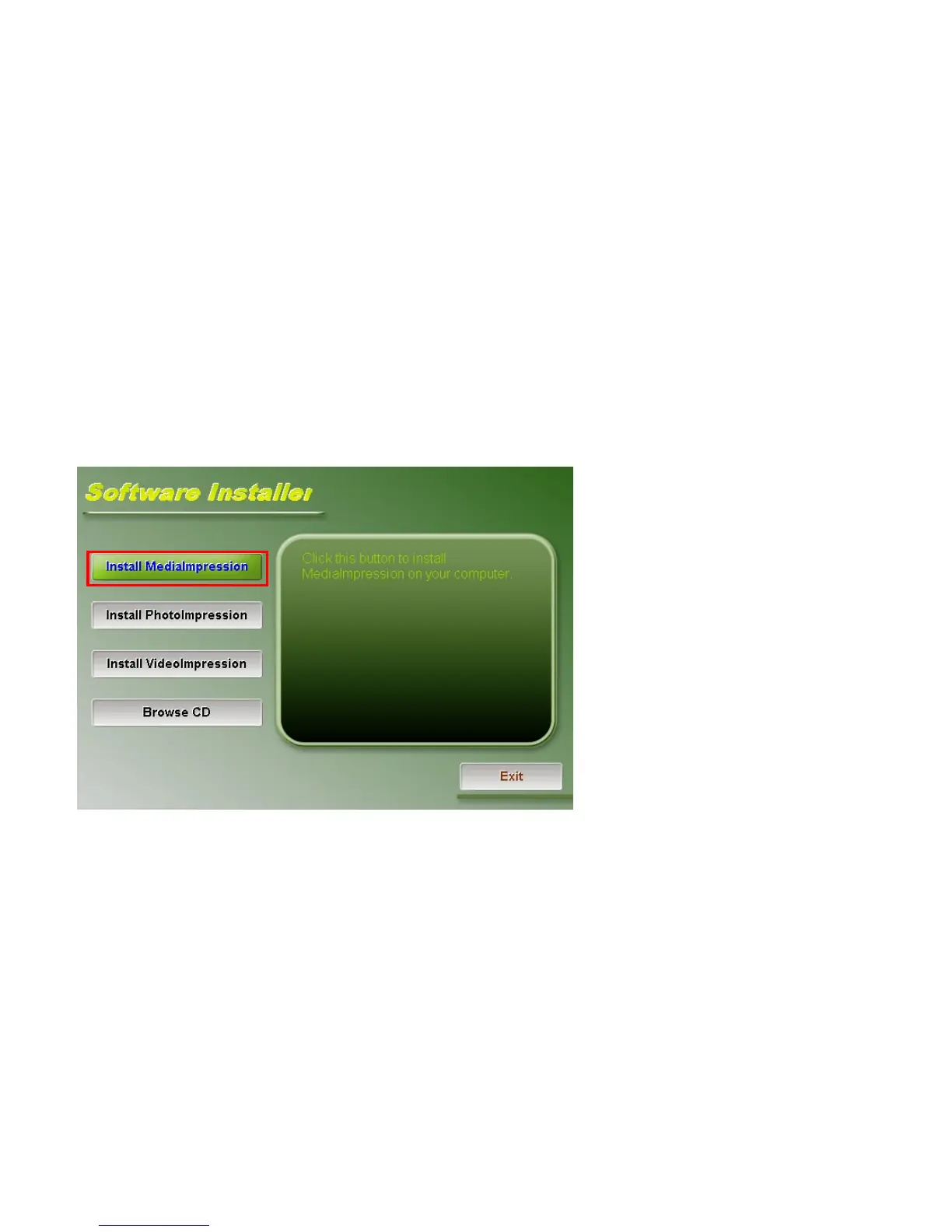
Insert the CD-ROM into the computer CD-ROM drive. The auto-run screen will appear.
(If auto-run screen does not appear, please click on SoftwareInstaller.exe under the CD-ROM drive icon on the
computer.)
Click “Install MediaImpression”, Follow on-screen instructions and complete installation



 To Next Page