6
option. The memory card will be formatted automatically.
Please note that all DATA stored on SD card will be deleted during formatting.
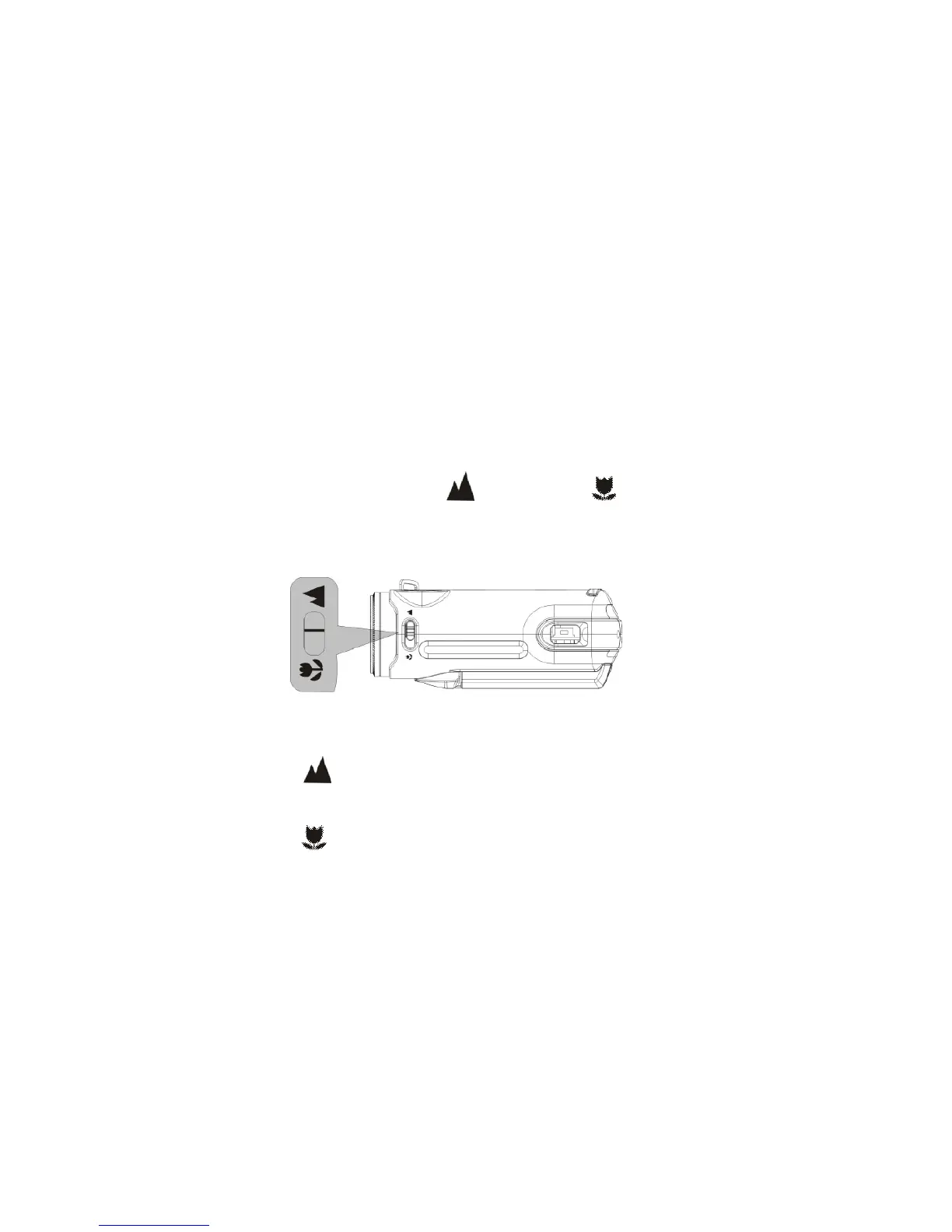
3. Selecting Lens Mode
Slide the Lens Selector to Normal or Macro position depending on the
distance between the main subject and the camera.
1. Use Normal setting for shooting subjects located 5 feet or more away from the
camera
2. Use Macro setting for shooting close-up subjects that are just 6” – 10” from
camera


 To Next Page