EasyManua.ls Logo

JBL CINEMA SB150 - User Manual

JBL CINEMA SB150
9 pages
Print Icon
To Next Page IconTo Next Page
Loading...
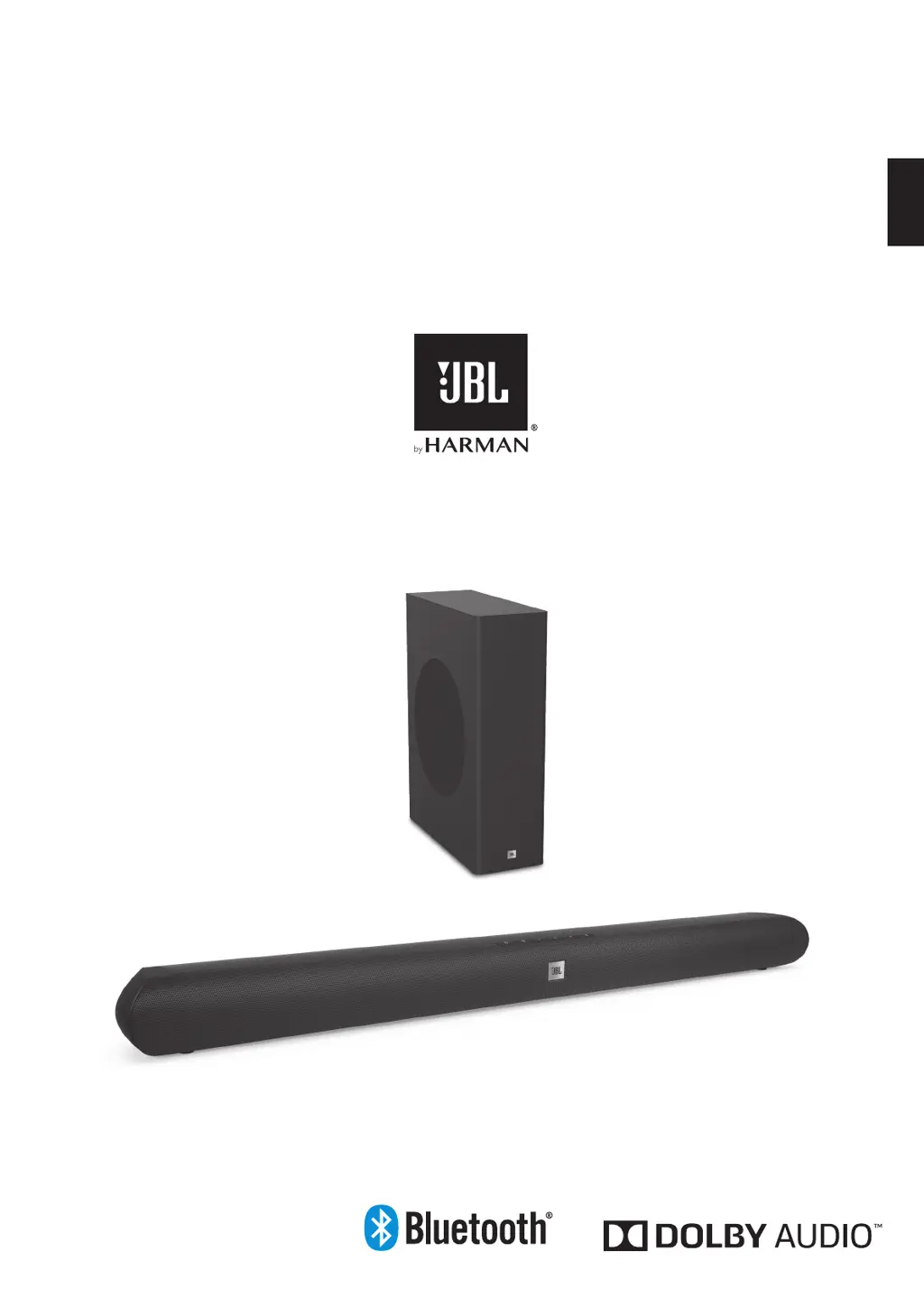
JBL CINEMA SB150
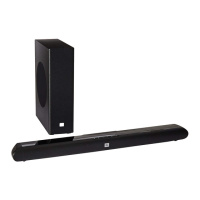
Home Cinema 2.1 soundbar with wireless subwoofer
OWNER'S MANUAL
ENGLISH

Other manuals for JBL CINEMA SB150

Questions and Answers

  • F
    Fernando MorrisonJul 26, 2025
    What to do if there is no sound from JBL CINEMA SB150?
    • D
      douglas70Jul 26, 2025
      If there is no sound coming from both the soundbar and the subwoofer, verify these things: * Check if the soundbar is ON (the Power Indicator should be white). * Check if the cable connecting the TV or other source component to the soundbar is properly connected at both ends. * Check if the soundbar’s Source Selector is set to the correct source and that source is playing an audio signal. * Check if the system is not muted. If the system is muted, press the volume buttons to un-mute the system. * Check if the soundbar’s volume is not turned all the way down (the lowest setting of the Volume Down button will mute the system).
  • W
    William RoseJul 30, 2025
    What to do if JBL Home Cinema subwoofer does not turn on?
    • K
      Katherine BarnesJul 30, 2025
      If the subwoofer does not turn on, try the following: * Check if the subwoofer’s power cord is plugged into a working AC outlet. * Press the Power switch of the subwoofer. * Check if the subwoofer’s AC fuse has blown.
  • R
    Roger SmithAug 4, 2025
    Why is the bass output not loud enough on my JBL CINEMA SB150 Home Cinema speakers?
    • J
      john43Aug 4, 2025
      If the bass output is not loud enough, you can try the following: * Turn up the subwoofer’s volume using the remote control. * Move the subwoofer to a corner of the room. * Move the subwoofer closer to the seating location.
  • I
    Isabel DavisAug 8, 2025
    What to do if there is no sound coming only from the JBL Home Cinema subwoofer?
    • J
      Jonathan FosterAug 8, 2025
      If there is no sound coming only from the subwoofer, try these steps: * Check if the Subwoofer Volume Control is not turned all the way down using the remote control. * Check if the wireless connection is still active (Blue LED constant in the back of the subwoofer). If the LED is flashing blue, then restart the pairing process. * Move the subwoofer closer to the soundbar. The maximum wireless operation distance is 50 feet (15.3 m).
  • T
    turnerjeffreyAug 13, 2025
    How to fix distorted sound on JBL Home Cinema soundbar?
    • B
      Bonnie RodriguezAug 13, 2025
      If the soundbar’s sound is distorted, check the source component to see if the distortion is coming from it, and not from the soundbar itself.
  • M
    mjohnsonAug 17, 2025
    What to do if JBL Home Cinema soundbar does not turn ON?
    • D
      Daniel CalderonAug 17, 2025
      If the soundbar does not turn on, check if the soundbar power supply’s AC cord is plugged into a working AC outlet and that the power supply is plugged into the soundbar.
  • C
    chanstephanieAug 21, 2025
    Why does JBL Home Cinema volume reset when soundbar is turned on?
    • M
      Mark RiddleAug 22, 2025
      The volume resets when you turn on the soundbar because this is an inbuilt feature. If the soundbar is playing at more than 50 percent of maximum volume and the power is turned off, the volume of the soundbar is automatically reset to 50 percent of the maximum volume when the system is turned ON.

Summary

Introduction

Items Included

Lists all the components provided with the soundbar system for setup.

Soundbar Controls and Connections

Top Panel Controls

Buttons on the soundbar for power, source, volume, and mute.

Rear Panel Connections

Ports for power, analog audio, digital audio, and USB.

Subwoofer Controls and Connections

Power Input and Pairing

AC power input and wireless pairing button/indicator.

Remote Control Functions

Playback and Volume Controls

Buttons for volume, bass, and EQ modes like Movie, Music, News.

Source Selection and Mute

Buttons to switch audio inputs and mute sound.

Bluetooth and Audio Feedback

Controls for Bluetooth pairing and audio feedback feature.

Placing the JBL CINEMA SB150

Table Placement

How to position the soundbar on a flat table surface.

Wall Mounting

Instructions for securely mounting the soundbar on a wall.

System Operation

Powering On;Off and Auto Standby

How to turn the soundbar on/off and its auto standby feature.

Subwoofer Pairing

Steps to wirelessly connect the subwoofer to the soundbar.

Subwoofer Placement

Positioning for Bass Performance

Guidance on placement for best bass integration and room acoustics.

Bluetooth Operation

Wireless Audio Streaming

Steps to pair and stream music from a Bluetooth device.

Disconnecting Bluetooth

How to disconnect a paired Bluetooth device.

Volume and Sound Settings

Adjusting System Volume

Guide to setting the optimal listening volume level.

Surround Mode Activation

How to enable the surround sound effect for immersive audio.

TV Remote Programming

Program TV Remote Commands

How to assign TV remote functions like power and volume.

Reset Remote Settings

How to restore the soundbar's remote programming to factory defaults.

Troubleshooting Common Issues

Power and Sound Problems

Solutions for soundbar or subwoofer not turning on, or no sound output.

Audio Quality Issues

Fixes for distorted sound, low bass, or volume reset behavior.

System Specifications

Audio and Connectivity Specs

Details on frequency response, SPL, power, and connectivity options.

Physical Dimensions and Weight

Soundbar and subwoofer dimensions and weight information.

JBL CINEMA SB150 Specifications

Audio Specifications IconAudio Specifications
frequency response45Hz – 20kHz
maximum SPL96dB
total amplifier power150W
Weight and Dimensions IconWeight and Dimensions
soundbar dimensions31.5" x 3.5" x 2.5" (801 x 92 x 65.5mm)
soundbar weight3.3 lb (1.5kg)
subwoofer dimensions4.7" x 11.8" x 16.1" (120 x 300 x 409mm)
subwoofer weight9.2 lb (4.2kg)

Related product manuals