EasyManua.ls Logo

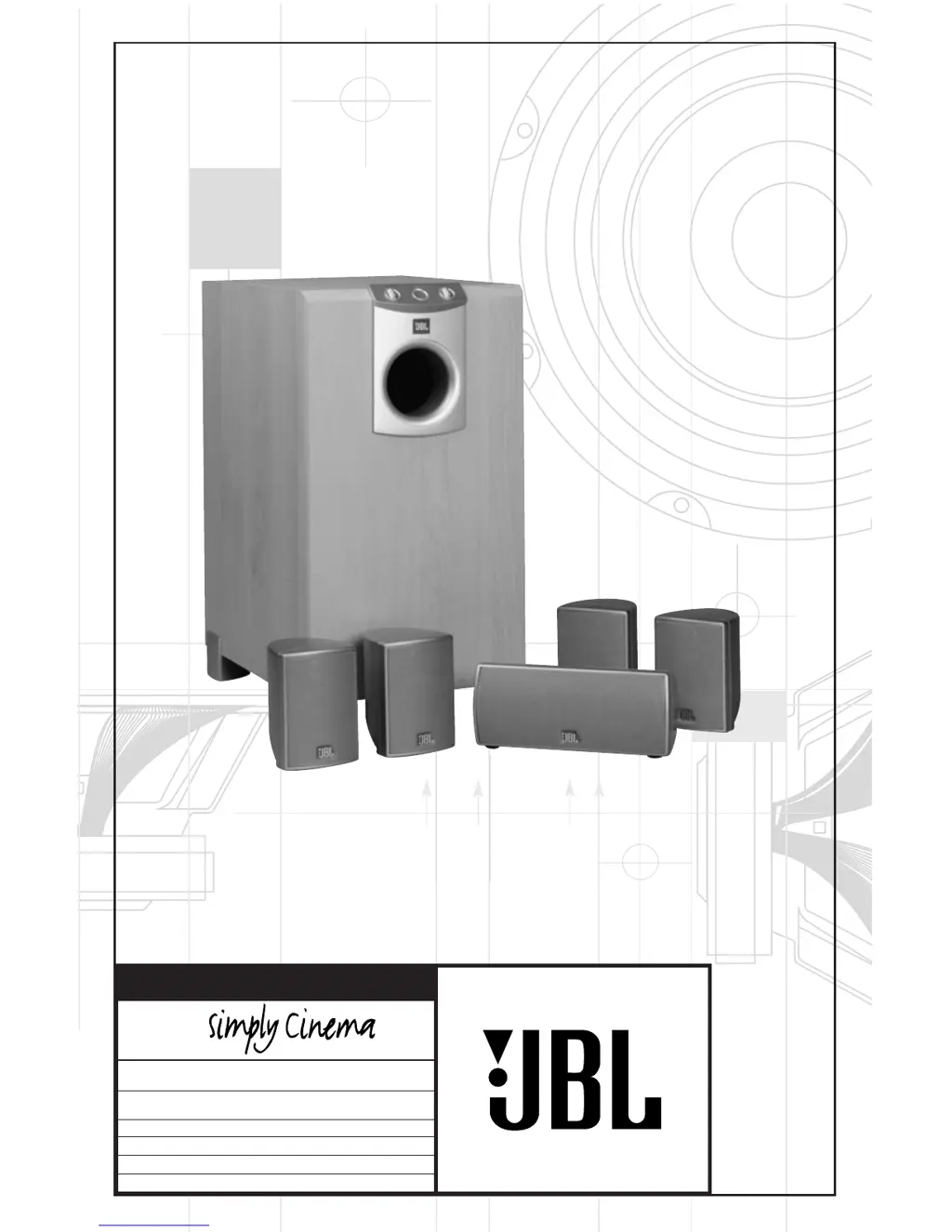
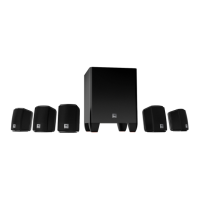
JBL Simply Cinema SCS138 - User Manual

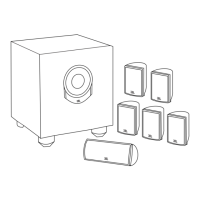
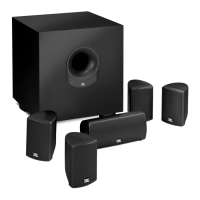
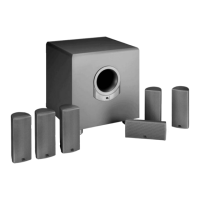
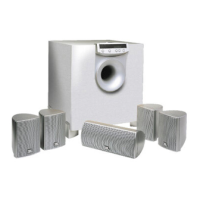
JBL Simply Cinema SCS138
12 pages
Print Icon
To Next Page IconTo Next Page
Loading...
X + 0 + Y
2
0M
HZ
OWNER’S GUIDE
PRODUCT LINE:
SCS138 (230V)
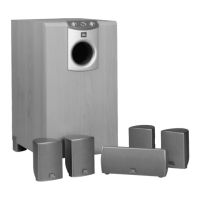
DESIGN GOAL: Bring the thrill of live performance and movie sound to the
home environment by calling on JBLs professional engineering leadership.
SATELLITE TYPE: Titanium-laminate-dome tweeter, sealed enclosure
SUBWOOFER TYPE: Bass-reflex enclosure
PORT DESIGN: FreeFlow™ flared
PROFESSIONAL REFERENCE: Cinema Loudspeaker Series
®
MODEL
NUMBER:

Questions and Answers

Summary

Important Safety Precautions

General Handling and Setup Safety

Covers unpacking, connections, reading instructions, cleaning, and maintenance.

Usage Environment and Warranty

Details safety regarding water, mounting, and warranty exclusions.

Active Product Safety

Focuses on ventilation, power sources, grounding, and power cord protection.

Speaker Placement Guide

Front and Surround Speaker Placement

Guidelines for positioning front and surround speakers relative to listeners.

Center Channel Speaker Placement

Instructions for optimal placement of the center channel speaker.

Subwoofer Placement

Recommendations for placing the subwoofer for best bass reproduction.

Mounting Options for Satellites

Shelf and Stand Mounting

Information on placing satellite speakers on shelves or optional stands.

Wall Mounting Instructions

Guidance on safely attaching speakers to a wall using brackets.

Speaker Connection Tips

Wire Preparation and Polarity

How to prepare speaker wire and ensure correct polarity for optimal sound.

Audio Connection Methods

Dolby Pro Logic Speaker Level Connection

Installation method for Dolby Pro Logic using speaker level inputs.

Dolby Pro Logic Line Level Connection

Installation method for Dolby Pro Logic using line level inputs.

Digital Surround Mode Connection

Connection for Dolby Digital, DTS, or other digital surround modes.

Subwoofer Operation and Controls

Power and Standby Mode

How to turn the subwoofer on/off and its automatic standby function.

Volume and Crossover Adjustment

Using the controls to set the subwoofer's volume and crossover frequency.

Phase Control Adjustment

Optimizing bass output by adjusting the phase control for listener preference.

Troubleshooting Common Issues

No Sound from Speakers

Steps to diagnose and resolve issues with no sound from any speaker.

No Sound from Specific Speakers

Troubleshooting no sound from one speaker, center, or surround speakers.

System Volume and Bass Issues

Resolving problems with low bass output or system shutting off at high volumes.

Product Specifications

SCS 138 Satellite Specifications

Detailed technical specifications for the SCS 138 satellite speakers.

SCS 138 Center Speaker Specifications

Detailed technical specifications for the SCS 138 center channel speaker.

SCS 138 Active Subwoofer Specifications

Detailed technical specifications for the SCS 138 active subwoofer.

SCS138 System Specifications

Overall system specifications for the SCS138 package.

Summary

Important Safety Precautions

General Handling and Setup Safety

Covers unpacking, connections, reading instructions, cleaning, and maintenance.

Usage Environment and Warranty

Details safety regarding water, mounting, and warranty exclusions.

Active Product Safety

Focuses on ventilation, power sources, grounding, and power cord protection.

Speaker Placement Guide

Front and Surround Speaker Placement

Guidelines for positioning front and surround speakers relative to listeners.

Center Channel Speaker Placement

Instructions for optimal placement of the center channel speaker.

Subwoofer Placement

Recommendations for placing the subwoofer for best bass reproduction.

Mounting Options for Satellites

Shelf and Stand Mounting

Information on placing satellite speakers on shelves or optional stands.

Wall Mounting Instructions

Guidance on safely attaching speakers to a wall using brackets.

Speaker Connection Tips

Wire Preparation and Polarity

How to prepare speaker wire and ensure correct polarity for optimal sound.

Audio Connection Methods

Dolby Pro Logic Speaker Level Connection

Installation method for Dolby Pro Logic using speaker level inputs.

Dolby Pro Logic Line Level Connection

Installation method for Dolby Pro Logic using line level inputs.

Digital Surround Mode Connection

Connection for Dolby Digital, DTS, or other digital surround modes.

Subwoofer Operation and Controls

Power and Standby Mode

How to turn the subwoofer on/off and its automatic standby function.

Volume and Crossover Adjustment

Using the controls to set the subwoofer's volume and crossover frequency.

Phase Control Adjustment

Optimizing bass output by adjusting the phase control for listener preference.

Troubleshooting Common Issues

No Sound from Speakers

Steps to diagnose and resolve issues with no sound from any speaker.

No Sound from Specific Speakers

Troubleshooting no sound from one speaker, center, or surround speakers.

System Volume and Bass Issues

Resolving problems with low bass output or system shutting off at high volumes.

Product Specifications

SCS 138 Satellite Specifications

Detailed technical specifications for the SCS 138 satellite speakers.

SCS 138 Center Speaker Specifications

Detailed technical specifications for the SCS 138 center channel speaker.

SCS 138 Active Subwoofer Specifications

Detailed technical specifications for the SCS 138 active subwoofer.

SCS138 System Specifications

Overall system specifications for the SCS138 package.

JBL Simply Cinema SCS138 Specifications

General IconGeneral
Speaker System Type5.1 channel
Impedance8 Ohms
ColorBlack
Frequency Response20Hz - 20kHz
Center Speaker Dimensions (H x W x D)4.5 x 7.5 x 4.5 inches
Subwoofer Amplifier Power100W
Sensitivity86dB

Related product manuals