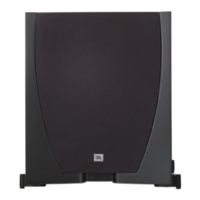
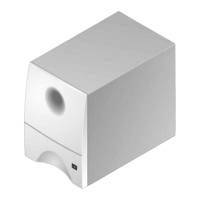
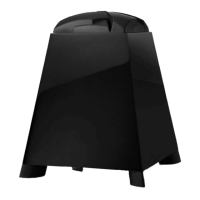
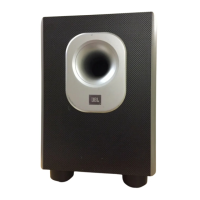
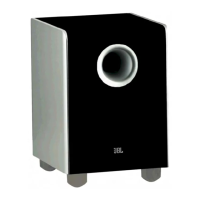
Specifications
sub6 sub10
Amplifier Power (RMS) 60 watts 100 watts
Woofer size 6-1/2" 10"
Inputs Line and speaker level Line and speaker level
Outputs High pass speaker level High pass speaker level
Crossover Frequency
(Continuously variable) 90Hz – 200Hz 90Hz – 200Hz
Frequency Response
*Determined by crossover setting 40Hz – (90 – 200Hz)* 38Hz – (90 – 200Hz)*
Dimensions (HxWxD) 17 x 12-3/4 x 11-1/8" 24 x 17-3/4 x 13-1/2"
432 x 324 x 282mm 608 x 450 x 342mm
Weight 26 lbs/11.8 kg 48 lbs/21.8 kg
If you used the speaker
level inputs and there is
no sound from any of the
speakers, check the
following:
• Receiver/amplifier is on
and a source is playing.
• Powered subwoofer is
plugged in and is either in
the “On” or “Auto” position.
• Make sure the subwoofer is
set to “High” input and
“Stereo” on the rear panel.
• Check all wires and con-
nections between receiver/
amplifier and speakers. Make
sure all wires are connected.
Make sure none of the
speaker wires are frayed, cut,
or punctured.
• Review proper operation of
your receiver/amplifier.
If there is low bass output,
check the following:
• Make sure the connections
to the left and right “Speaker
Inputs” have the correct
polarity (+ and –).
• Make sure that the sub-
woofer is plugged into an
active electrical outlet.
• Powered subwoofer is
plugged in and is either in
the “On” or “Auto” position.
• Adjust the crossover point.
• Change the setting on the
phase switch.
If you used the line level
inputs and there is no
sound from any of the
speakers, check the
following:
• Receiver/amplifier is on
and a source is playing.
• Powered subwoofer is
plugged in and is either in
the “On” or “Auto” position.
• Make sure the subwoofer is
set to “Low” on the rear
panel.
• Check all wires and con-
nections between receiver/
amplifier and speakers. Make
sure all wires are connected.
Make sure none of the
speaker wires are frayed, cut,
or punctured.
• Review proper operation of
your receiver/amplifier.
Troubleshooting
Control Series sub6/sub10 OM 9/11/98 12:42 PM Page 7


 To Next Page