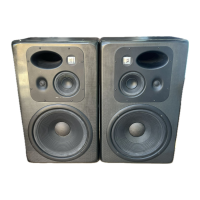
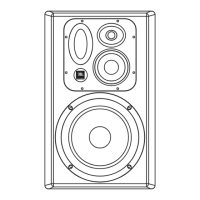
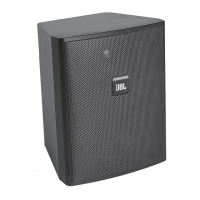
7 Series “i” Set Up Instructions
7SeriesInstalledModelsSetUp Page6 6/1/16
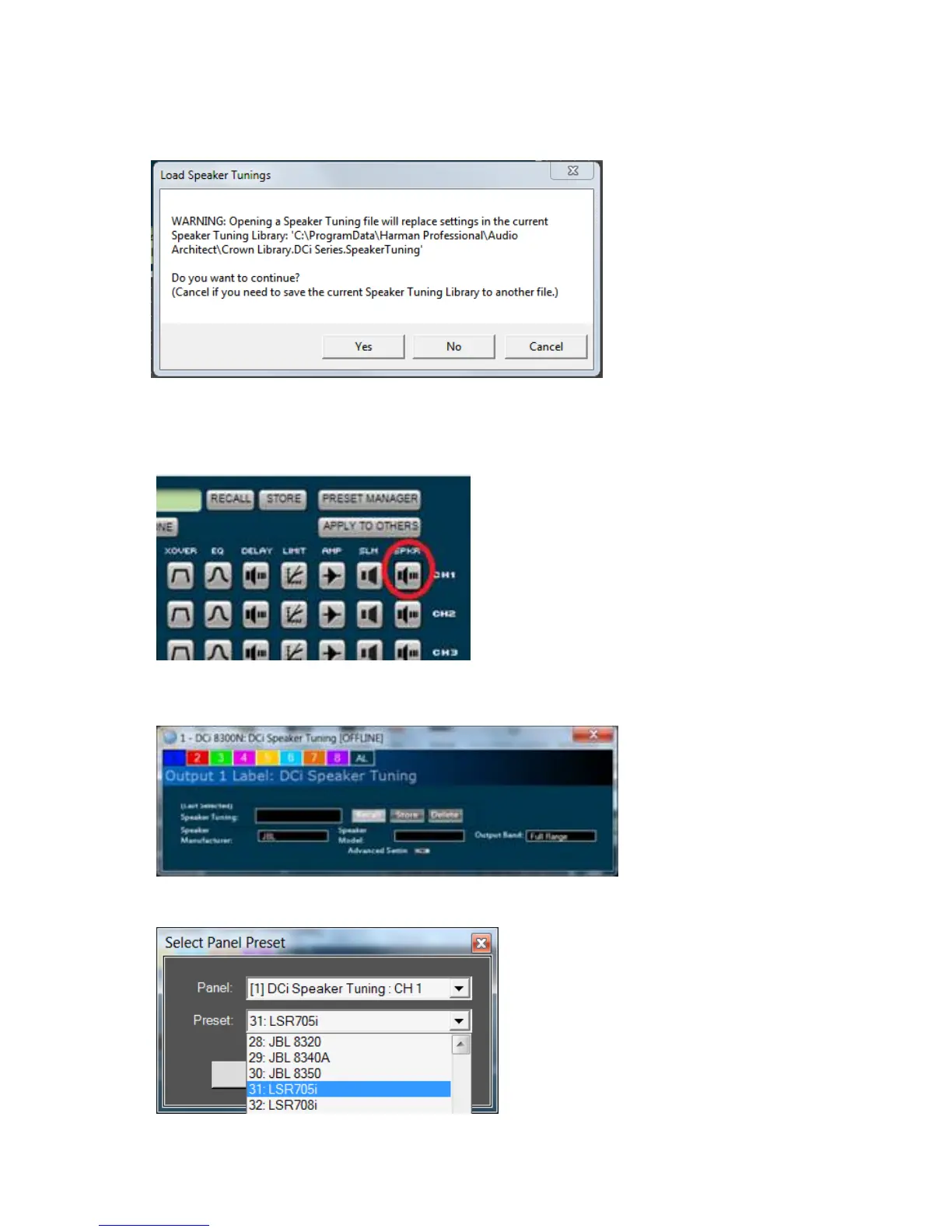
You can then navigate to and select the speaker tuning library file that includes JBL 7 Series and M2
Speakers. Once it is loaded, you can select the particular tuning needed on a per-amplifier channel basis.
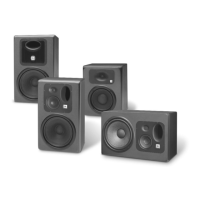
In the block diagram (shown below) double-click on the speaker tuning icon for the channel(s) you want to
configure.
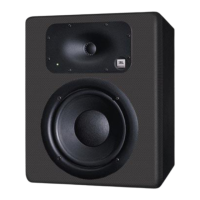
After clicking the icon, you will see the following speaker tuning panel. On this speaker tuning panel, select
“Recall.”
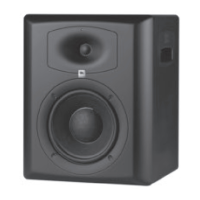
You will be presented with a list of speaker models. Select the preset for the desired speaker model.



 To Next Page