7 Series “i” Set Up Instructions
7SeriesInstalledModelsSetUp Page7 6/1/16
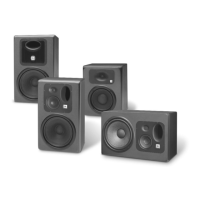
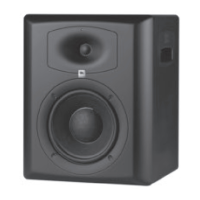
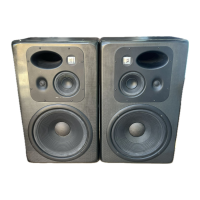
The following presets are provided for 7 Series and also JBL M2 Speakers:
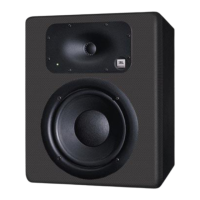
o LSR705i: LSR705i Single wire tuning
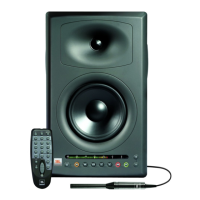
o LSR708i: LSR708i Single wire tuning
o LSR705i LF LSR705i Bi-Amp Tuning (Woofer)
o LSR705i HF LSR705i Bi-Amp Tuning (Tweeter)
o LSR708i LF LSR708i Bi-Amp Tuning (Woofer)
o LSR708i HF LSR708i Bi-Amp Tuning (Tweeter)
o M2 HF JBL M2 HF
o M2 LF JBL M2 LF NoHP – Full Range LF
o M2 LF JBL M2 LF HP27 –Includes High Pass Filter at 27Hz (Recommended)
If you plan to use the speakers in bi-amplified mode, you will use bi-amp speaker tuning presets – one for
the Tweeter and one for the Woofer.
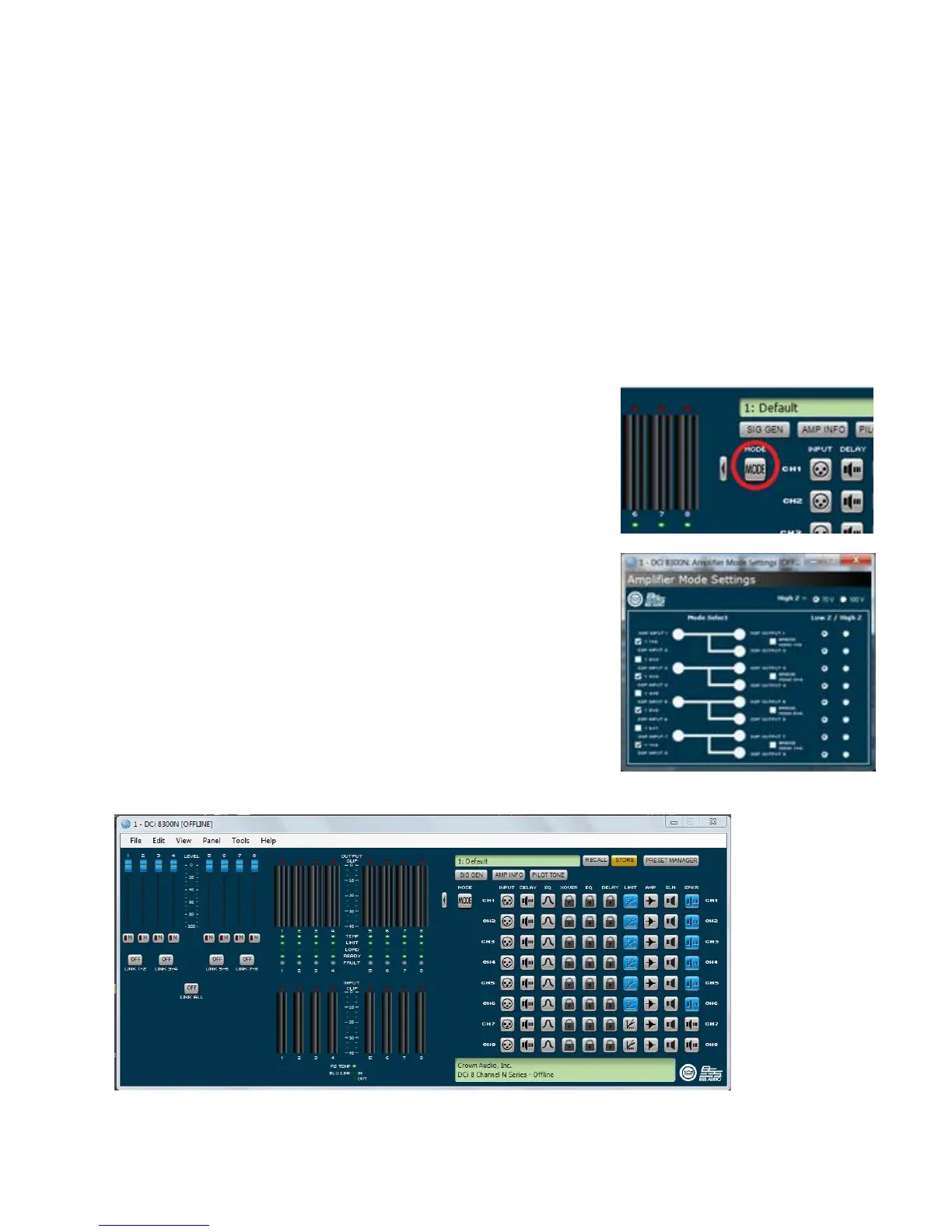
NOTE: You will need to configure the amplifier channels for bi-
amplified operation. After selecting the speaker tuning preset,
navigate back to the DCi Control Panel. To create a bi-amplified
amplifier configuration, double click the “Mode” button in the
amplifier control panel.
Using the Mode settings, select the “Y” configuration for the amp
channels you wish to bi-amp. As an example, this picture shows a
DCi8300 configured for bi-amp tunings
One HF tuning and one LF tuning would be used for each bi-
amplified speaker. After configuring two channels for “bi-amplified”
configuration using the MODE icon, select the appropriate
LSR705i, LSR708i or M2 HF and LF speaker tuning for the amp
channels in the bi-amplified pair.
Exit and Save your file.
The following graphic illustrates the control panel of an 8 channel amplifier with channels 1-6 configured:



 To Next Page