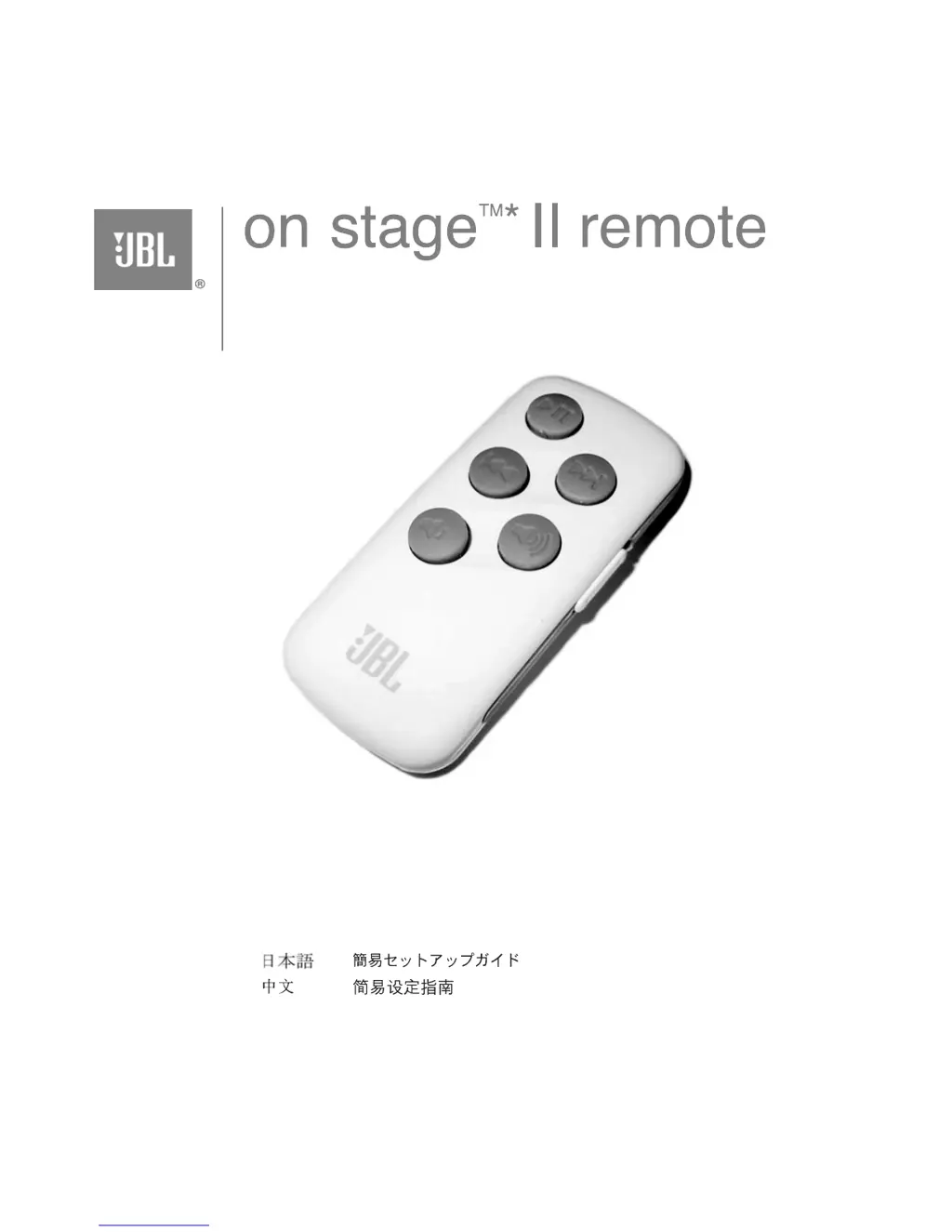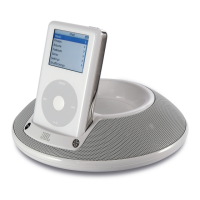
Why is my JBL Remote Control switch in a lock position?
- SSarah HunterAug 5, 2025
The side Hold switch might be engaged. Ensure the side Hold switch is in the position that prevents the orange dot from being visible. This will unlock the remote.
Why is my JBL Remote Control switch in a lock position?
The side Hold switch might be engaged. Ensure the side Hold switch is in the position that prevents the orange dot from being visible. This will unlock the remote.
What to do if iPod doesn't recognize JBL Remote Control commands?
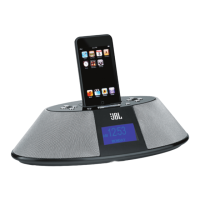
If your iPod isn't responding to the remote, turn off your JBL On Stage II and undock the iPod. Wait for 30 seconds, then dock the iPod again and turn the JBL On Stage II back on. This should reset the connection.
Device compliance with FCC Part 15 rules and operating conditions.
Interference limits for Class B digital devices and user remedies.
Read all instructions, heed warnings, avoid hazards like liquid, extreme temps, and ensure proper setup.
Activate remote, dock iPod, play, pause, skip tracks, and adjust volume for music.
Steps to enable Photo Mode for browsing iPod photos using the remote control.
Steps to pair or unpair the remote with the speaker unit.
Addresses system power, remote lock, and iPod recognition problems.
Details remote specs like frequency, range, battery type, and replacement guide.
Device compliance with FCC Part 15 rules and operating conditions.
Interference limits for Class B digital devices and user remedies.
Read all instructions, heed warnings, avoid hazards like liquid, extreme temps, and ensure proper setup.
Activate remote, dock iPod, play, pause, skip tracks, and adjust volume for music.
Steps to enable Photo Mode for browsing iPod photos using the remote control.
Steps to pair or unpair the remote with the speaker unit.
Addresses system power, remote lock, and iPod recognition problems.
Details remote specs like frequency, range, battery type, and replacement guide.
| Type | Docking Speaker |
|---|---|
| Brand | JBL |
| Model | On Stage II |
| Category | Docking Speakers |
| Weight | 1.5 lbs |
| Connectivity | 3.5mm auxiliary input |
| Compatibility | iPod |
| Power Source | AC adapter |
| Inputs | 3.5mm auxiliary input |