EasyManua.ls Logo

JBL ON Stage Micro II - User Manual

JBL ON Stage Micro II
12 pages
Print Icon
To Next Page IconTo Next Page
Loading...
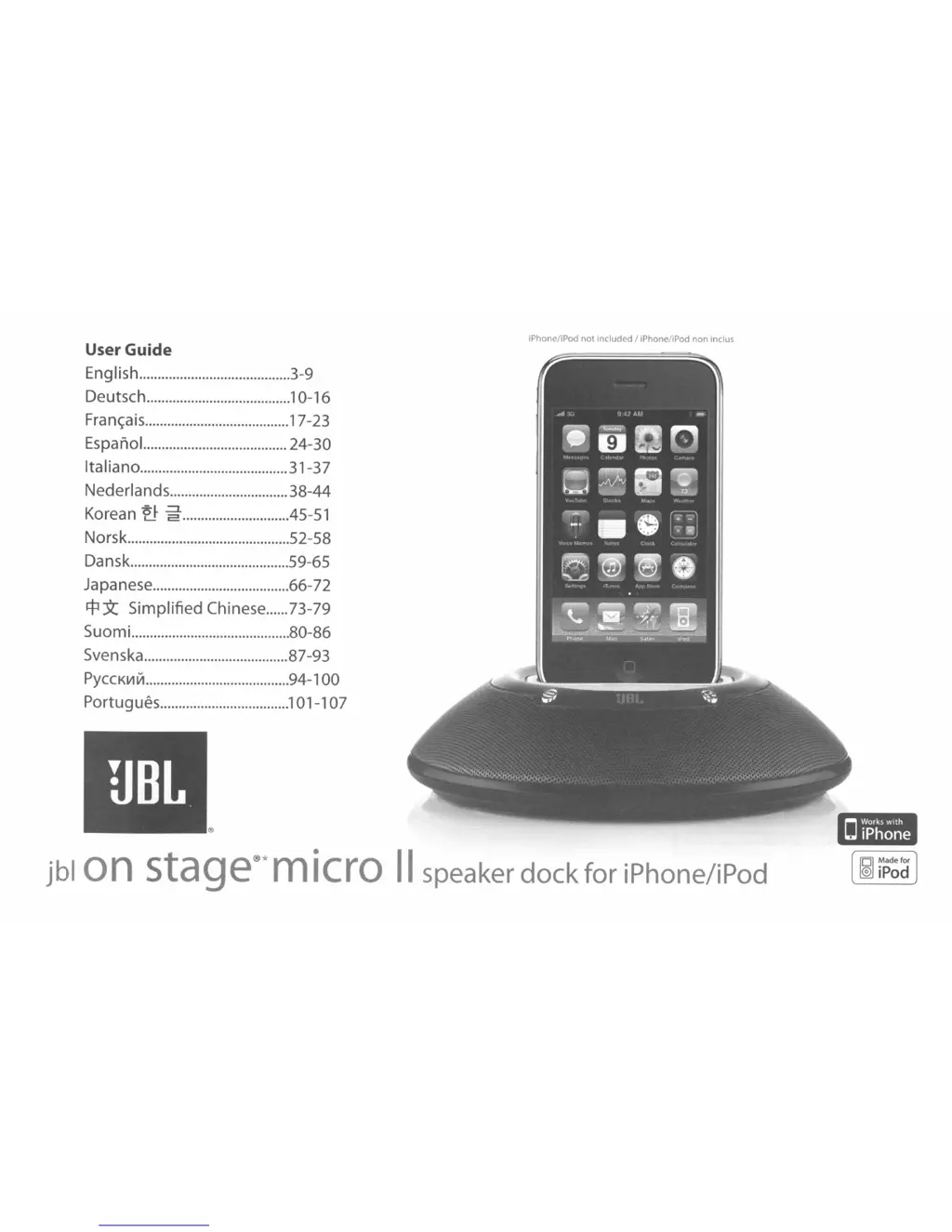
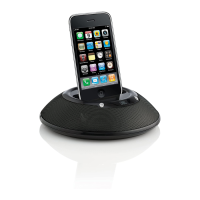
iPhone/iPod not included I iPhone/iPod non inclus
jblOn
stage®'
m
iero
II
speaker
dock
for
iPhone/iPod
O
Works
with
iPhone
User Guide
English 3-9
Deutsch 10-16
Franc;ais
17-23
Espano!... 24-30
Italiano 31-37
Nederlands 38-44
-~
~
Korean
~
2 .45-51
Norsk 52-58
Dansk 59-65
Japanese 66-72
~
Y:.
Simplified Chinese 73-79
Suomi 80-86
Svenska 87-93
PYCCKIIIVI
94-100
Portugues 101-1 07

Questions and Answers

  • M
    melissamorrisonAug 13, 2025
    Why is there no sound from my JBL ON Stage Micro II?
    • D
      David GarciaAug 13, 2025
      If there is no sound coming from your JBL On Stage Micro II speaker system, there could be several reasons. First, ensure the system is receiving power by checking the power supply connection and verifying the green power LED is lit. Second, the volume might be too low or muted; adjust it using the volume “Up” (+) pad. Third, the input source volume could be low, so increase the volume on your audio source device. Also, check the batteries and replace them if they are low or drained. Finally, ensure your iPhone/iPod is not paused; if it is, press the Play button. If the iPhone/iPod has been paused for more than 10 minutes in battery-only mode, press the JBL On Stage Micro II Power button to turn the unit back on and press either (+) or (–) to unmute.
  • N
    Nicholas RasmussenAug 16, 2025
    What to do if my JBL ON Stage Micro II Docking Speakers have no sound?
    • S
      Sharon JohnsonAug 16, 2025
      If you're not getting any sound from your JBL On Stage Micro II, first, make sure the unit is getting power by checking the wall outlet or power strip and ensuring all switches are turned on. Second, verify that the iPhone/iPod is properly docked or the auxiliary cable is correctly connected. Also, ensure the volume is turned up. Try testing the unit with a known good audio source and connecting the “Aux In” cable to the headphone jack of your iPhone/iPod.
  • A
    andrewruizAug 20, 2025
    How to troubleshoot JBL Docking Speakers when there's no power?
    • K
      Kristopher GeorgeAug 20, 2025
      If there is no power and the green LED is not on, check the connection of the wall adapter to the JBL On Stage Micro II. Ensure the wall adapter is plugged into a working outlet by testing the outlet with a lamp or another device. Also, connect the JBL On Stage Micro II to a known audio source and test that audio source with headphones.
  • J
    Juan RoseAug 25, 2025
    What to do if JBL Docking Speakers have no sound after being muted?
    • C
      Carlos TannerAug 25, 2025
      If there is still no sound from the JBL On Stage Micro II speaker system, and the unit has been muted for more than 10 minutes in battery-only mode, press the JBL On Stage Micro II Power button to turn the unit back on, then press either (+) or (–) to unmute. If no audio signal has been received for 10 minutes and the JBL On Stage Micro II is in standby mode, make sure an audio signal is supplied through the docked iPhone/iPod or the “Audio In” jack.
  • L
    Linda CamachoAug 27, 2025
    How to fix a buzzing sound on JBL Docking Speakers?
    • J
      Jason MyersAug 28, 2025
      If your JBL On Stage Micro II is emitting a loud hum or buzzing noise, first, check the input cable connection to ensure it is properly plugged in. If the cable is correctly connected, try replacing it, as the cable itself may be faulty. If the issue persists, turn off the JBL On Stage Micro II and connect it to another wall outlet to rule out a ground loop issue.
  • K
    Kathryn CooperAug 31, 2025
    Why are my JBL Docking Speakers making static noises?
    • C
      Charles JenningsAug 31, 2025
      If you are experiencing distortion, such as static, cracking, or hissing sounds, from your JBL On Stage Micro II, the audio source or source material itself may be the problem, so test the unit with another source. Also, the volume level may be too high, so check the volume of the source. Lastly, the EQ setting may be too high, so check the EQ setting on your iPhone/iPod or source device.
  • M
    Maria WilsonSep 4, 2025
    Why is sound only coming from one side of my JBL ON Stage Micro II Docking Speakers?
    • D
      Denise DeleonSep 5, 2025
      If sound is only coming from one side or channel on your JBL On Stage Micro II, ensure that the iPhone/iPod is fully seated into the docking station. Also, make sure the auxiliary cable is fully seated into the jack. If the problem persists, try resetting the iPhone/iPod.
  • P
    Phillip KnightSep 8, 2025
    How to stop radio interference on JBL Docking Speakers?
    • M
      Megan DiazSep 8, 2025
      If your speaker system is experiencing radio-frequency interference or picking up a radio-station transmission, the input cable may be picking up interference. Purchase a ferrite core and wrap the excess cable around it. You can purchase a ferrite core at your local electronics store.

Summary

Important Safety Instructions

Safety Precautions and Warnings

Essential safety advice for operation, including warnings about water, heat, and electrical hazards.

Easy Setup Guide

Power and Battery Setup

Instructions for installing batteries and connecting the power adapter to the unit.

Device Connection and Audio Input

Steps for docking iPhone/iPod or connecting an external audio source via the 'Audio In' jack.

Computer File Synchronization

Troubleshooting and Operation

Technical Specifications

Troubleshooting Common Issues

Addresses common problems like no sound, low volume, and battery issues with solutions.

Advanced Troubleshooting

Audio and Noise Issues

Solutions for audio problems like no sound, distortion, static, and buzzing noise.

Performance Troubleshooting

Limited Warranty Information

JBL ON Stage Micro II Specifications

General IconGeneral
BrandJBL
ModelON Stage Micro II
CategoryDocking Speakers
TypePortable Speaker
Weight0.6 lbs
CompatibilityiPod, iPhone
Power SourceAC or battery
Power Output2 x 3 Watts
Signal-to-Noise Ratio80dB

Related product manuals