EasyManua.ls Logo

JBL ONBEAT AWAKE - JBL OnBeat Awake Controls and Indicators; Physical Ports and Placement; Device Controls Identification

JBL ONBEAT AWAKE
44 pages
Print Icon
To Next Page IconTo Next Page
To Previous Page IconTo Previous Page
Loading...
2
COntROLS anD InDICatORS
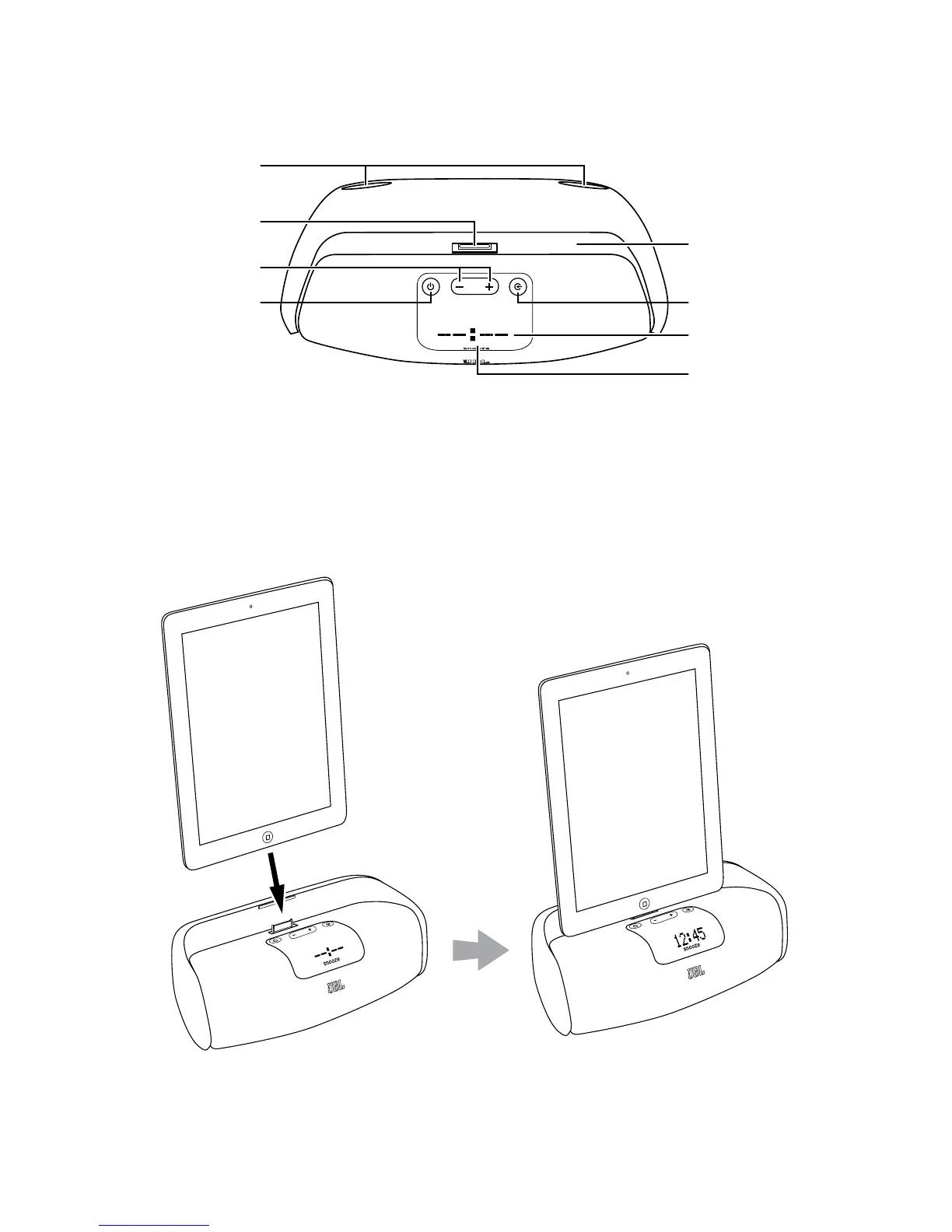
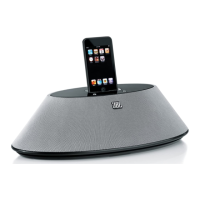
Docking Connector
Bass Ports
Power Button
Source Button
Volume Up/Down
Buttons
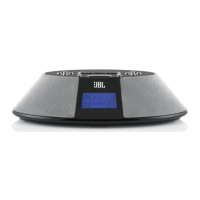
Display Screen
Snooze Button
Docking Groove
Bass ports: Place the OnBeat aWake so that the rear of its enclosure is at least 3" (76mm)
away from a wall or other surface to allow the bass ports to operate properly.
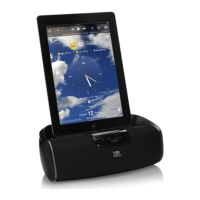
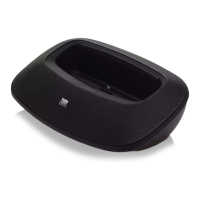
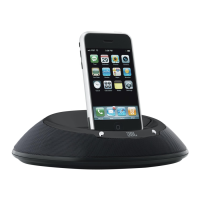
Docking groove and docking connector: Place your device into the OnBeat aWake’s
docking groove so that it is firmly seated on the docking connector.
Bass Ports
Docking Connector
Volume Up/Down
Buttons
Power Button
Docking Groove
Source Button
Display Screen
Snooze Button

Related product manuals