Appendix
JBL
A-6
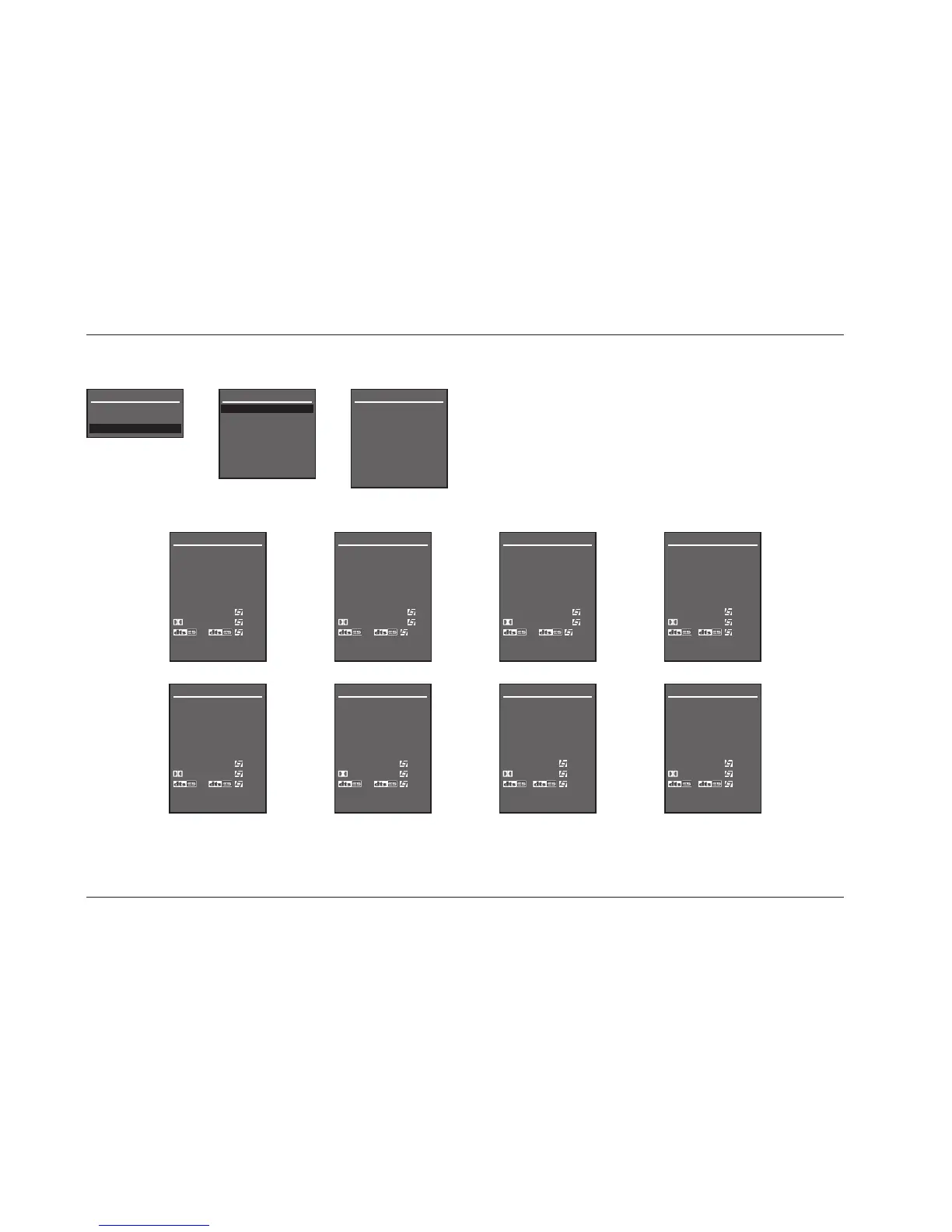
Menu Tree (continued from page A-5)
Selecting the SETUP menu INPUTS option prompts the selection of the desired input (e.g.
DVD1). Selecting an input opens the corresponding INPUT SETUP menu shown below. The
parameters on the left side of the INPUT SETUP menus are identical regardless of which input
is selected. The parameter settings on the right side are adjustable. Default parameter
settings differ from input to input. The INPUT SETUP menus shown below indicate default
parameter settings for each input.
MAIN MENU
MODE ADJUST
AUDIO CONTROLS
SETUP
SETUP


 To Next Page