SETUP
JBL Synthesis
3-48
Default Possible
Parameter Setting Settings
ON-SCREEN DISPLAY Refer to page 3-49
FRONT PANEL DISPLAY Refer to page 3-52
A/V SYNC DELAY OFF OFF, 1 to 60ms
CUSTOM NAME OFF ON, OFF
EDIT CUSTOM NAME N/A N/A
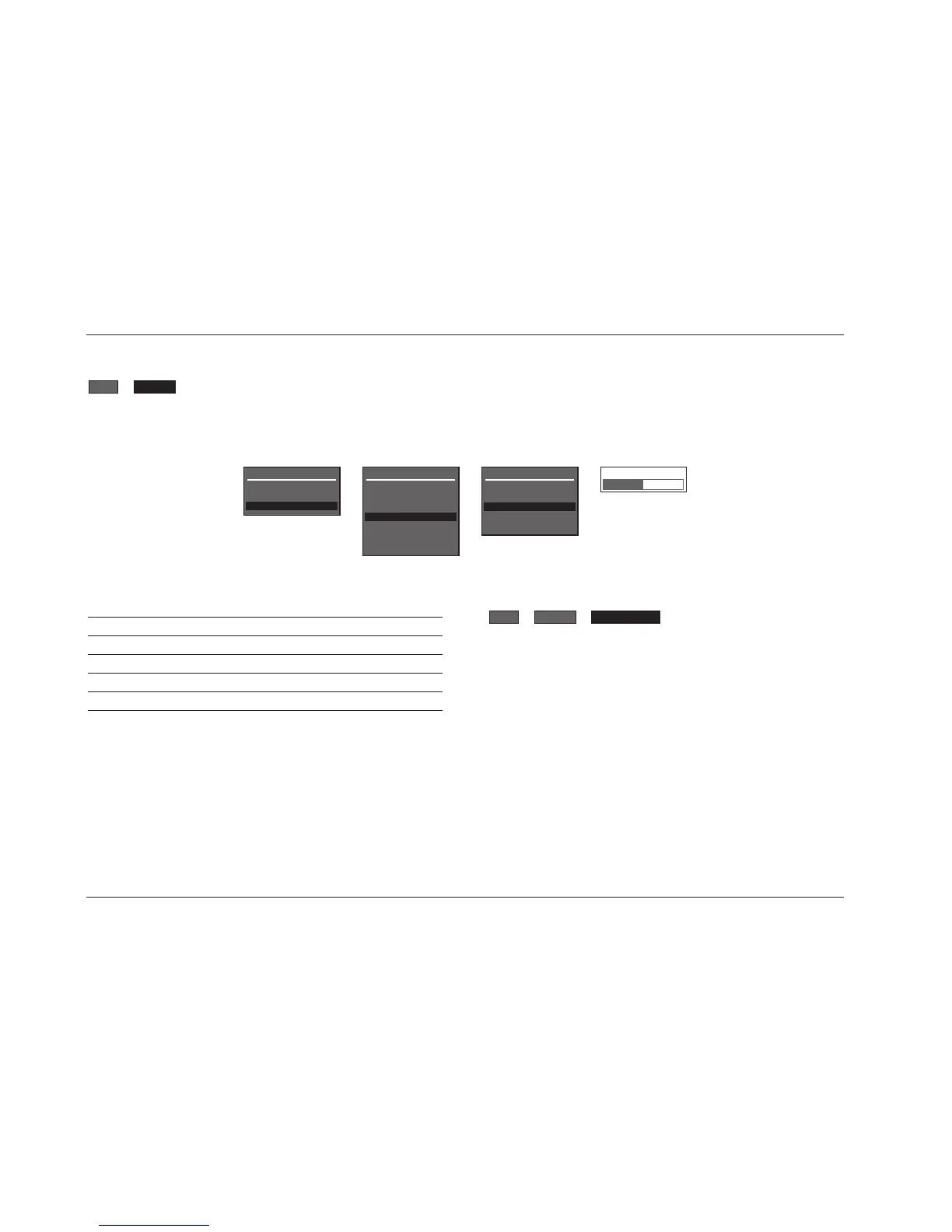
A/V SYNC DELAY OFF, 1 to 60ms
Restores audio/video synchronization when using products such as
video processors that introduce a video signal delay. This
parameter can be used to set an audio signal delay to compensate
for the video signal delay.
A/V SYNC DELAY
A/V SYNC DELAY OFF
OFF, 1 to 60ms
DISPLAY SETUP
Selecting the SETUP menu DISPLAYS option opens the DISPLAY SETUP menu shown below, which can be used to customize the on-screen and
front panel displays, restore audio/video synchronization, and activate and create a custom unit name.
DISPLAYS


 To Next Page