EasyManua.ls Logo

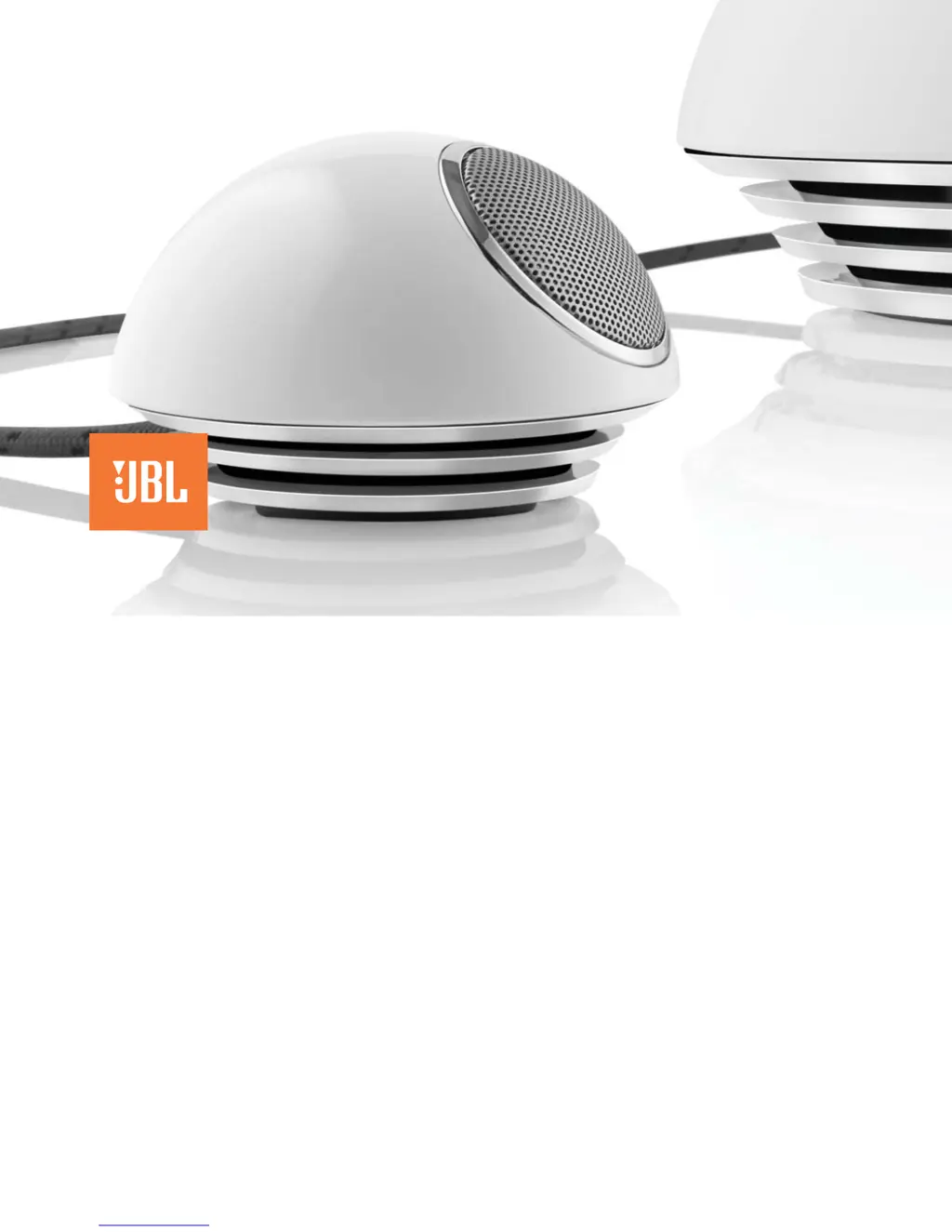
JBL Spot - User Manual

JBL Spot
68 pages
Print Icon
To Next Page IconTo Next Page
Loading...
jbl spot
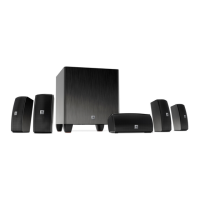
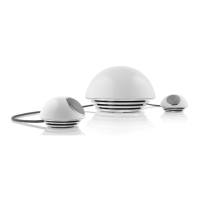
stereo system with subwoofer
®
User Guide
English .........................2
Deutsch ........................8
Français ...................... 14
Español ......................20
Italiano .......................26
Dutch ......................... 32
Korean ........................ 38
Norwegian .................44
Danish ........................50
Japanese .....................56
Simplifi ed Chinese .....62

Other manuals for JBL Spot

Questions and Answers

  • E
    Erik JordanAug 12, 2025
    Why is there no power and the green LED is off on my JBL Spot Subwoofer?
    • N
      nicolejacksonAug 12, 2025
      If there's no power and the green LED isn't lit, check that the wall adapter is correctly plugged into the JBL Spot subwoofer and that the wall outlet is providing power. You can test the outlet with a lamp or another device to confirm it's working.
  • S
    stacyhughesAug 15, 2025
    What to do if my JBL Subwoofer has no volume or low volume?
    • S
      schroedergregoryAug 16, 2025
      If your JBL Subwoofer has no volume or low volume, touch the volume “Up” (+) pad on the volume control to un-mute and/or increase the system volume level. Touching the volume “Down” (–) pad lowers the system volume. Touching both the (+) and (–) volume control pads at the same time will mute the system.
  • M
    martinezlaceyAug 19, 2025
    How to increase the volume if the input source is low on JBL Subwoofer?
    • J
      James WhiteAug 19, 2025
      If the input source is low, increase the volume level on the audio source device.
  • J
    Jacob ReedAug 23, 2025
    What to do if there is no sound from my JBL Spot stereo system?
    • D
      Danielle GreerAug 23, 2025
      If you're not getting any sound from your JBL Spot stereo system, here are a few things to check: * **Power:** Make sure the power supply is properly connected to a working power outlet and to the JBL Spot subwoofer. A green LED should light up on the subwoofer when it's powered on. * **Volume:** Ensure the volume isn't muted or set too low. Use the volume “Up” (+) pad to increase the volume. Note that touching both the (+) and (–) pads simultaneously will mute the system. * **Source Volume:** Verify that the volume level on your audio source device is turned up.
  • C
    Christopher MillerAug 27, 2025
    Why is there no power to my JBL Spot stereo system and the green LED is off?
    • J
      jessicajonesAug 28, 2025
      If your JBL Spot stereo system isn't powering on and the green LED is off, the issue might be: * **Adapter Connection:** Ensure the wall adapter is correctly plugged into the JBL Spot. * **Outlet Functionality:** Test the wall adapter in a known working outlet. You can test the outlet by plugging in a lamp or another device.
  • O
    ojonesAug 31, 2025
    What to do if there is no volume control on the right satellite speaker of my JBL Spot stereo system?
    • T
      Teresa ChristensenAug 31, 2025
      If the volume control isn't working on the right satellite speaker of your JBL Spot stereo system, consider the following: * **Satellite Connection:** Ensure the right satellite speaker is properly connected to the subwoofer. Press it firmly into the subwoofer. * **Incorrect Connection:** Make sure that left and right satellites are connected to correct subwoofer connector. To further isolate the problem, connect your JBL Spot to a known audio source and test the audio source with headphones.
  • L
    Lisa SmithSep 4, 2025
    How to adjust the bass on my JBL Spot stereo system?
    • T
      Todd PalmerSep 4, 2025
      If you're experiencing a lack of bass with your JBL Spot stereo system, check the satellite connections by pressing them firmly into the subwoofer. Then, adjust the Sub Level knob located on the rear of the subwoofer to achieve your desired bass level.
  • J
    Jack DuranSep 7, 2025
    Why is there no bass on my JBL Subwoofer?
    • H
      hoovermeganSep 8, 2025
      If there's no bass, check the satellite connections by pressing them firmly into the subwoofer. Then, adjust the Sub Level knob on the rear of the subwoofer to your desired bass level.

Summary

FCC Regulations

FCC Declaration of Conformity Statement

Statement on device compliance with FCC rules and conditions.

Radio and Television Interference

Guidelines for minimizing radio and television interference from the device.

JBL Spot Safety Instructions

General Operating Precautions

Read instructions, retain for reference, heed warnings, and follow all instructions.

Electrical Safety Warning

Do not remove cover; refer servicing to qualified personnel to prevent electric shock.

Usage Environment and Handling

Avoid extreme temperatures, humidity, direct sunlight, dust, vibrations, and excessive force.

Care and Protection

Use appropriate cleaning cloths, avoid feedback, light sources, and protect media from magnetic fields.

JBL Spot Easy Setup Guide

Initial Component Setup

Steps for unpacking components and connecting satellites, audio input, and power adapter.

System Operation and Adjustment

Instructions for plugging in power, turning on the system, and adjusting volume and bass levels.

Troubleshooting Your JBL Spot

No Sound or Power Issues

Resolve no sound by checking power supply connection and adapter.

Volume and Mute Issues

Address low volume, unmute operation, and source device volume settings.

JBL Spot Specifications

General IconGeneral
TypePortable speakers
Power requirements230 VAC
Number of satellite speakers2
Satellite speakers RMS power12 W
Subwoofer dimensions (WxHxD)200 x 200 x 140 mm
Audio output channels2.1 channels
Impedance5000 Ω
Frequency range40 - 20000 Hz
RMS rated power36 W
Signal-to-Noise Ratio (SNR)80 dB
Weight and Dimensions IconWeight and Dimensions
Weight2800 g

Related product manuals