EasyManua.ls Logo

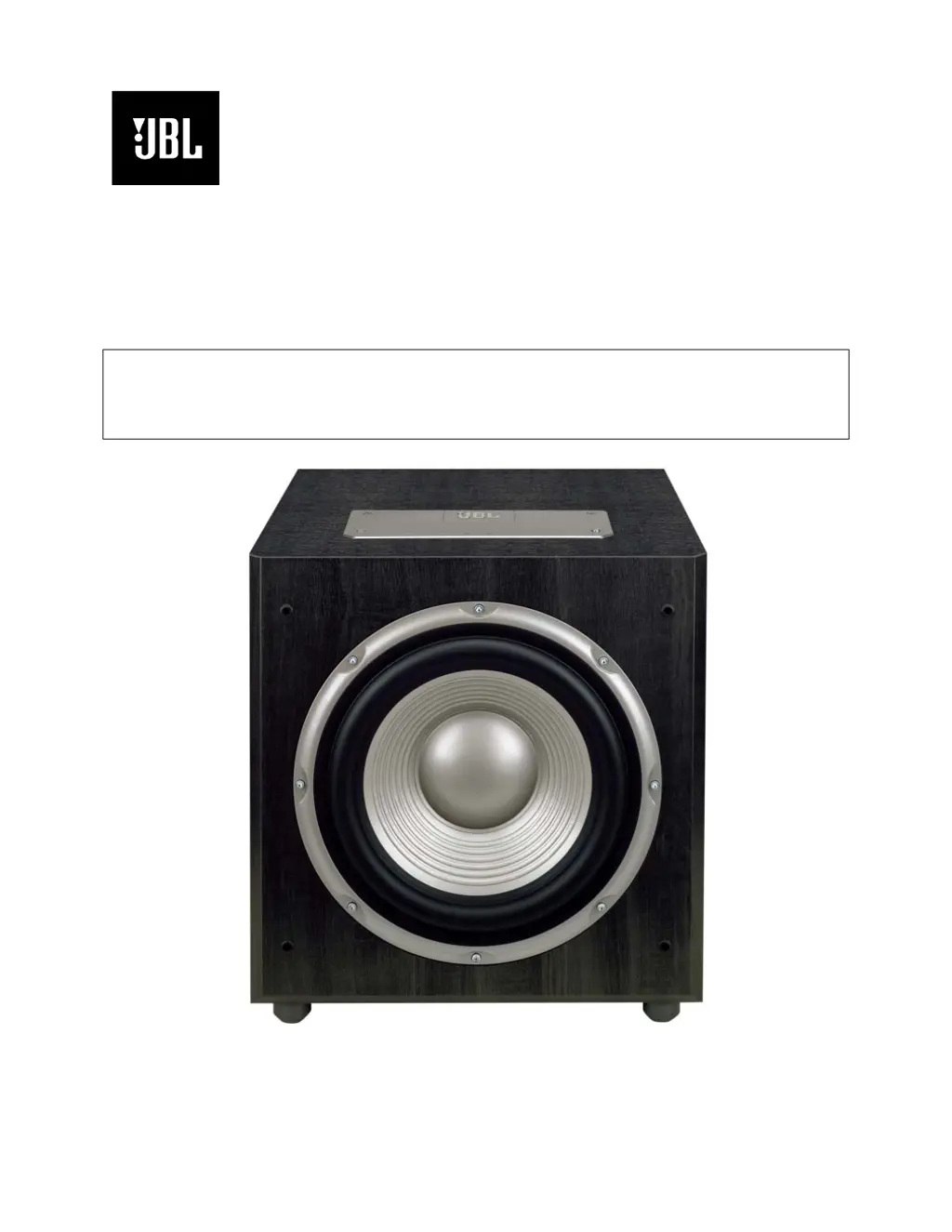
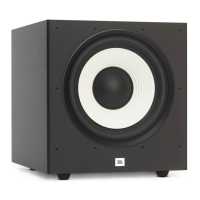
JBL Studio S120PII - User Manual

JBL Studio S120PII
28 pages
Print Icon
To Next Page IconTo Next Page
Loading...
Studio
Series
S120P
II
Powered Subwoofer
Service Manual
JBL Consumer Products
250 Crossways Park Dr.
Woodbury, New York 11797 Rev
3 2/2006

Questions and Answers

  • A
    Alicia SteeleJul 29, 2025
    What to do if there is no sound from JBL Studio S120PII with Line Level inputs?
    • G
      Gary OlsenJul 29, 2025
      If you're not getting any sound from your JBL Subwoofer when using the Line Level inputs, here are a few things to check: * First, ensure that your receiver/amplifier is powered on and playing a source. * Verify that your powered subwoofer is properly plugged into a working electrical outlet and that both power switches are turned on. * Inspect all wires and connections between your receiver/amplifier and the subwoofer to confirm they are securely connected and free from any damage like frays, cuts, or punctures. * Familiarize yourself with the correct operation of your receiver/amplifier. * Gradually increase the Level Control clockwise until you achieve your desired bass level. * Finally, ensure that your receiver/processor is configured to enable the subwoofer/LFE output.

Summary

Speaker Connection

Dolby Pro Logic (Non-Digital) - Speaker Level

Connection method for Dolby Pro Logic applications without digital processing or a subwoofer output.

Dolby Pro Logic (Non-Digital) - Line Level

Dolby Digital or DTS (or Other Digital Surround Mode) Connection

BassQ Jacks

OPERATION

Power

Details on master power switch, auto on/off functions, and standby modes.

Level Control

Adjusting subwoofer volume relative to system for pleasing bass.

Crossover Adjustments

Setting frequency for subwoofer to reproduce low-frequency sounds.

Phase Control

Determines subwoofer piston action in phase with main speakers for best bass.

TROUBLESHOOTING

No Sound from High Level Inputs

Troubleshooting steps when no sound is heard from speaker inputs.

Low or No Bass Output

Diagnosing and resolving issues with insufficient or absent bass response.

No Sound from Line Level Inputs

Troubleshooting steps when no sound is heard from line-level inputs.

Service Bulletin JBL2003-06

Distortion When Coming Out Of Standby

Procedure to fix brief chirping or oscillation when unit exits standby mode.

S120 PII BLOCK DIAGRAM

EXPLODED VIEW

Test Set Up and Procedure

SYSTEM AURAL SWEEP TEST

Procedure for testing the subwoofer's audio performance using a sweep generator.

General Unit Function

Steps to verify basic operational functions and switch settings.

Sweep Function

Procedure for testing the sweep response and listening for noises.

Driver Function (Woofer)

Steps to test the woofer's DC resistance and sweep response.

S120 PII ELECTRICAL PARTS LIST

P.C.B. DRAWINGS

Integrated Circuit;Transistor Diagrams

SCHEMATICS

PACKAGING

JBL Studio S120PII Specifications

General IconGeneral
BrandJBL
ModelStudio S120PII
CategorySubwoofer
LanguageEnglish

Related product manuals