-
10
-
JBL SYNTHESIS SDP-25 Speaker Setup
SPEAKER SETUP
To assure the best audio performance we recommend the Speaker Settings must be adjusted to
match your system’s specific configuration. However, if your installer has already calibrated the
audio levels we strongly recommend that you use those settings without any changes.
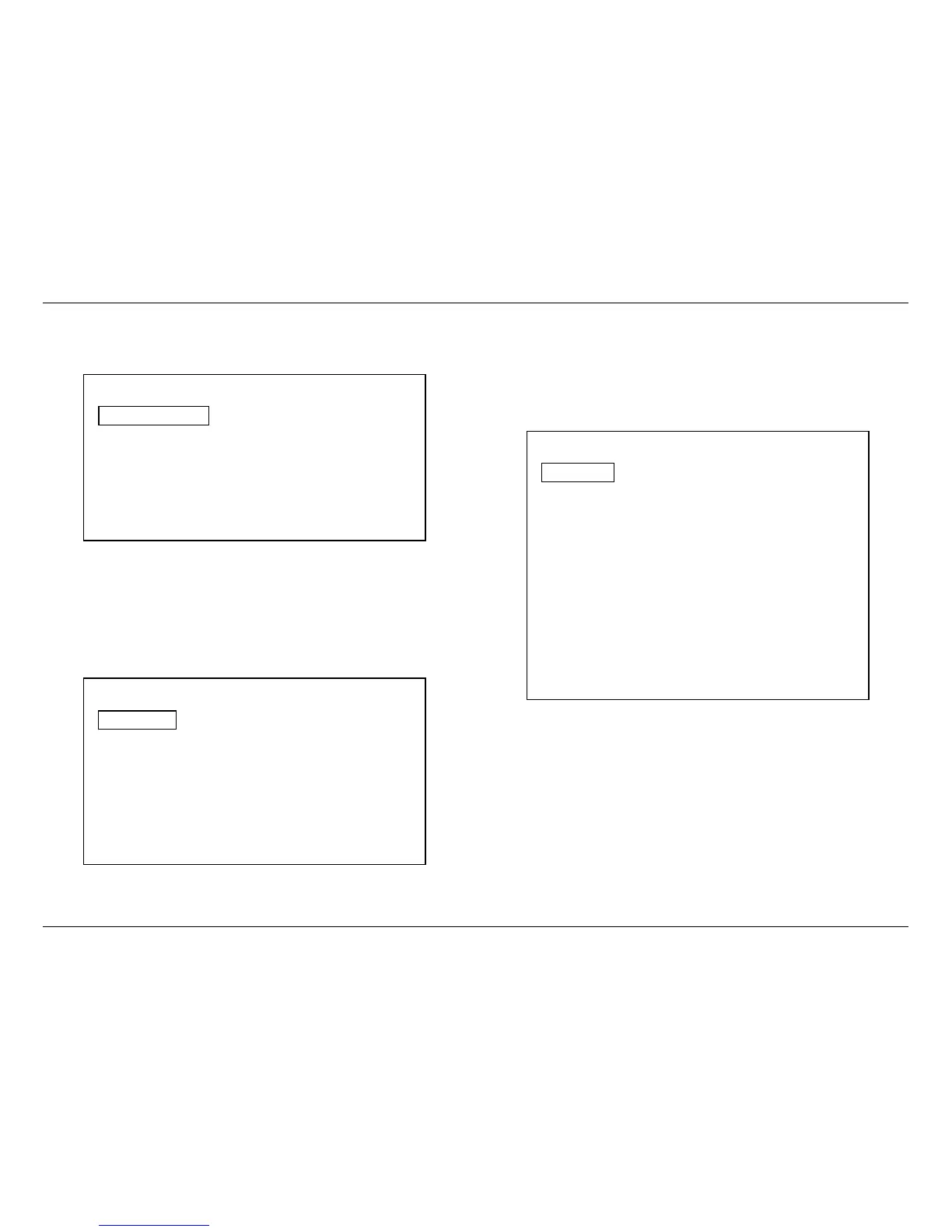
Speaker Setup
Speaker Cong 7.1
Speaker Distance
Speaker Level
DTS – HD Remap 5
Factory Reset
Back
Note the following regarding the Speaker Setup options:
• The numbers shown for Speaker Configuration will change in accordance with the speakers
set as available in the menu below.
• The DTS-HD Remap options will vary according to the number of speakers in your system
and whether or not there are Height Speakers. Consult the complete Owner’s Manual for
more information on DTS-HD Speaker Remap.
• The Factory Reset option returns the Speaker Configuration settings only to their
factory defaults.
Speaker Conguration
Front L/R 80Hz
Center 80Hz
Side L/R 80Hz
Rear L/R 80Hz
Height L/R None
Subwoofer Yes
Back
The default crossover settings for Speaker configuration are in accordance with industry
standards. If your system has a different number of speakers or if Height speakers are used in
place of Surround Rear speakers, make the adjustments in this menu. If there are no speakers
at any position select “None” and that position will then be grayed out on other Speaker-related
menus.
The next critical setting is for the distance between the speakers and the primary listening
position. This is important to assure a seamless soundfield that has all audio arriving in
synchronization from one channel to the next.
Speaker Distance
Front Left 120 in
Center 120 in
Front Right 120 in
Side Left 120 in
Side Right 120 in
Rear Left 120 in
Rear Right 120 in
Height Left None
Height Right None
Subwoofer 120 in
Back



 To Next Page