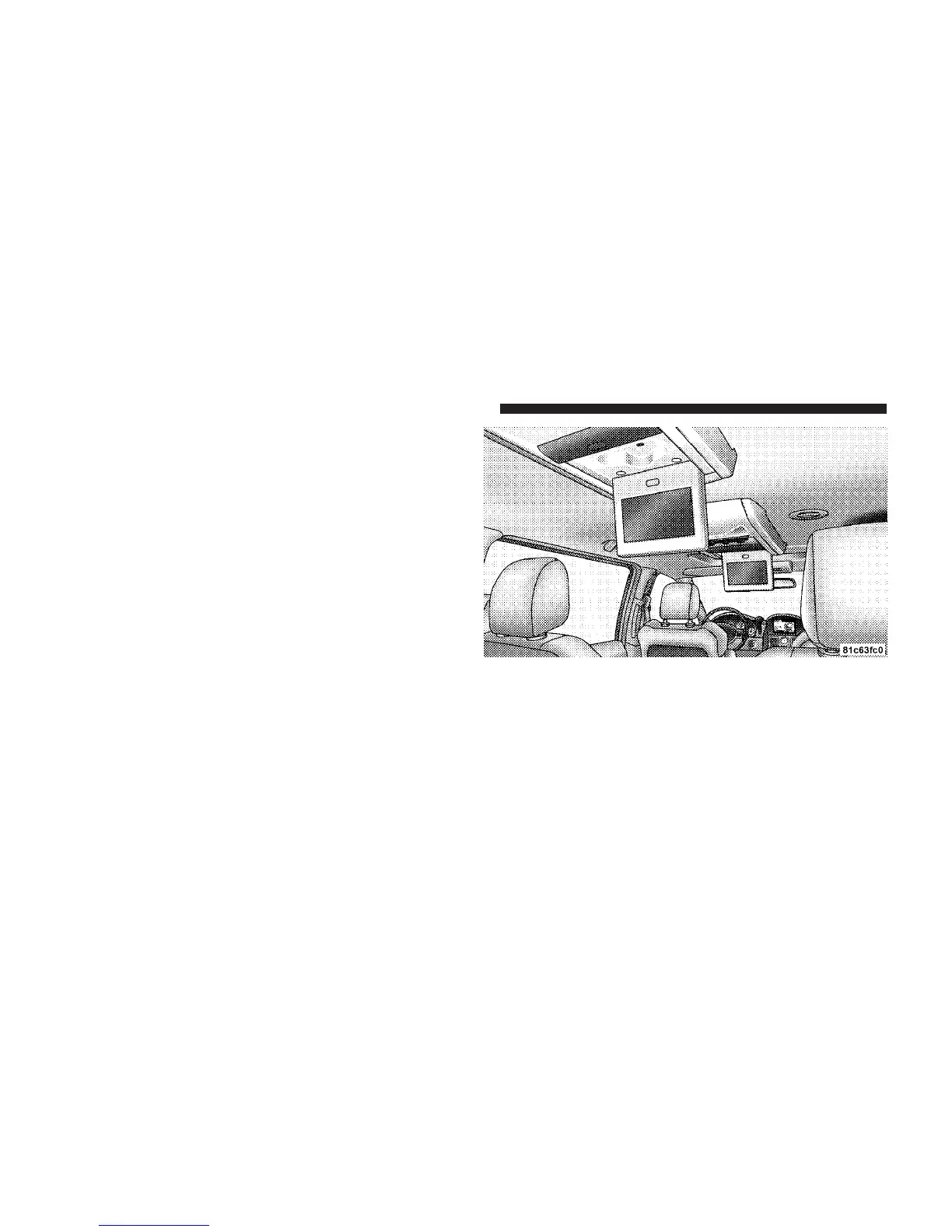
Uconnect™ Multimedia – Video Entertainment
System (VES)™
Getting Started
•
Screen(s) located in the overhead console : Unfold the
overhead LCD screen(s) by pushing the button in the
center of the overhead console behind the screen(s).
On Caravan and Town and Country vehicles with
Dual Screen Systems refer to the Dual Video Screen
section for more information.
•
Screen located in the center console : Lift up on the
rear of the center armrest and pull the DVD screen up
to its upright position.
42 Uconnect™ Multimedia - Video Entertainment System (VES)™



 To Next Page