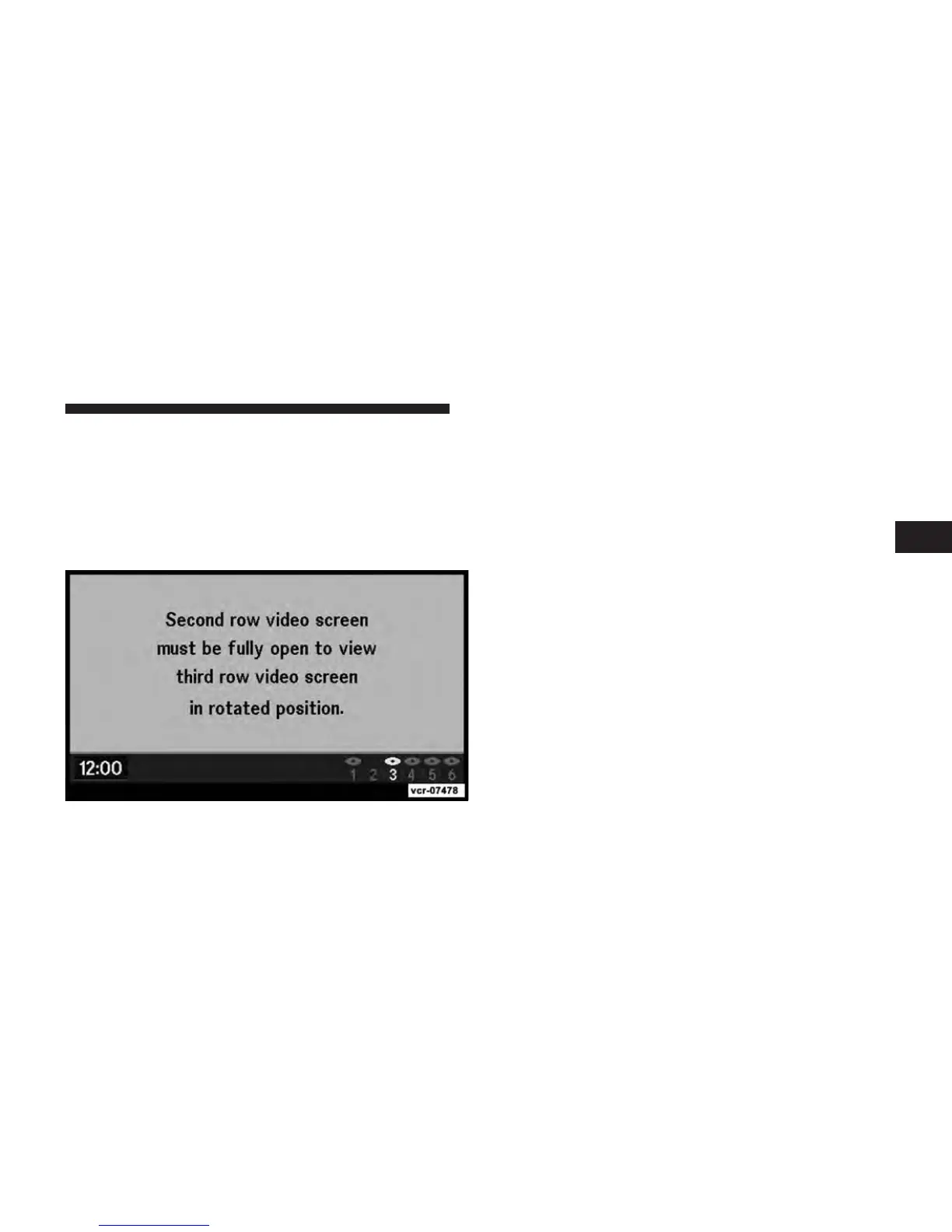
Third Row Swivel Screen (if equipped)
•
The third row screen or Screen 2 has the ability to
lower and swivel to face forward.
•
While the swivel screen is facing forward, the second
row screen or Screen 1 must be fully open in order for
the swivel screen (Screen 2) to work.
Important Notes for Dual Video Screen System
•
VES is able to transmit two channels of stereo audio
simultaneously.
•
In split screen mode the left side equates to Channel 1
and the right side equates to Channel 2.
•
Selecting a video source on Channel 1, the video
source will display on the second row screen or Screen
1 and can be heard on Channel 1.
•
Selecting a video source on Channel 2, the video
source will display on the third row screen or Screen 2
and can be heard on Channel 2
•
When watching the second row screen or Screen 1,
Channel 2 is for audio only. When watching the third
row screen or Screen 2, Channel 1 is for audio only.
•
Audio can be heard through the headphones even
when the screen(s) are closed.
3
Uconnect™ Multimedia - Video Entertainment System (VES)™ 69



 To Next Page