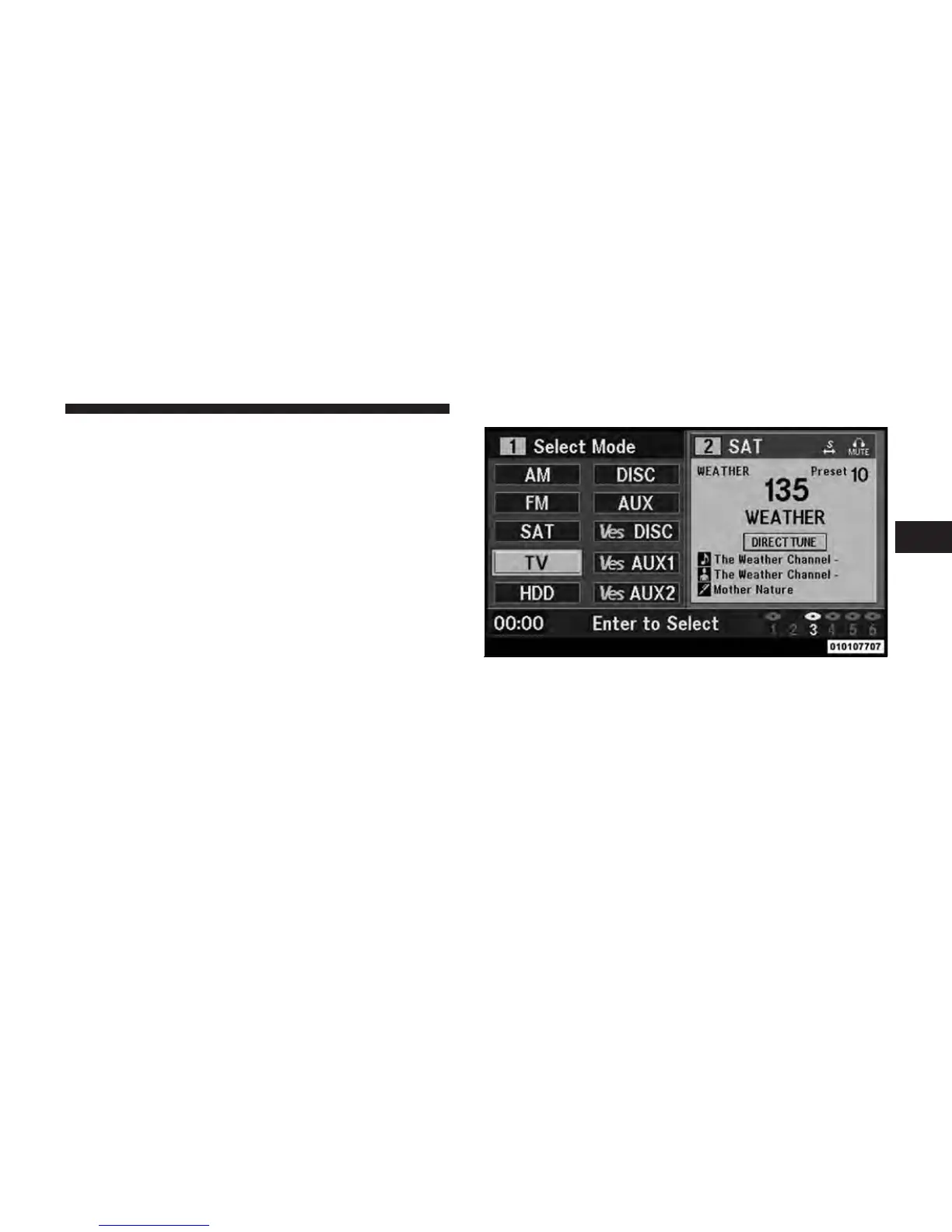
View SIRIUS Backseat TV™
Ensure the Remote Control and Headphone switch is on
Channel 1.
Using the Remote Control
1. Press the MODE button on the Remote Control.
2. While looking at the video screen, highlight TV by
either pressing the Up/Down/Left/Right buttons or by
repeatedly pressing the MODE button, then press ENTER
on the Remote Control.
NOTE: The VES™ system will retain the last setting
when turned off.
Select TV mode on the VES screen
3
Uconnect™ Multimedia - Video Entertainment System (VES)™ 47



 To Next Page