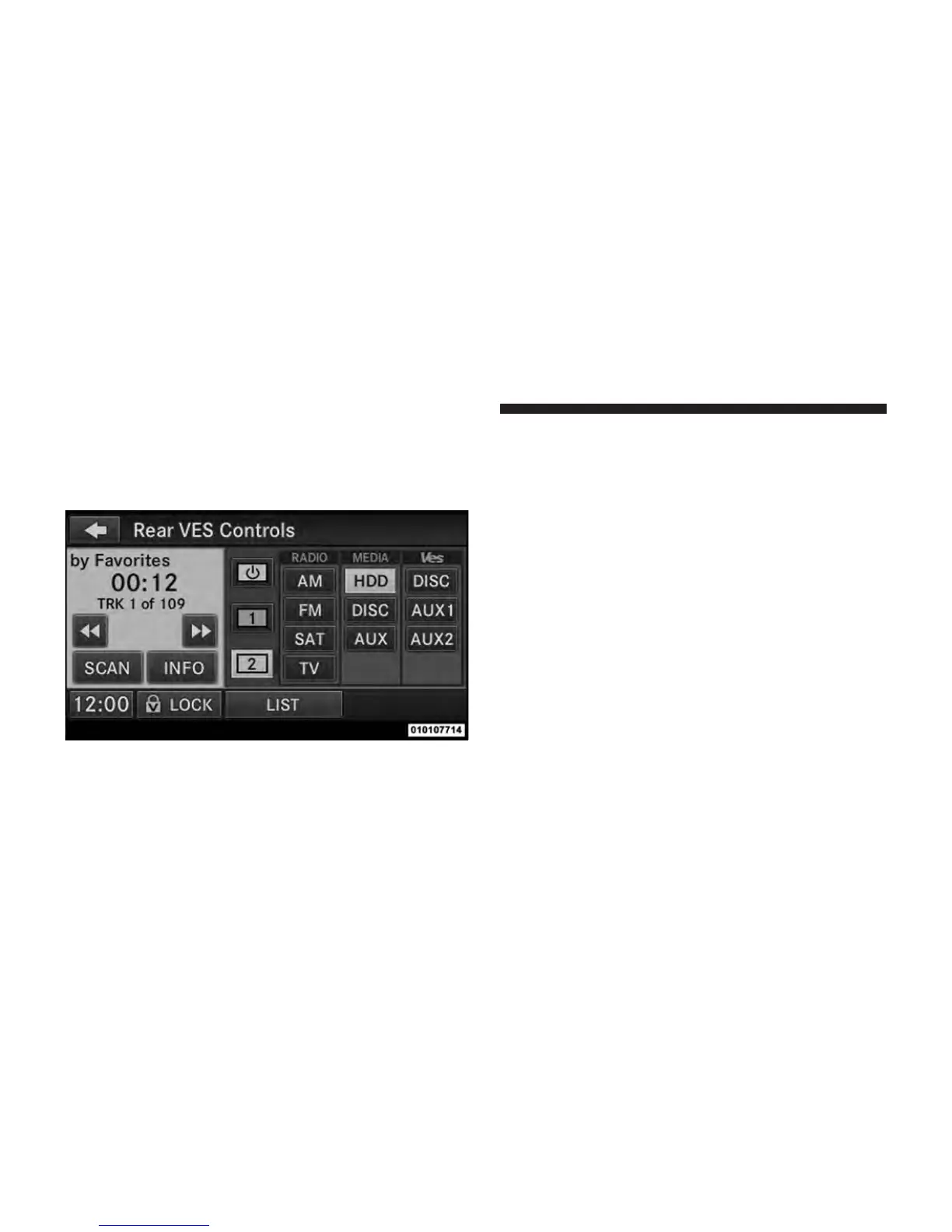
3. To listen to an audio source on Channel 2 while a
video is playing on Channel 1, touch the 2 soft-key and
choose an audio source. To exit touch the back arrow
soft-key at the top left of the left screen.
Important Notes for Single Video Screen System
•
VES™ is able to transmit two channels of stereo audio
simultaneously.
•
In split screen mode the left side equates to Channel 1
and right side equates to Channel 2.
•
Channel 2 is for audio only. Selecting a video source
(DVD) will not show the video on the screen.
•
When selecting a video source on Channel 1, the video
will display on the screen and the audio could be
heard on Channel 1 in the Headphones.
•
Audio can be heard through the headphones even
when the Video Screen is closed
Select Channel/Screen 2 and HDD in the MEDIA
column.
54 Uconnect™ Multimedia - Video Entertainment System (VES)™



 To Next Page