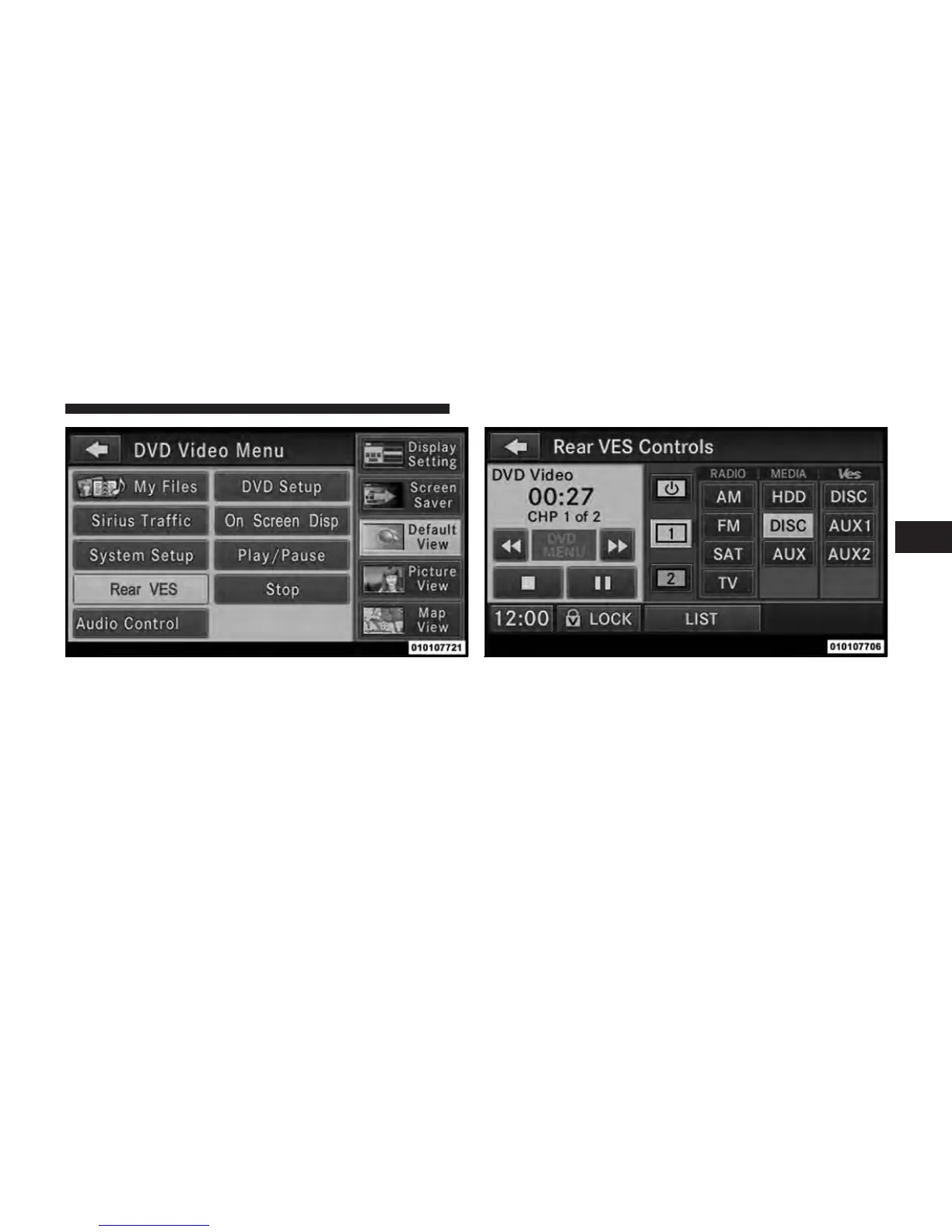
3. Touch the 1 or 2 soft-key and then the DISC soft-key in
the MEDIA column. To exit touch the back arrow at the
top left of the screen.
NOTE:
•
To view a DVD on the radio press the RADIO/MEDIA
hard-key, on the radio faceplate, then touch the DISC
tab soft-key and then the VIEW VIDEO soft-key.
Rear VES soft-key. Select Channel/Screen 1 and DISC in the MEDIA
column.
3
Uconnect™ Multimedia - Video Entertainment System (VES)™ 57



 To Next Page