NOTE:
•
To view a SIRIUS Backseat TV™ on the radio press the
RADIO/MEDIA hard-key, on the radio faceplate, then
touch the TV tab soft-key, select the channel and then
the VIEW VIDEO soft-key.
•
Viewing SIRIUS Backseat TV™ on the Touch-Screen
radio screen is not available in all states/provinces,
and the vehicle must be stopped, and the shifter must
be in the PARK position for vehicles with automatic
transmission. In vehicles with manual transmission
the parking brake must be engaged.
•
SIRIUS Backseat TV™ is not available in Canada,
Hawaii or Alaska.
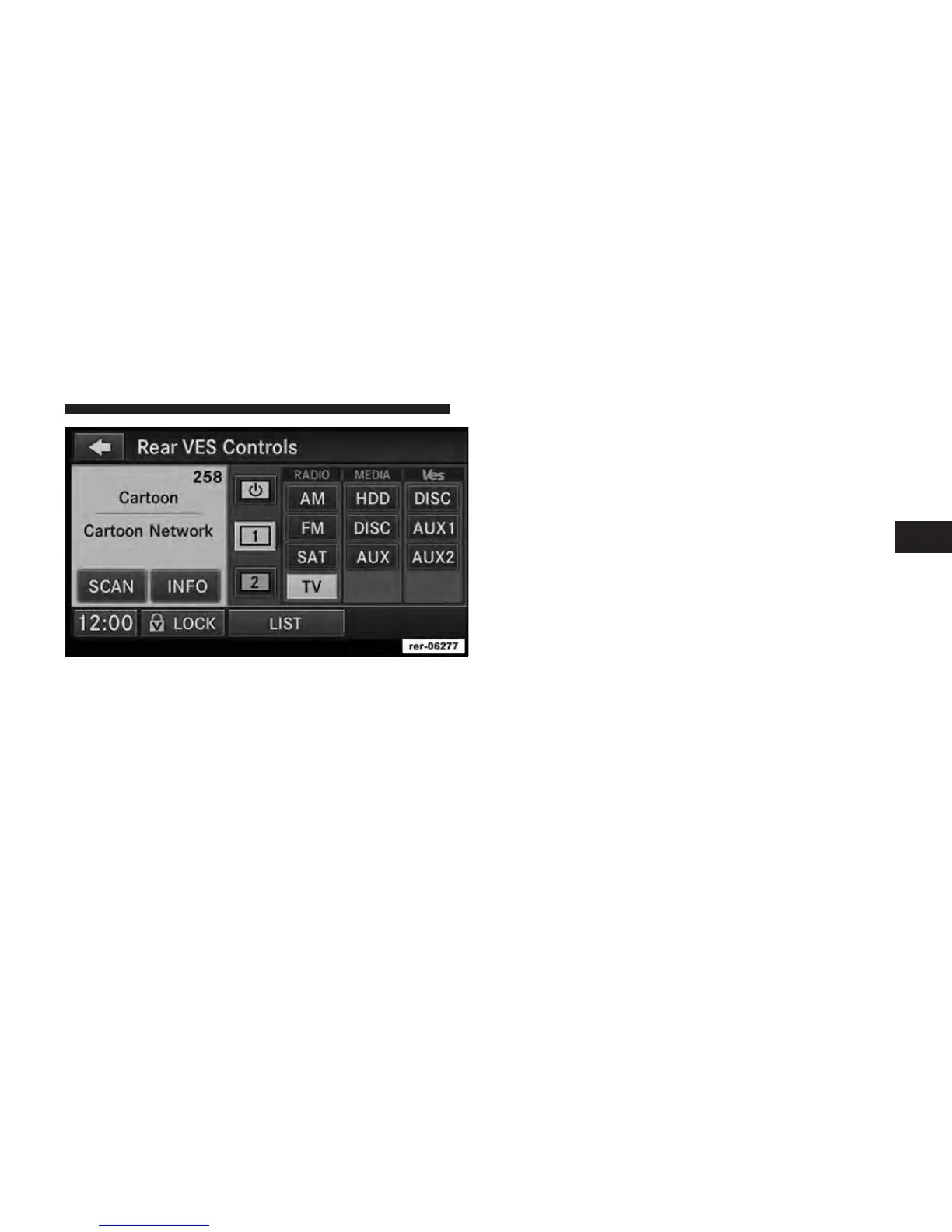
Select Channel/Screen 1 and TV in the MEDIA column.
3
Uconnect™ Multimedia - Video Entertainment System (VES)™ 63



 To Next Page