Using the Remote Control
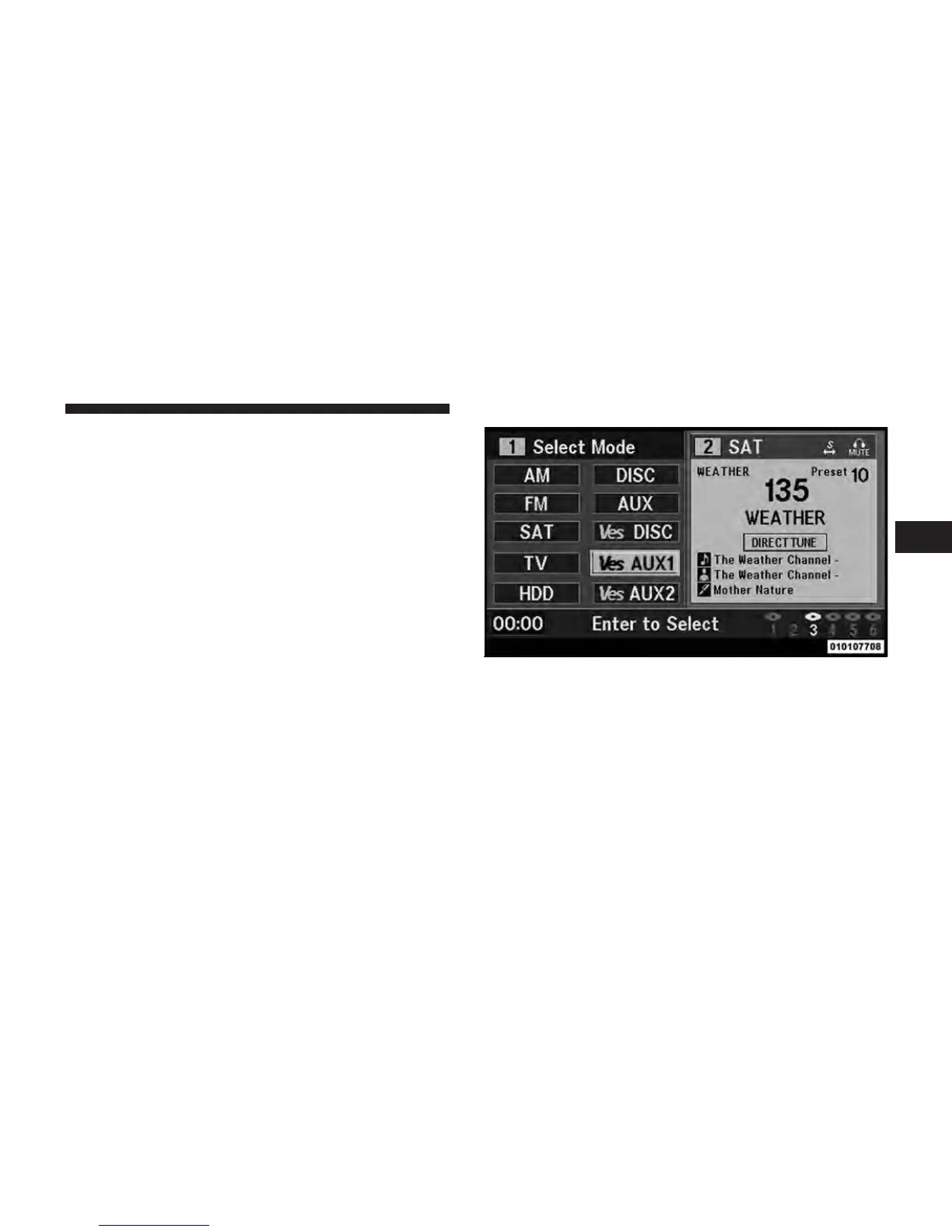
1. Press the MODE button on the Remote Control.
2. To play a Video Game, highlight VES AUX 1 or 2
(depending which AUX input the gaming console is
plugged into), by either pressing Up/Down/Left/Right
buttons or by repeatedly pressing the MODE button, then
press ENTER on the Remote Control.
NOTE:
•
Channel/Screen 1 select mode information is shown
on the left side of the screen.
•
Channel/Screen 2 select mode information is shown
on the right side of the screen.
•
The VES™ will retain the last setting when turned off.
Select Ves AUX1 mode on the VES screen.
3
Uconnect™ Multimedia - Video Entertainment System (VES)™ 65



 To Next Page