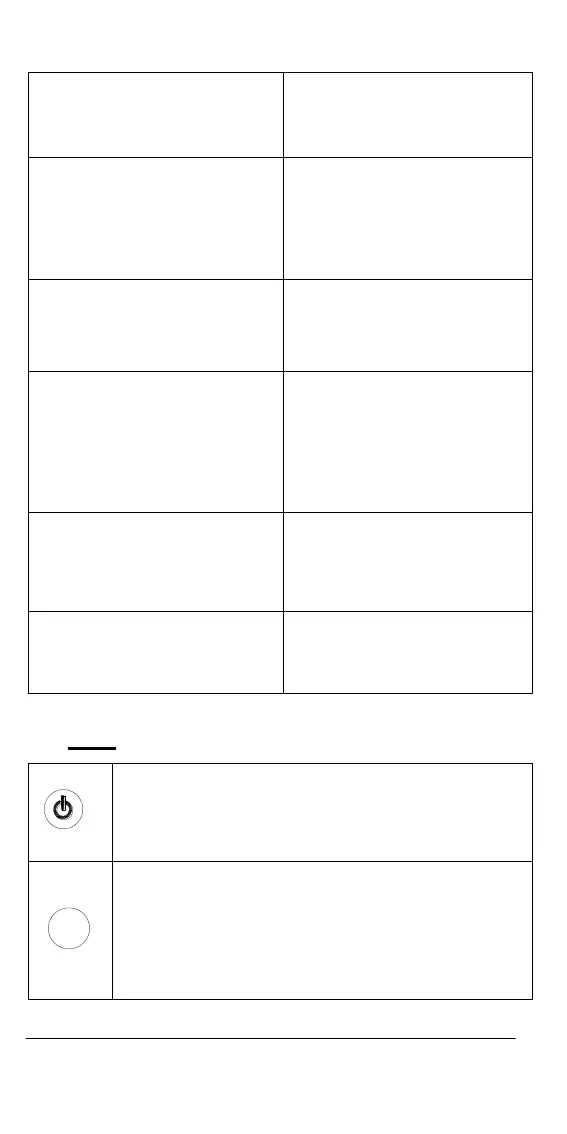
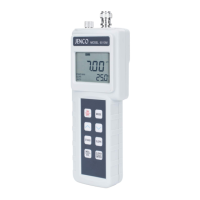
1. WAIT-
This will be displayed when the
unit is still waiting for a stable
reading or end point sensing.
7. AUTO
AUTOLOCK mode indicator.
2. BAT-
Low battery indicator.
8. Buffer selection
This indicator will flash if the
unit is not yet calibrated. This
indicator will remain lit-up if
the unit has been calibrated.
3. pH
Unit and mode indicators.
9. LOCK-
This will indicate that the
reading is frozen during
AUTOLOCK mode.
4. mV
Unit and mode indicators.
10. EFF-
This will be displayed if the
user is viewing the efficiency
of the electrode. It is
recommended to use a new
electrode when the efficiency
value is less over than 75%.
5. ATC/MAN-
ATC indicator will be displayed
if a temperature probe is
connected otherwise the MAN
indicator will be displayed.
11. MAIN DISPLAY-
For pH, mV and probe
efficiency values
6. CAL
This will be displayed when the
unit enters into the calibration
mode.
12. SECONDARY DISPLAY-
For temperature in ℃ display
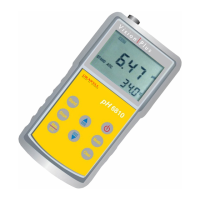
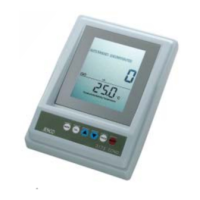
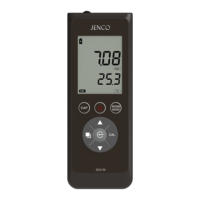
B. Keys
M ea.
Eff.
Stand
Slope
M ode
Clear
On/Off-
Press and hold this key for 5 seconds to power on
and shut off the meter. Once the unit is power up,
press the same key to turn on or off the backlight.
M ea.
Eff.
Stand
Slope
M ode
Clear
Mode-
Selects display mode. Pressing this key changes the
display sequentially to display pH-AUTO, mV-AUTO,
pH and mV. The calibration values will not be
affected by changing the display modes.
In “pH calibration”, press “Mode” key to exit
calibration mode.


 To Next Page