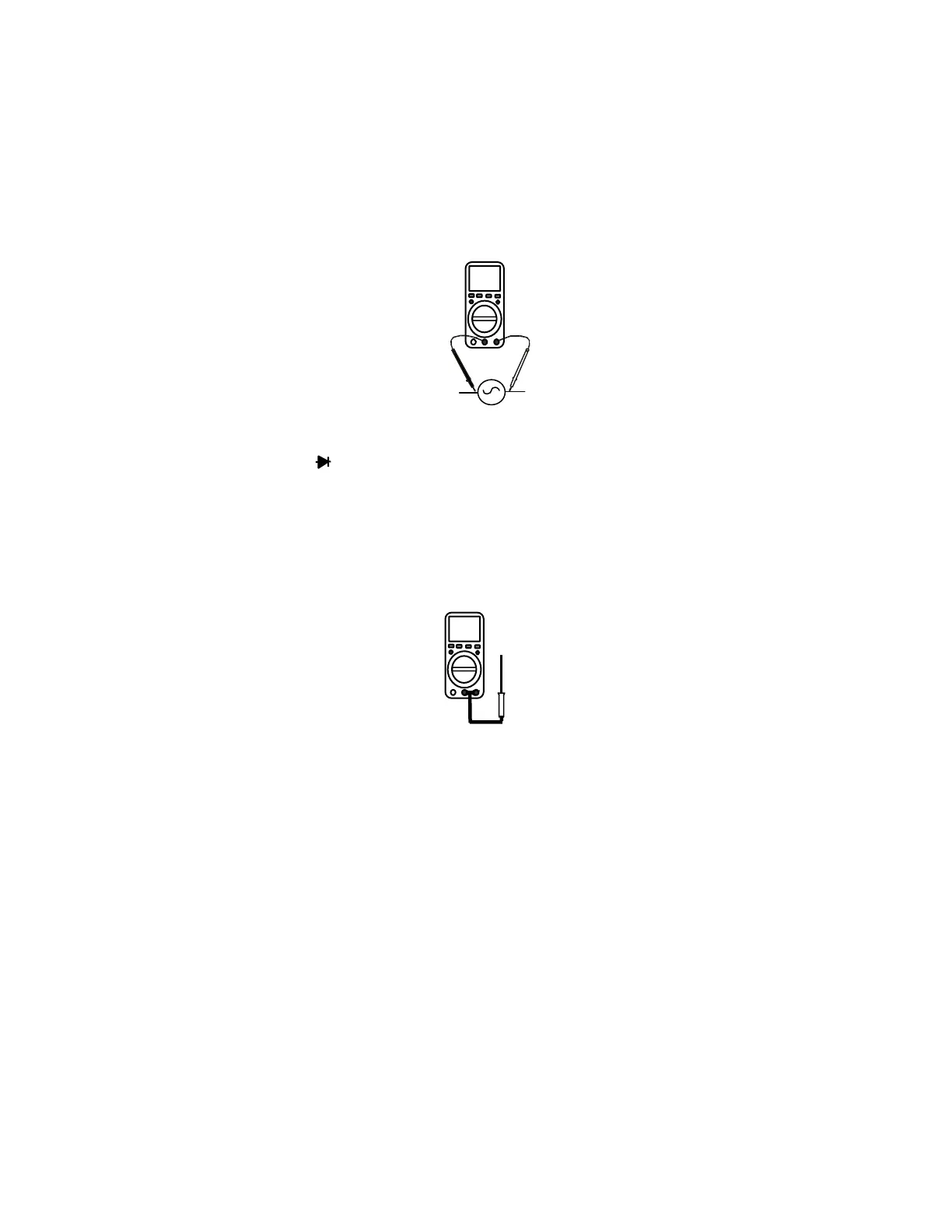
Frequency or Duty Cycle Measurements
Hz
1. Insert the black test lead banana plug into the
negative COM jack and the red test lead banana
plug into the positive HZ jack.
2. Turn the rotary switch to the FREQ % position.
3. Press the Hz/% button to select “Hz” or “%”.
4. Touch the test probes to the circuit or under test
and read the frequency or duty cycle on the
display.
Continuity Measurements
1. Insert the black test lead banana plug into the negative COM jack
and the red test lead banana plug into the positive Ω jack.
2. Turn the rotary switch to the •))) position.
3. Press the MODE button until “•)))” appears in the display.
4. Touch the test probes to the circuit or device under test. If the
resistance is less than approximately 30Ω the buzzer will sound
and the resistance appears on the display.
Note: The meter automatically holds the 400Ω range when continuity is
selected
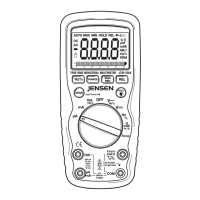
Temperature Measurements
1. Insert the type K thermocouple probe black test
lead banana plug into the negative COM jack and
the red test lead banana plug into the positive
Temp jack..
2. Turn the rotary switch to the
o
C or
o
F position.
3. Read the temperature on the display.
JTM-69A V2.0 10/07
10


 To Next Page