10
MPR2121
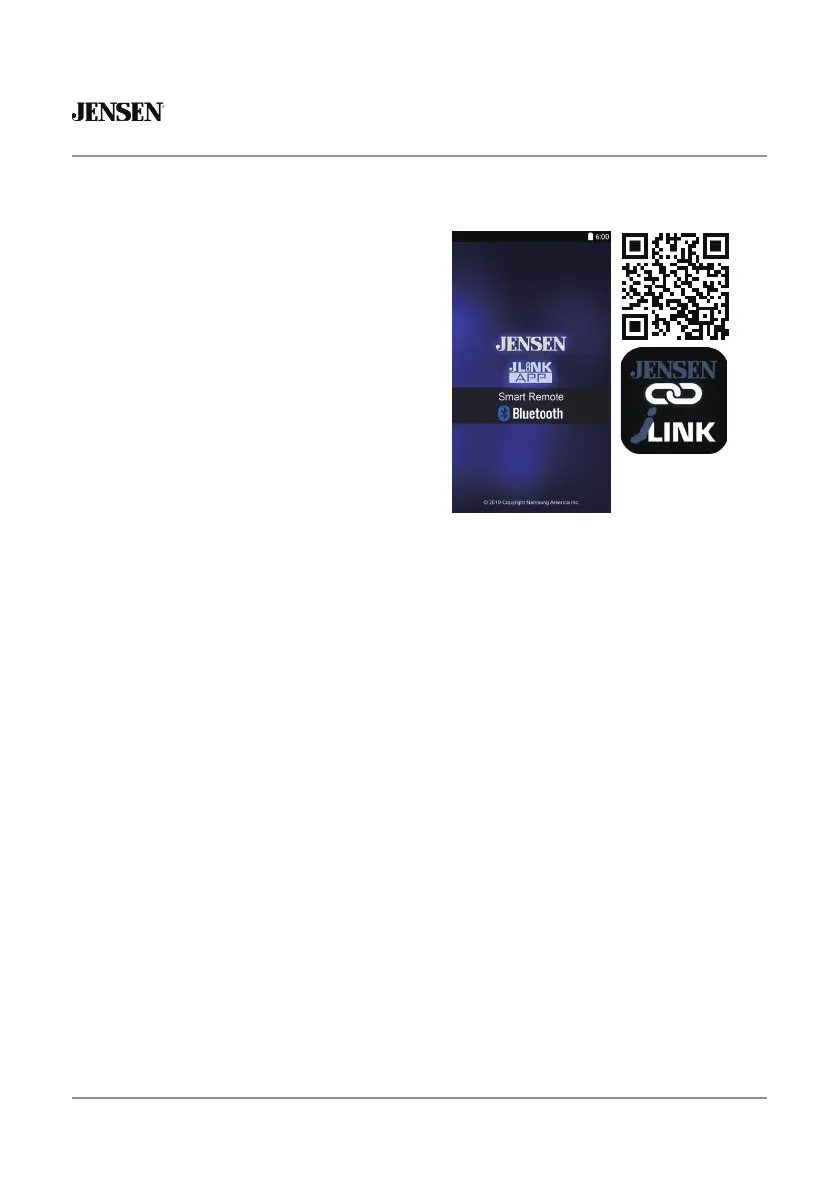
The Jensen J-Link P2 Smart App is the
ultimate remote control for your receiver.
Change the mode, station, song, volume,
and settings directly from your smartphone
without being in the receiver's line of sight.
Download the Jensen J-Link P2 Smart App
from Apple App Store or Google Play Store
and install it on your smartphone or tablet
(QR code download link on the right).
Jensen J-Link P2 App Operation
Bluetooth should be paired between your smartphone and the receiver. Press the
voice activation button, and the receiver will switch into Bluetooth mode, This will
activate Siri® or Google Assistant™ on your smartphone. You will need to manually
switch back to the previous or desired mode once this operation is terminated.
Voice Activation
Connect an optional audio source into the 3.5mm (front panel) input. Select Auxiliary
input from the Main Menu to listen to audio. Adjust volume on the external audio
source as needed (if connected to the headphone output of the device).
Front 3.5mm Aux Input








 To Next Page