EasyManua.ls Logo

Jensen QiCR-50 - User Manual

Jensen QiCR-50
14 pages
Print Icon
To Next Page IconTo Next Page
Loading...
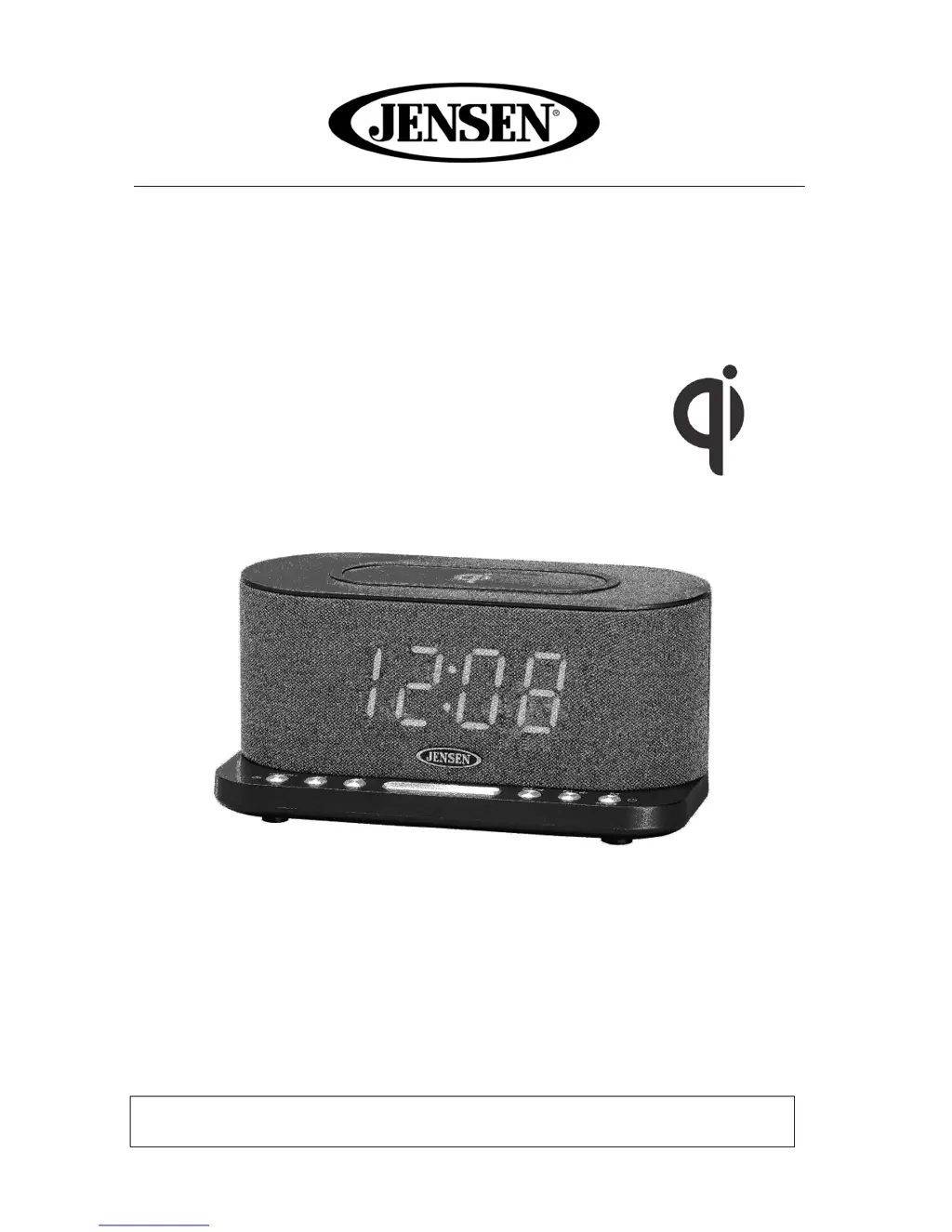
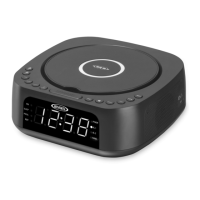
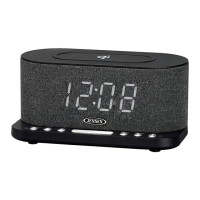
Dual Alarm Clock Radio with Wireless Charging
MODEL: QiCR-50
USER MANUAL
PLEASE READ THIS USER MANUAL COMPLETELY BEFORE OPERATING
THIS UNIT AND RETAIN THIS BOOKLET FOR FUTURE REFERENCE

Questions and Answers

  • J
    Jennifer DanielAug 3, 2025
    Why is there noise or sound distorted on FM broadcast on my Jensen Clock Radio?
    • J
      James LeeAug 3, 2025
      If you're getting distorted sound or noise on FM broadcast with your Jensen Clock Radio, it could be due to the station not being properly tuned or the antenna not being fully extended. Try retuning to the broadcast station and fully extend the antenna.
  • D
    Dan ChavezAug 11, 2025
    What to do if USB charging is not working or no wireless charging on Jensen QiCR-50 Clock Radio?
    • E
      Eugene EdwardsAug 11, 2025
      If the USB charging isn't working or wireless charging isn't functioning on your Jensen Clock Radio, the USB cable might be damaged or have an intermittent connection, or your Qi device may not be correctly positioned on the charging pad. Try reconnecting the cable or using a different charging cable. Also, ensure your Qi device is properly placed on the charging pad.
  • L
    Lynn HamiltonAug 19, 2025
    How to fix no sound on Jensen Clock Radio?
    • J
      John MillerAug 19, 2025
      If there is no sound coming from your Jensen Clock Radio, the volume control might be at the minimum position. Try increasing the volume.
  • J
    joseph40Aug 26, 2025
    Why Jensen QiCR-50 Clock Radio power does not come on?
    • C
      Christopher MurphyAug 26, 2025
      If your Jensen Clock Radio isn't powering on, it might be due to an unstable connection with the power adapter. Try reconnecting the adapter.

Summary

Important Safety Instructions

FCC Compliance

Furniture Protection Guide

Advice on protecting furniture from potential marks or residue from the device's feet.

Customer Record

Location of Controls

Power Source (AC Adapter)

Power Connection

Steps to connect the AC power adapter to the unit and a wall socket.

Battery Back-up System

Information on installing AAA batteries for clock and timer settings backup.

Setting the Clock Time

Alarm Operation

How to set and configure the dual alarm functions, including wake sources.

Setting Alarm Wake Source

Procedures for selecting alarm type (sound, radio) or turning alarms off.

Snooze Function

Radio Operation

Instructions for listening to the radio, tuning stations, and managing presets.

Listening to the Radio

Steps for turning on the radio, tuning frequencies, and adjusting volume.

Setting Radio Station Presets

Guide on storing up to 10 radio stations for quick recall.

Recalling a Preset Station

How to access stored radio stations using the memory function.

Tips for Best Radio Reception

Advice for improving FM signal strength and clarity.

AUX Input Operation

Sleep Operation

Instructions for using the sleep timer to automatically turn off the unit.

Dimmer Operation

How to adjust the display brightness settings (High, Low, Off).

Qi Wireless Charging

USB Charging

Instructions for charging devices via the USB charging port.

Care and Maintenance

Recommended procedures for cleaning and maintaining the clock radio.

Specifications

Technical details including power adapter, backup batteries, and frequency range.

Troubleshooting Guide

90-Day Limited Warranty and Service

Jensen QiCR-50 Specifications

General IconGeneral
TypeClock Radio
BrandJensen
ModelQiCR-50
Wireless ChargingYes
Power SourceAC Power
Alarm FunctionDual Alarm
SnoozeYes
SleepYes
Wake toRadio or Buzzer
USB Charging PortYes
BluetoothNo
DisplayLED
Power120V AC
Radio TunerAM/FM
Alarm TypeBuzzer, Radio
Presets10

Related product manuals