EasyManua.ls Logo

Jensen JCR-235 - User Manual

Jensen JCR-235
12 pages
Print Icon
To Next Page IconTo Next Page
Loading...
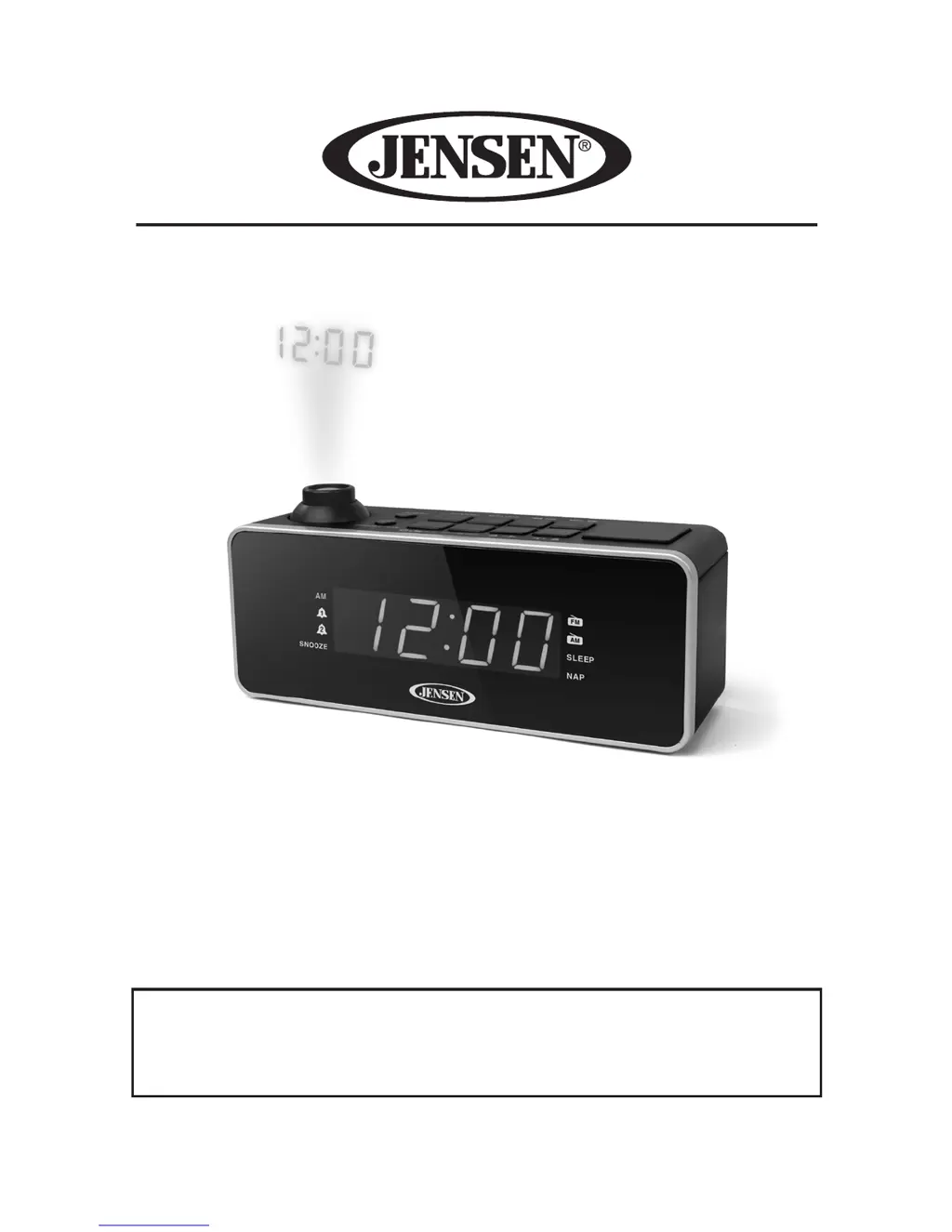
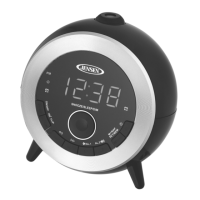
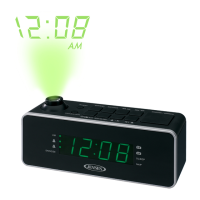
DUAL ALARM PROJECTION CLOCK RADIO
PLEASE READ THIS USER MANUAL COMPLETELY BEFORE
OPERATING THIS UNIT AND RETAIN
THIS BOOKLET FOR FUTURE REFERENCE.
JCR-235
USER MANUAL

Questions and Answers

  • N
    nicholashansenJul 26, 2025
    How to fix inverted projected time on Jensen JCR-235 Clock Radio?
    • C
      carpenterdavidJul 26, 2025
      If the projected time on your Jensen Clock Radio is inverted, it's possible that the INVERT button was accidentally pressed. Tap the INVERT button again to restore the normal projection.
  • K
    Kyle LeeAug 2, 2025
    How to fix noise or distorted sound on Jensen JCR-235 Clock Radio AM/FM broadcast?
    • J
      Jeffrey MarquezAug 2, 2025
      To resolve noise or distorted sound on your Jensen Clock Radio's AM/FM broadcast, first, ensure that you have properly tuned to the AM or FM station. For FM, fully extend the FM antenna. If you are using AM, try repositioning the unit to find the best reception point.
  • E
    Eric SchneiderAug 9, 2025
    Why does my Jensen JCR-235 Clock Radio sound distorted at high volume?
    • J
      josephhannaAug 9, 2025
      If the sound from your Jensen Clock Radio is distorted at a high volume setting, it's likely that the volume control is set too high. Adjust the volume to a lower, more comfortable level to eliminate the distortion.
  • M
    Michael GarciaAug 17, 2025
    What to do if my Jensen JCR-235 Clock Radio AM or FM has no sound?
    • T
      tammyfernandezAug 17, 2025
      If your Jensen Clock Radio has no sound on AM or FM, ensure that the unit is in “RADIO” function mode. Also, check that the volume is not set to the minimum. If it is, increase the volume.

Summary

Important Safety Instructions

FCC Compliance Information

Customer Listening Advice

Location of Controls Diagram

Control Identification and Power

Power Source and Battery Installation

Details on connecting the AC power supply and installing backup batteries for time and alarm settings.

Basic Operation: Power, Clock, and Alarms

Power On;Standby and Clock Setting

Instructions for turning the unit on/off and setting the current time.

Alarm Setting and Management

Guide on setting dual alarms, selecting wake-up sources, and turning alarms on/off.

Radio Tuning and Reception

Snooze Function and Time Projection

How to use the snooze feature and operate the time projection display.

Automatic and Manual Radio Tuning

Methods for scanning and selecting radio stations, including fine-tuning.

Advanced Radio Features

Radio Station Presets

Instructions for setting and recalling preset radio stations.

Sleep Timer Operations

How to set the sleep timer to automatically turn off the unit.

Additional Functions and Maintenance

Nap Function and Auxiliary Input

Guide to the nap alarm feature and connecting external audio devices.

Dimmer Control and Care

Adjusting display brightness and general care and maintenance of the unit.

Troubleshooting and Specifications

Cleaning the Unit

Instructions for safely cleaning the clock radio without damage.

Warranty and Service Information

Jensen JCR-235 Specifications

General IconGeneral
BrandJensen
ModelJCR-235
CategoryClock Radio
Display TypeLED
Alarm FunctionYes
Radio BandsAM/FM
Battery BackupYes
Snooze FunctionYes
Sleep FunctionYes
SpeakerBuilt-in
Alarm TypeBuzzer, Radio
Power SourceAC
Weight1.5 lbs

Related product manuals