EasyManua.ls Logo

Jensen JCR-255 - User Manual

Jensen JCR-255
14 pages
Print Icon
To Next Page IconTo Next Page
Loading...
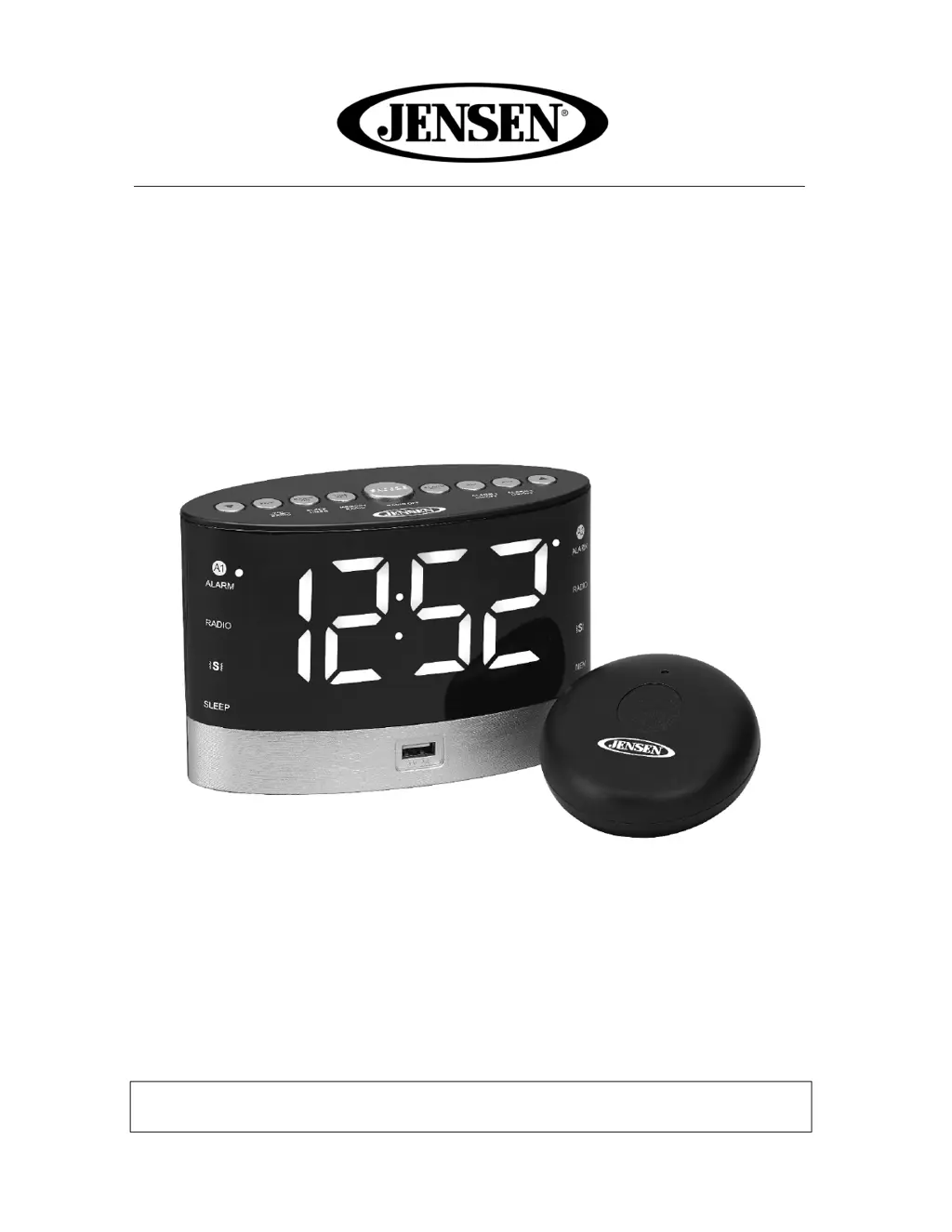
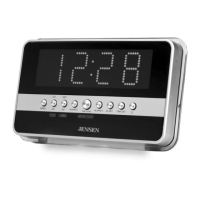
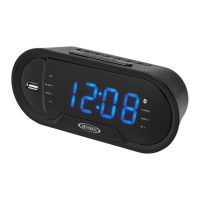
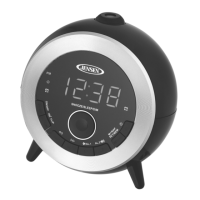
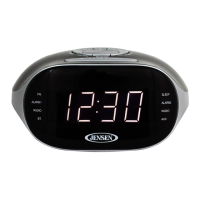
AM/FM Digital Dual Alarm Clock Radio
With Under Pillow Vibrator
MODEL: JCR-255
USER MANUAL
PLEASE READ THIS USER MANUAL COMPLETELY BEFORE OPERATING
THIS UNIT AND RETAIN THIS BOOKLET FOR FUTURE REFERENCE

Other manuals for Jensen JCR-255

Questions and Answers

  • S
    Scott HaynesAug 10, 2025
    Why is the sound distorted on my Jensen JCR-255?
    • M
      Matthew JonesAug 10, 2025
      If you experience noise or distorted sound while listening to the Jensen Clock Radio, it could be due to a few reasons. First, make sure the station is properly tuned. If you're listening to FM, fully extend the antenna. For AM, try repositioning the unit to get the best reception.
  • B
    Brian JenkinsAug 18, 2025
    What to do if my Jensen JCR-255 is not charging from the USB port?
    • B
      Briana BakerAug 18, 2025
      If your Jensen Clock Radio isn't charging from the USB port, the USB cable might be damaged or not securely attached. Try replacing the USB cable or reconnecting it.
  • K
    Kristen DavisAug 26, 2025
    Why is there no sound coming from my Jensen JCR-255 Clock Radio?
    • M
      Matthew BlackAug 27, 2025
      If there is no sound coming from your Jensen Clock Radio, the volume control might be turned down. Try increasing the volume.
  • B
    Bryan GraySep 2, 2025
    How to fix a Jensen JCR-255 Clock Radio that does not come on?
    • P
      pughrebeccaSep 2, 2025
      If your Jensen Clock Radio isn't turning on, it could be due to an unstable power adapter connection. Try reconnecting the adapter.

Summary

Important Safety Instructions

Compliance with FCC Regulations

FCC ID and Operational Conditions

Statement of compliance with FCC rules and required operational conditions.

Power Source (AC Adaptor Only)

AC;DC Adaptor Power Connection

Instructions for connecting the AC-DC adaptor for main power supply.

Battery Back-up System Operation

Explanation of the CR2032 battery back-up for clock and timer settings.

Battery Warning

Coin;Button Cell Battery Hazard

Warning about ingesting coin/button cell batteries and seeking immediate medical attention.

Installing the Batteries

Setting the Time

Procedure for Setting Clock Time

Step-by-step guide to set the hour and minute, including AM/PM indication.

Alarm Operation

Setting Alarm Times

Instructions for setting dual alarm times, including hour and minute.

Selecting Alarm Wake-up Source

How to choose alarm source: alarm sound, radio, or vibrator.

Snooze Function

Radio Operation

Listening to the Radio

Steps to turn on, tune, adjust volume, and turn off the radio.

Sleep Operation

USB Charging

Troubleshooting Guide

Common Symptoms and Solutions

Table addressing power issues, sound problems, and USB charging errors.

90 Day Limited Warranty and Service

Jensen JCR-255 Specifications

Power IconPower
power requirementAC 120V~60HZ 6W
battery backup for clock2 X AA (UM-3)
Frequency Range IconFrequency Range
AM frequency range530-1710kHz
FM frequency range88-108MHz

Related product manuals