EasyManua.ls Logo

Jensen JCR-275 - User Manual

Jensen JCR-275
12 pages
Print Icon
To Next Page IconTo Next Page
Loading...
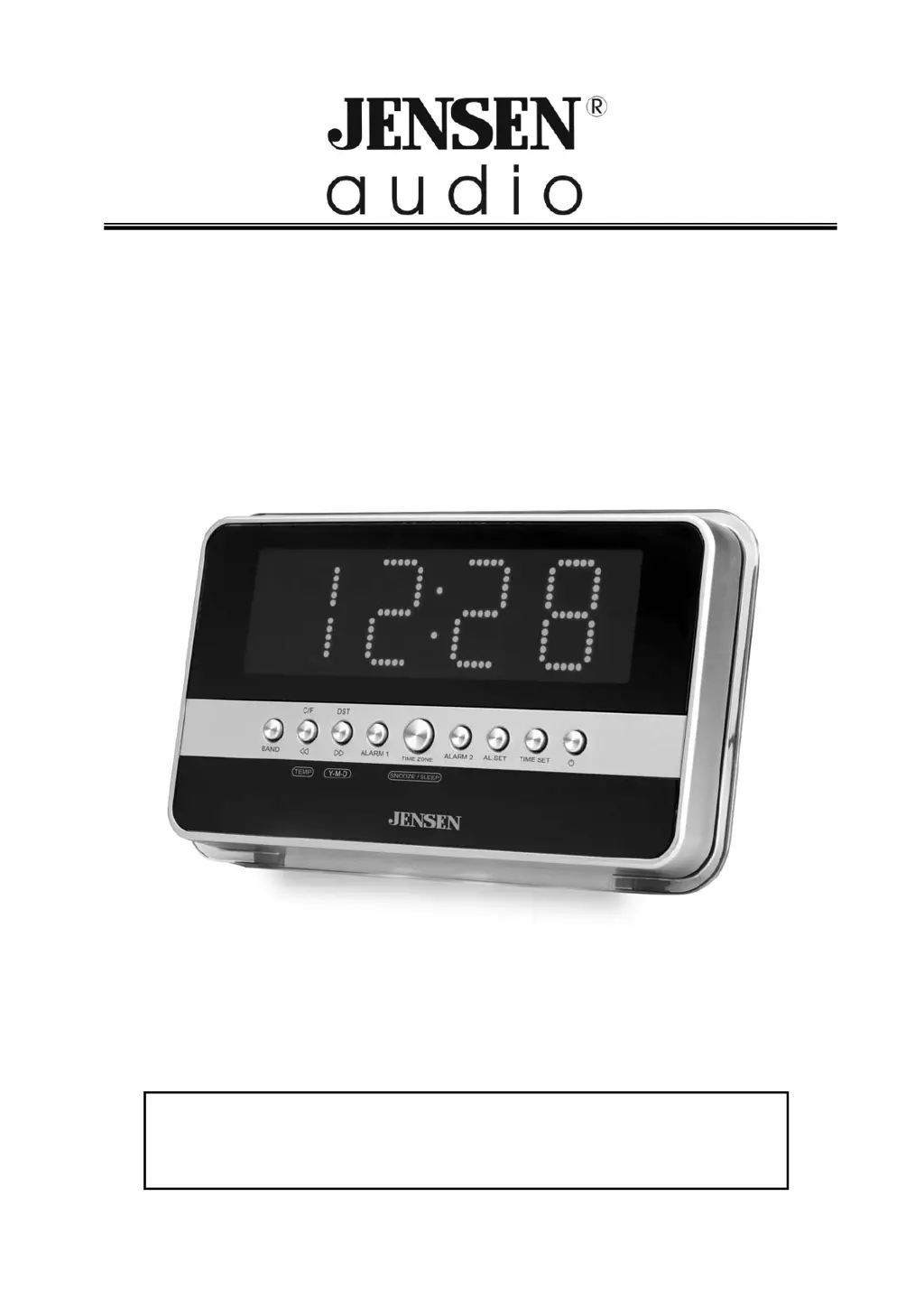
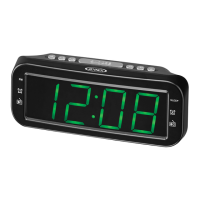
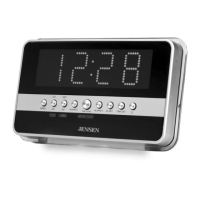
AM/FM DUAL ALARM CLOCK RADIO WITH WAVE SENSOR
MODEL JCR-275
USER MANUAL
PLEASE READ THIS USER MANUAL COMPLETELY BEFORE
OPERATING THIS UNIT AND RETAIN THIS BOOKLET FOR
FUTURE REFERENCE.

Questions and Answers

  • H
    Hannah WilliamsJul 30, 2025
    How to fix noise or distorted sound on Jensen JCR-275 Clock Radio?
    • H
      hernandezdouglasJul 31, 2025
      If you are experiencing noise or distorted sound on AM or FM broadcast with your Jensen Clock Radio, here are some things to try: - For AM or FM, retune the broadcast station. - For FM, fully extend the FM wire antenna. - For AM, reposition the unit until the best reception is obtained. The issue could be that the station wasn't tuned properly or the unit isn't placed in the best reception point.
  • H
    humphreyjohnAug 6, 2025
    What to do if sound is distorted at high volume on Jensen Clock Radio?
    • A
      Angela WarrenAug 6, 2025
      If the sound from your Jensen Clock Radio appears distorted at a high volume setting, it's likely that the volume control is set too high. Adjust the volume control to a lower, more comfortable level.
  • M
    makaylacontrerasAug 14, 2025
    Why is there no sound on AM or FM on my Jensen Clock Radio?
    • S
      slinAug 14, 2025
      If you're not getting any sound on AM or FM from your Jensen Clock Radio, here are a few things to check: - Make sure the unit is in “RADIO” function mode by pressing the On/Off Button until the radio is on. - Ensure the volume is not set to the minimum; increase the volume. - Check if an external non-playing digital audio player is connected to the Aux In jack, and if so, unplug the Aux In cord. The cause may be that the unit is not in the correct mode, the volume is too low, or an external device is interfering.
  • C
    Christopher ReynoldsAug 21, 2025
    How to increase LCD brightness on Jensen Clock Radio?
    • E
      evansbradleyAug 21, 2025
      If the LCD brightness on your Jensen Clock Radio is too dim, it's likely set to dim mode. To fix this, set the display brightness to HIGH.

Summary

Warnings and Safety Instructions

IMPORTANT SAFETY INSTRUCTIONS

Key safety guidelines and precautions for operating the appliance.

Unit Controls and Power

Initial Setup and Sensor Placement

GETTING STARTED

Initial setup steps including plugging in and resetting the unit.

IMPORTANT SENSOR PLACEMENT

Guidelines for sensor placement to ensure proper motion detection.

Clock, Time Zone, and Alarm Setup

SETTING UP THE CALENDAR AND CLOCK

Instructions for setting the date and time on the clock radio.

SETTING UP THE TIME ZONE

How to select the correct time zone for accurate clock display.

SETTING UP THE ALARMS

Steps for configuring Alarm 1 and Alarm 2 settings.

Radio Operation, Snooze, and Sleep Timer

Infrared Sensor Functions

Display Brightness and Reset

Specifications and Troubleshooting

Jensen JCR-275 Specifications

General IconGeneral
CategoryClock Radio
BrandJensen
ModelJCR-275
Display TypeLED
Radio BandsAM/FM
Power SourceAC
Battery BackupYes
Snooze FunctionYes
Sleep TimerYes
Alarm TypeBuzzer/Radio
Preset Stations10
Auxiliary InputYes

Related product manuals