EasyManua.ls Logo

Jensen JCR-295 - User Manual

Jensen JCR-295
12 pages
Print Icon
To Next Page IconTo Next Page
Loading...
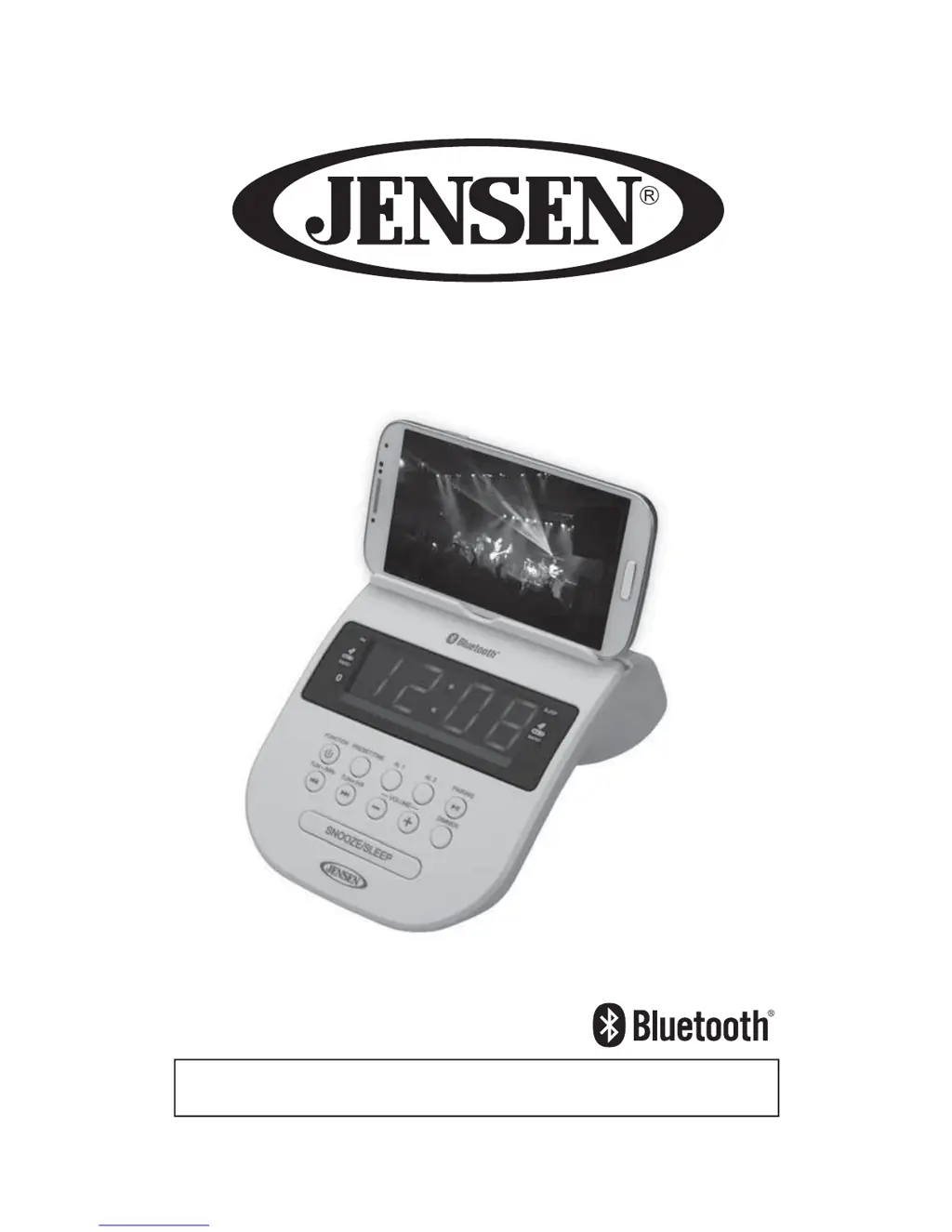
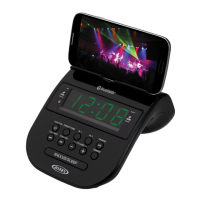
Bluetooth Clock Radio with Cellphone Holder
USER MANUAL
JCR-295
PLEASE READ THIS OPERATION MANUAL COMPLETELY BEFORE OPERATING
THIS UNIT AND RETAIN THIS BOOKLET FOR FUTURE REFERENCE.

Questions and Answers

Summary

Safety, Compliance, and Product Care

General Safety and Placement Advice

Essential advice for safe operation, including placement and condensation management.

FCC Compliance and Interference Mitigation

Details FCC compliance rules and measures to correct radio interference.

Furniture Protection Recommendations

Recommendations for protecting furniture surfaces from the unit's rubber feet.

Hearing Protection Guidance

Guidance on setting safe audio levels to prevent hearing damage.

Unit Controls and Power Management

Control Identification and Layout

Identifies all buttons, jacks, and indicators on the JCR-295 unit.

AC Power Adapter Specifications

Details the AC-DC adapter specifications and proper polarity for operation.

Backup Battery Installation and Guidelines

Instructions for installing backup batteries and important usage guidelines.

Core Operating Functions

Setting the Clock Time

Step-by-step guide to setting the correct time on the clock radio.

Radio Operation and Tuning

Instructions for operating the radio, tuning stations, and adjusting volume.

Radio Station Presets

How to store and recall up to 20 preset radio stations for easy access.

Bluetooth Pairing and Playback

Guide to pairing Bluetooth devices and wirelessly playing music.

Advanced Features

Alarm Setting and Wake Sources

Procedures for setting alarm times and selecting wake sources (radio/buzzer).

Snooze Alarm Function

Explains how to use the snooze function for temporary alarm silencing.

Display Dimmer Control

How to adjust the brightness of the LED display.

Sleep Timer Function

Instructions for programming the unit to turn off automatically after a set time.

Auxiliary Input Operation

How to play audio from external devices via the AUX IN jack.

Cell Phone Holder Usage

Instructions and precautions for using the integrated cell phone holder.

USB Charging Instructions

Steps for connecting a USB cable to charge a smartphone or portable device.

USB Port Limitations and Warnings

Important warnings regarding the USB port's limitations and potential damage.

Support and Specifications

Troubleshooting Common Issues

Solutions for common issues like no sound, distorted audio, and Bluetooth connectivity.

Technical Specifications

Lists technical details including power requirements, battery type, and audio output.

Environmental Responsibility

Information on Spectra's environmental and recycling initiatives.

Warranty and Service Information

Details warranty terms, conditions, and procedures for obtaining service.

Summary

Safety, Compliance, and Product Care

General Safety and Placement Advice

Essential advice for safe operation, including placement and condensation management.

FCC Compliance and Interference Mitigation

Details FCC compliance rules and measures to correct radio interference.

Furniture Protection Recommendations

Recommendations for protecting furniture surfaces from the unit's rubber feet.

Hearing Protection Guidance

Guidance on setting safe audio levels to prevent hearing damage.

Unit Controls and Power Management

Control Identification and Layout

Identifies all buttons, jacks, and indicators on the JCR-295 unit.

AC Power Adapter Specifications

Details the AC-DC adapter specifications and proper polarity for operation.

Backup Battery Installation and Guidelines

Instructions for installing backup batteries and important usage guidelines.

Core Operating Functions

Setting the Clock Time

Step-by-step guide to setting the correct time on the clock radio.

Radio Operation and Tuning

Instructions for operating the radio, tuning stations, and adjusting volume.

Radio Station Presets

How to store and recall up to 20 preset radio stations for easy access.

Bluetooth Pairing and Playback

Guide to pairing Bluetooth devices and wirelessly playing music.

Advanced Features

Alarm Setting and Wake Sources

Procedures for setting alarm times and selecting wake sources (radio/buzzer).

Snooze Alarm Function

Explains how to use the snooze function for temporary alarm silencing.

Display Dimmer Control

How to adjust the brightness of the LED display.

Sleep Timer Function

Instructions for programming the unit to turn off automatically after a set time.

Auxiliary Input Operation

How to play audio from external devices via the AUX IN jack.

Cell Phone Holder Usage

Instructions and precautions for using the integrated cell phone holder.

USB Charging Instructions

Steps for connecting a USB cable to charge a smartphone or portable device.

USB Port Limitations and Warnings

Important warnings regarding the USB port's limitations and potential damage.

Support and Specifications

Troubleshooting Common Issues

Solutions for common issues like no sound, distorted audio, and Bluetooth connectivity.

Technical Specifications

Lists technical details including power requirements, battery type, and audio output.

Environmental Responsibility

Information on Spectra's environmental and recycling initiatives.

Warranty and Service Information

Details warranty terms, conditions, and procedures for obtaining service.

Jensen JCR-295 Specifications

General IconGeneral
BrandJensen
ModelJCR-295
CategoryClock Radio
LanguageEnglish

Related product manuals