EasyManua.ls Logo

Jensen JCR-298 - User Manual

Jensen JCR-298
17 pages
Print Icon
To Next Page IconTo Next Page
Loading...
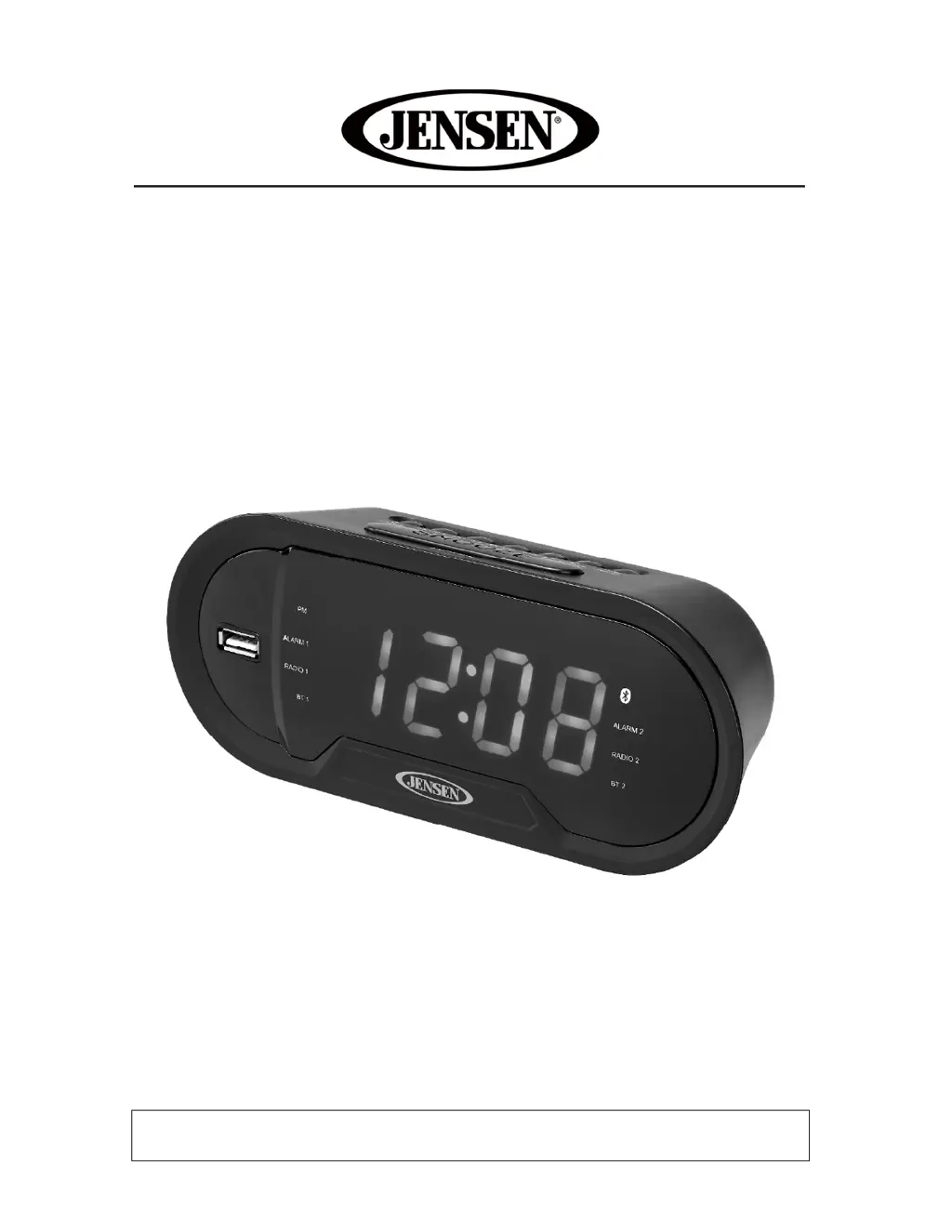
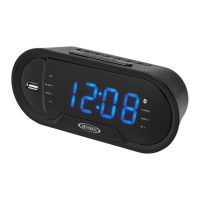
Bluetooth Digital AM/FM Dual Alarm Clock Radio
with USB Charging Port
MODEL: JCR-298
USER MANUAL
PLEASE READ THIS USER MANUAL COMPLETELY BEFORE OPERATING THIS UNIT
AND RETAIN THIS BOOKLET FOR FUTURE REFERENCE

Questions and Answers

Summary

Safety and Warnings

Important Safety Instructions

Essential safety guidelines for operating the JCR-298 to prevent hazards.

FCC Compliance and Warnings

Information on FCC regulations, RF exposure limits, and furniture protection.

Device Operation and Controls

Location of Controls

Identification and function of all buttons and indicators on the unit.

Power Connection and Battery Backup

How to connect the AC adapter and install batteries for backup.

Clock and Alarm Settings

Procedures for setting the time and configuring dual alarms.

Radio and Bluetooth Operation

Instructions for listening to radio and connecting Bluetooth devices.

Additional Features and Functions

Auxiliary Input and Sleep Timer

Using AUX input and setting the sleep timer for automatic shutdown.

Display Dimmer and USB Charging

Adjusting display brightness and using the USB charging port.

Maintenance and Support

Care, Specifications, and Troubleshooting

Guidelines for cleaning, technical specs, and resolving common issues.

Warranty and Service Information

Details on warranty coverage and how to obtain service.

Summary

Safety and Warnings

Important Safety Instructions

Essential safety guidelines for operating the JCR-298 to prevent hazards.

FCC Compliance and Warnings

Information on FCC regulations, RF exposure limits, and furniture protection.

Device Operation and Controls

Location of Controls

Identification and function of all buttons and indicators on the unit.

Power Connection and Battery Backup

How to connect the AC adapter and install batteries for backup.

Clock and Alarm Settings

Procedures for setting the time and configuring dual alarms.

Radio and Bluetooth Operation

Instructions for listening to radio and connecting Bluetooth devices.

Additional Features and Functions

Auxiliary Input and Sleep Timer

Using AUX input and setting the sleep timer for automatic shutdown.

Display Dimmer and USB Charging

Adjusting display brightness and using the USB charging port.

Maintenance and Support

Care, Specifications, and Troubleshooting

Guidelines for cleaning, technical specs, and resolving common issues.

Warranty and Service Information

Details on warranty coverage and how to obtain service.

Jensen JCR-298 Specifications

General IconGeneral
BrandJensen
ModelJCR-298
CategoryClock Radio
LanguageEnglish

Related product manuals