VM8013
9
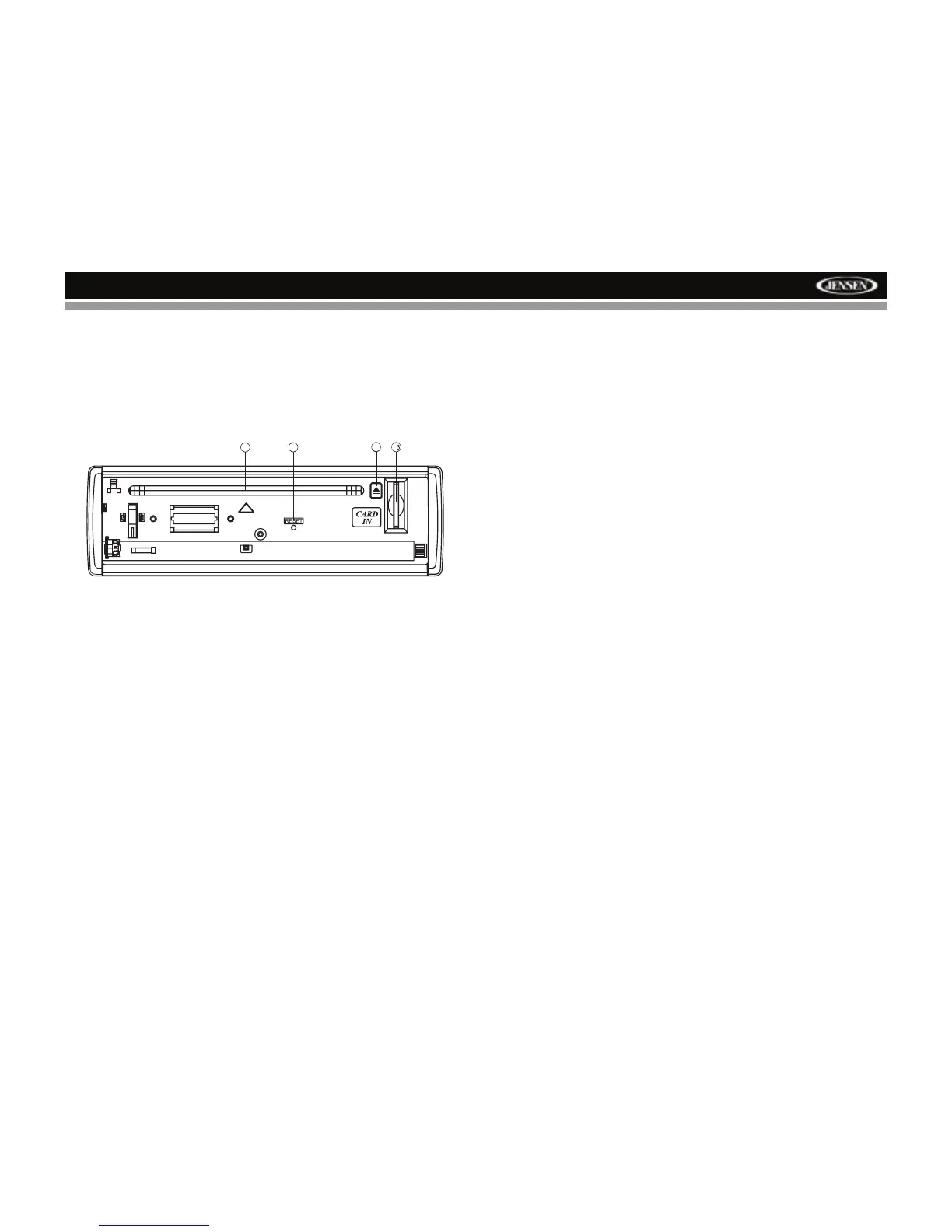
Reset Button
The RESET button is located behind the front panel and can only be
accessed with the front panel opened. Resetting the unit will erase the time
and preset memories. It should only be activated upon initial installation
after all wiring is complete, or if there is a malfunction of any of the switches
on the unit. In these circumstances, pressing the RESET button (22) will
clear the system and return the unit to default operation.
22
21
20
2


 To Next Page