VOLT™ V2 QUICK START GUIDE
17
PERFORMING SPIN DOWN
CONNECTING TO 3RD PARTY
TRAINING APPLICATIONS
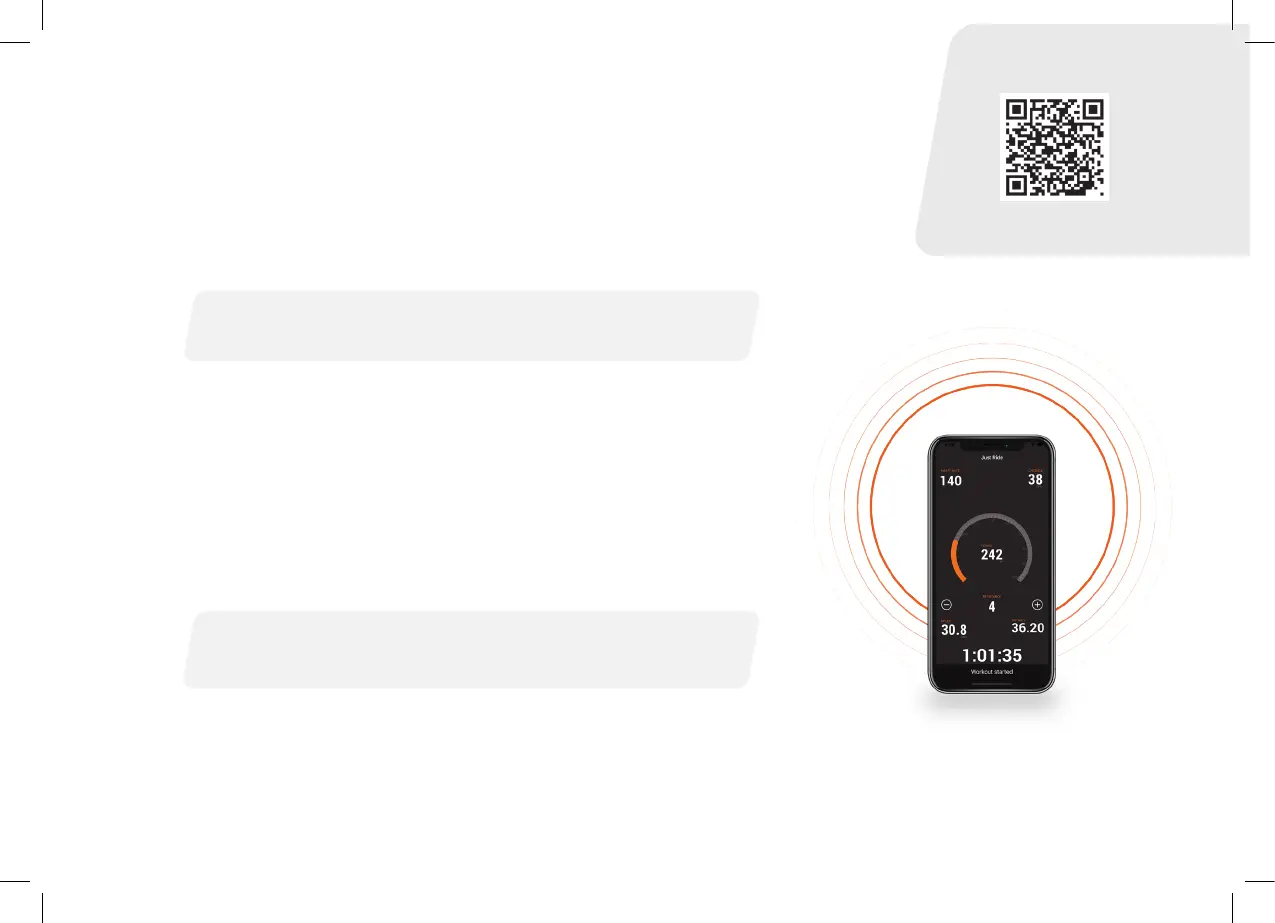
1. Open the JetBlack Cycling App
2. Navigate to Settings
3. Select Spin Down Calibration
4. Follow instructions
Blue ashing light- indicates your Volt™ V2 is available for connection.
Solid Blue light- indicates your Volt™ V2 is connected.
We recommend performing a spin down calibration if your trainer has
moved or there has been a signicant change in temperature. For optimal
calibration we recommend using the JetBlack Volt App.
IMPORTANT: Ensure your JetBlack VOLT™ V2 is disconnected from
all devices within the JetBlack App.
FOR BEST RESULTS WARM UP YOUR TRAINER FOR 10 MINUTES
BEFORE PERFORMING SPIN DOWN CALIBRATION.
JetBlack App


 To Next Page