access your network segment. Please remember your password as there is currently no other
password recovery method than creating a new SD card image for your Radarcape.
First you must login to your Radarcape via SSH.
● Windows users can use the free SSH client Putty.
● Linux/Unix users may use SSH from the command line.
ssh root@rc11.home
Please replace rc11.home with the DNS name or IP address of your personal Radarcape.
An initial root password has not been set. Therefore, you can login with user root and no password.
After you have logged in on your Radarcape, you can set a new root password with the following
command:
passwd
Radarcape Password Change
The message passwd: password updated successfully will indicate that the new password has been
set.
Accessing the Service Interface
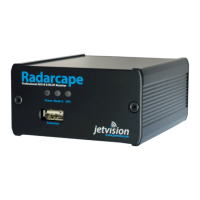
The Radarcape has 2 USB connectors:
● A standard USB type A on the front panel, e.g. for memory sticks or other extensions


 To Next Page