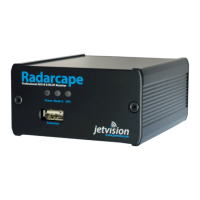
● A micro USB connector on the back side, next to the antenna connectors. This allows you to
connect to the service interface or linux console. Lets use the word console from now on.
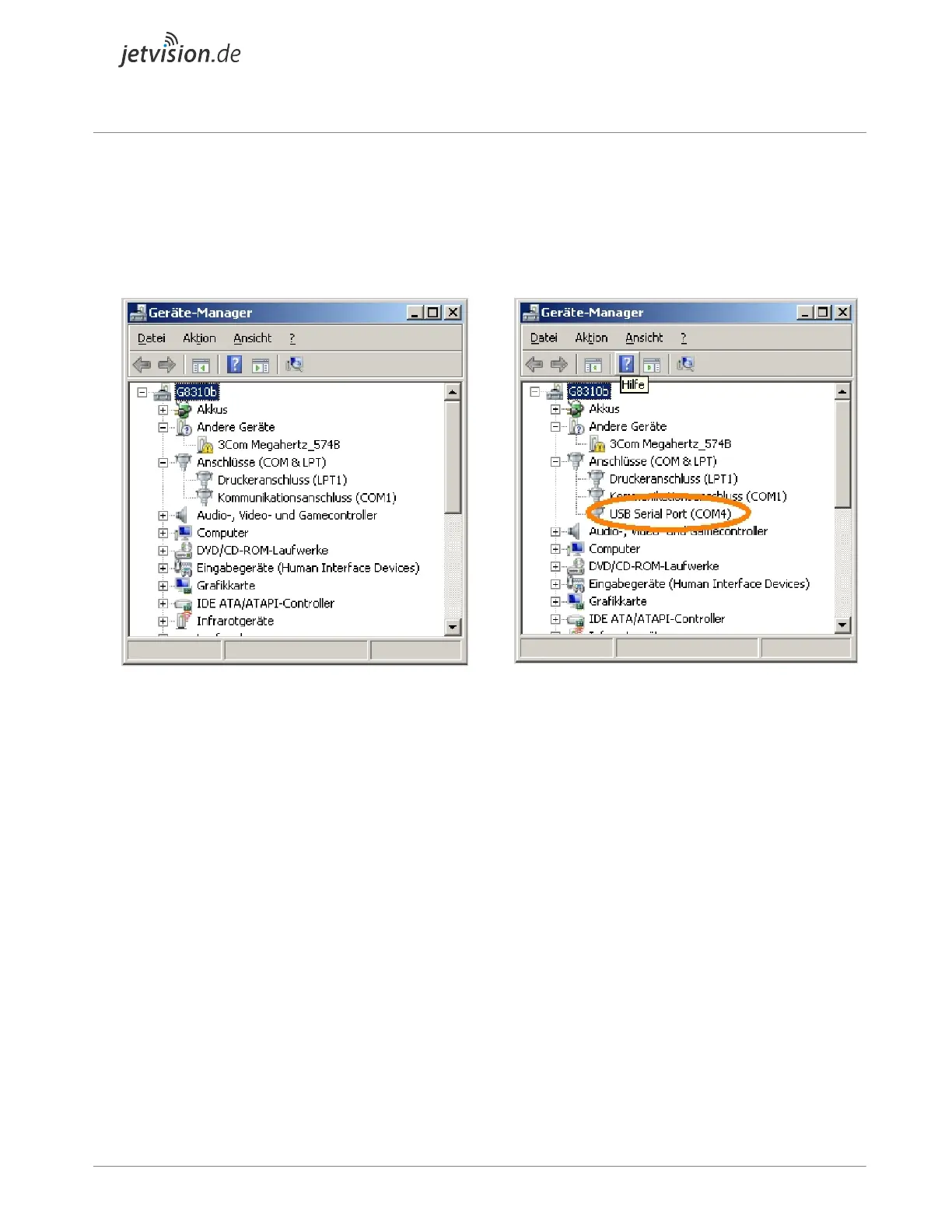
Take a standard USB cable and connect the back side USB. Check in the device manager (german:
Geräte-Manager) that a COM port becomes created.
Device Manager view without a Radarcape
console COM port
Device Manager view with a Radarcape
console COM port
● If it does, skip the FTDI driver installation. Parameters of this COM port are 115200Bit/sec
8N1.
● If not, perform the FTDI driver installation and check if the COM port appears.
Install FTDI drivers
From the FTDI driver web page, download the driver that fits to your system and install it. You should
then see the COM port that becomes created from the Radarcape.
Note: On the rigtht side in the table of FTDIs page, the 'Comments' column, there is a downloadable
install package, which might be easier to use.
Download and execute Putty terminal
We recommend Putty as console terminal, because it also supports SSH network connectivity.
Download Putty from here. There is no need to install, it is directly executable.


 To Next Page