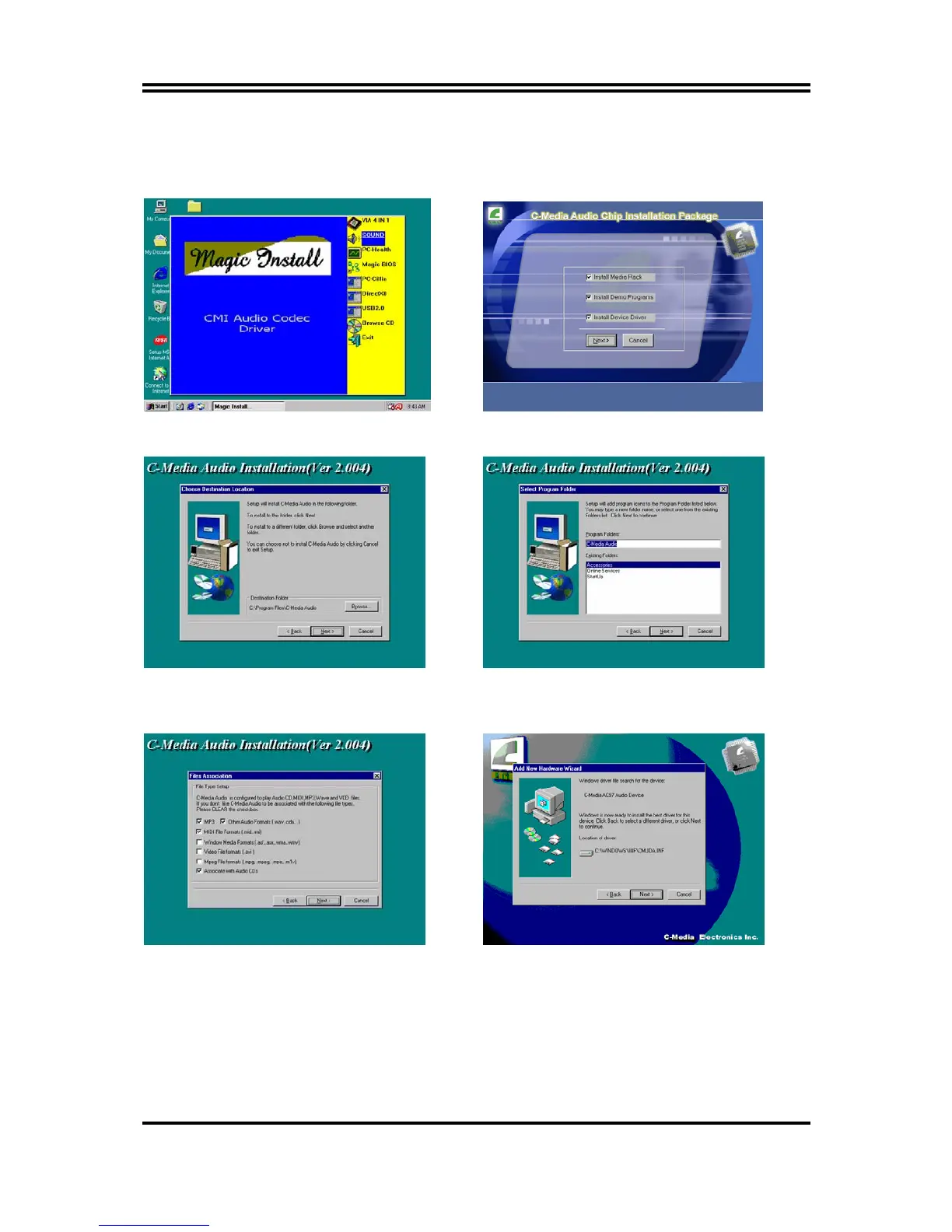
4-2 Sound Install CMI Audio Codec Driver
4-2-1 Install CMI Audio Codec Driver
1. Click SOUND when MAGIC INSTALL
MENU appears
2. Choose Install component in Installation
Package
3. Click Next when copyright Issue appears, click
Next or choose BROWSE to change the path
for the file to be store
4. Enter Program folders name or click Next
5. C-Media Media Rack can Auto Play following
Format file choose need component and Click
Next
6. Click Next when Start copying files windows
appears, OS can Auto Find C-Media AC97
Audio Device Click Next
39


 To Next Page