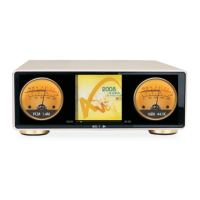
Click on the display area and drag the page to the right to pull out the sidebar.
When you open the sidebar, drag the page to the left to close the page.
There are five options below the sidebar, as shown in the figure below. Here is a detailed
description of the options left:
1、Music Scan (file scanning);
2、Search
3、Settings;
4、User guide;
5、About;
1. Music Scan (file scanning);
There are four options
1. Filter non-song files and folders;
2. Do not scan songs below 60 seconds;
3. Do not scan songs below 500kb;
4. Create a song list based on m3u during scanning.
You can scan all the eligible songs, the page is as follows:
2. Search;
Search for native files.
10



 To Next Page