3. Settings
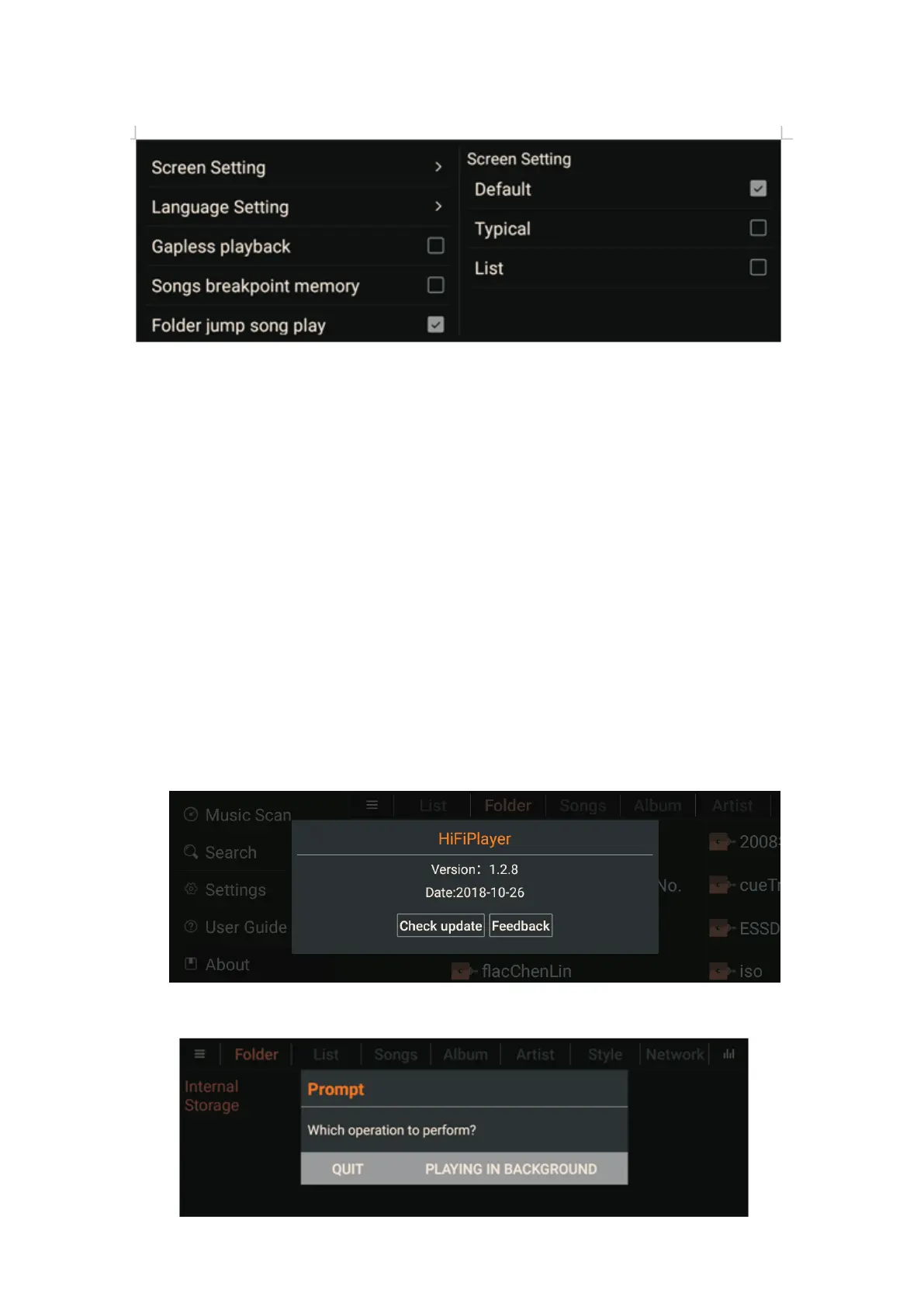
The audio settings, there are eight options, as shown below:
1. Screen saver settings: There are three modes available, Default (default), Typical, List;
2. Language settings: There are three modes available, Simplified Chinese, Traditional
Chinese, English(default);
3. Gapless play: (uninterrupted playback);
4. Song breakpoint memory;
5. Folder jump song play;
6. DSD mode: There are three modes available, PCM, DoP, Native (default);
7. fixed sampling rate output: default is not enabled, can beselected after enabling: Choose
four frequencies of 44100, 48000, 88200, 96000,176400,192000;
8. Volume mode: (subsequent completion);
4. User guide
Instruct users on how to use the product
5. About
The software version number, the official website address, and whether the APP has a new
version.
3.1.5 Exit Introduction
11



 To Next Page