21
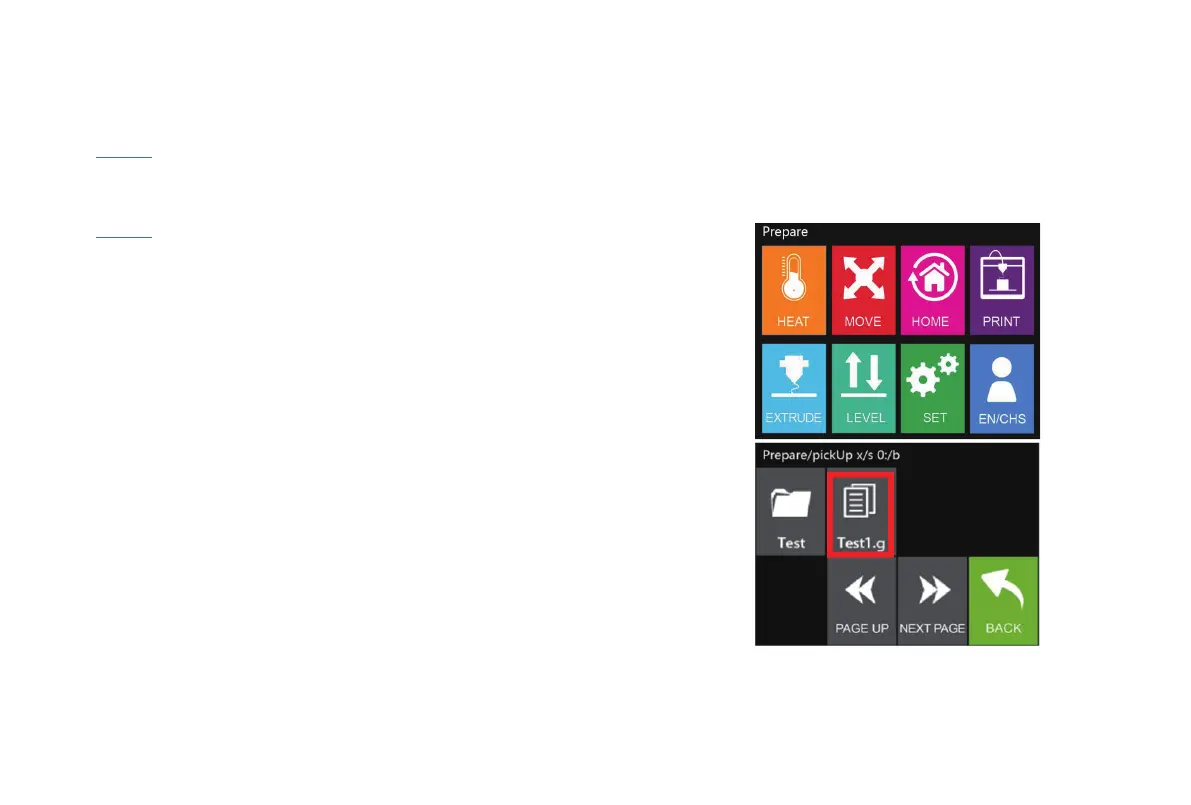
Save the G-code file on SD card and make sure it's under the root directory.
Insert the SD card and hit“PRINT” in main screen.
Select the G-code file you like to print.
Press“START”.
Printing automatically starts when temperature raises up to preset value.
Operation
Ready for Printing
Note: If first 1-2 layers fail to stick to the hot bed, STOP printing and try leveling again.



 To Next Page