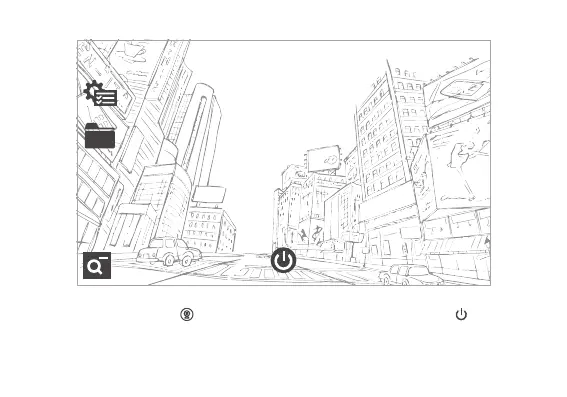
DVR:
1. When connect to external DC power, device and DVR function will turn on automatically.
When using battery, press in main screen to go into recording mode. Press at the bottom
to stop recording. Press top power button to close the screen, the recording will continue.
2. When the DC power is off and there is no car vibration detected for 2 minutes, device
will consider the car has stopped, and the DVR function will be switched off automatically.


 To Next Page