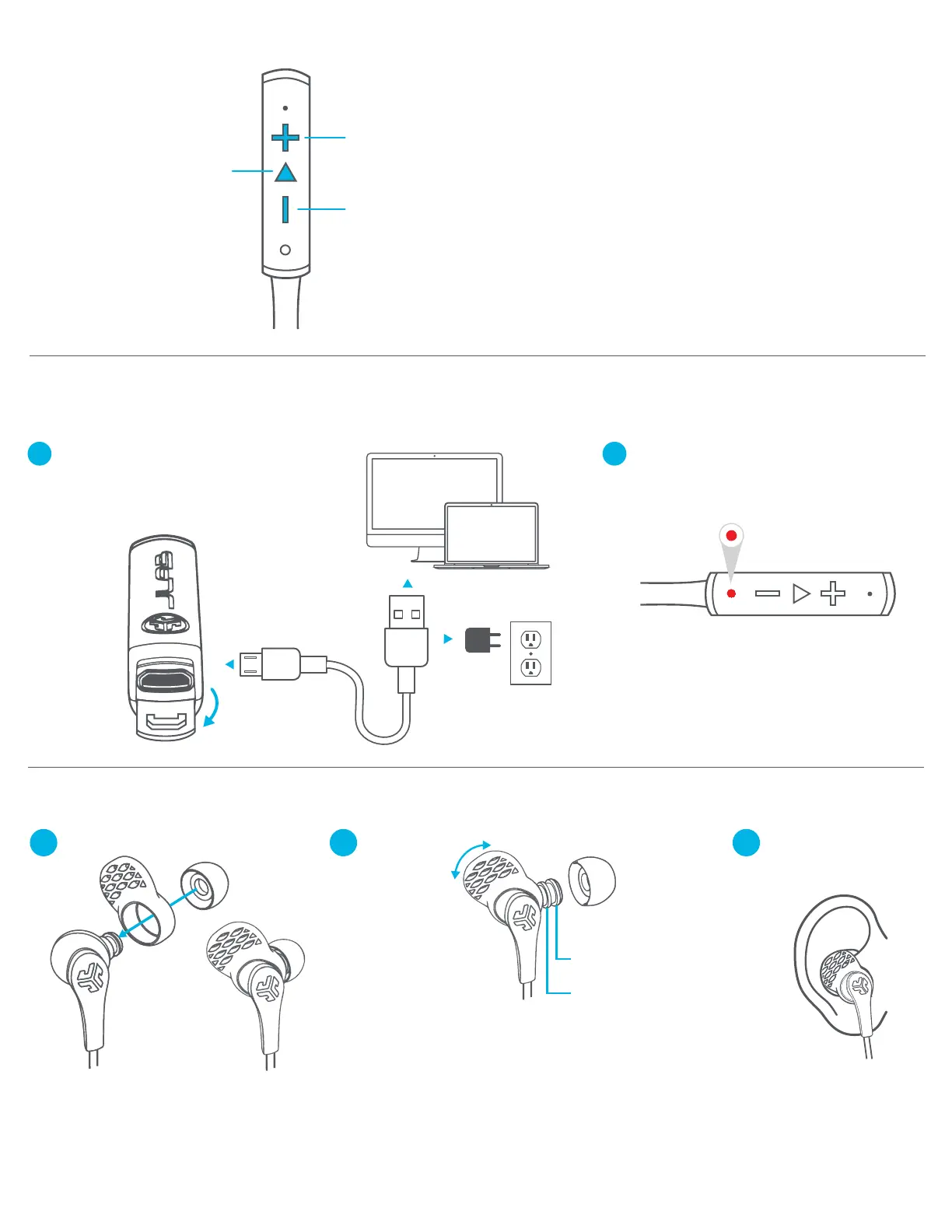
CHARGING
FITTING
Note: For optimum performance, charge overnight with Micro USB cable prior to using.
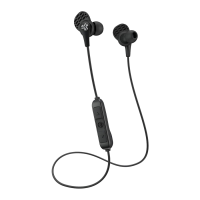
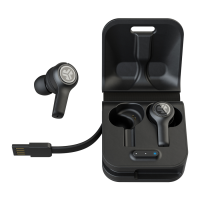
Using included JBuds Pro earbuds.
BUTTON FUNCTIONS VOICE PROMPTS
“HELLO”
Power is ON
“READY TO PAIR”
JLab Gravity is ready to connect
to your Bluetooth device.
“YOU’RE CONNECTED”
JLab Gravity is connected to your
Bluetooth device and ready for use.
“GOODBYE”
Power turning OFF
BATTERY VOICE PROMPT:
“Battery Full” = 100-75%
“Battery Medium” = 75-25%
“Low Battery” = less than 25%
EARBUD
EAR TIP
CUSH FIN™
VOLUME DOWN:
Click once.
TRACK BACKWARD:
Click and hold 2+ seconds.
VOLUME UP:
Click once.
TRACK FORWARD:
Click and hold 2+ seconds.
POWER ON / OFF:
Click and hold 3 seconds.
PLAY / PAUSE
ANSWER / HANG UP:
Click once.
ACTIVATE SIRI (iOS) OR
“OK GOOGLE” (ANDROID):
Click twice.
BLUETOOTH PAIRING:
(Follow First Time Setup)
Open USB door and connect the cable to a
computer or USB power source to charge.
Make sure the charging source is rated at
5v or less.
Light will turn solid red when charging
and turn off when fully charged.
2
1
Try various ear tips
and Cush Fins™
to find the best fit.
Rotate
Cush Fins™
to desired
position.
Move ear tip
to desired
position.
ATP (ADVANCED
TIP PLACEMENT)
POSITION 1:
Snug, Deeper Fit
POSITION 2:
Relaxed, Shallow Fit
32
1



 To Next Page