To Next PageTo Next Page
 Need help?
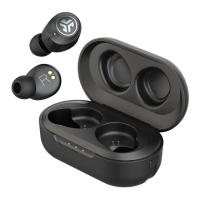
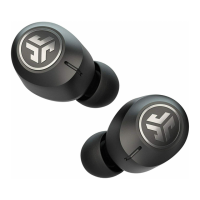
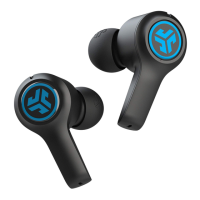
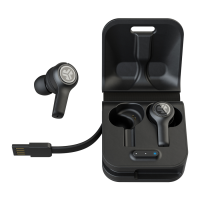
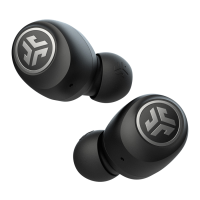
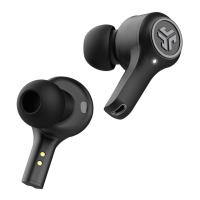
Do you have a question about the JLab Audio JBUDS AIR ICON and is the answer not in the manual?
Power on by pressing touch sensors; buds blink blue/white to indicate pairing readiness.
Select "JLab JBuds Air Icon" in device settings; voice prompt confirms connection.
Turn off previous Bluetooth, turn on new device's Bluetooth for auto-pairing.
Details volume down, Siri/Google, answer/hangup, reject calls, track back, and EQ change functions.
Details volume up, answer/hangup, reject calls, play/pause, track forward, and EQ change functions.
Disconnect from Bluetooth device; earbuds power off automatically after 3 minutes.
Reset procedure involves forgetting device, tapping sensors, and re-pairing earbuds.
Steps to troubleshoot connection issues by forgetting device and toggling Bluetooth.
Ensure the Cush Fin does not obstruct the microphone port for clear call quality.
 General
| Type | True Wireless |
|---|---|
| Driver Size | 8mm |
| Frequency Response | 20 Hz - 20 kHz |
| Battery Life (Earbuds) | 6 hours |
| Battery Life (Case) | 18 hours |
| Total Battery Life | 24 hours |
| Charging Time | 2 hours |
| Charging Case | Yes |
| Bluetooth Version | 5.0 |
| Water Resistance | IP55 |
| Microphone | Yes |
| Controls | Touch Controls |
| Charging Port | USB-C |
| Wireless Range | 30 ft |