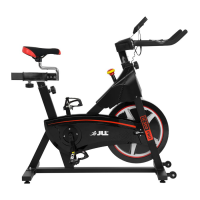
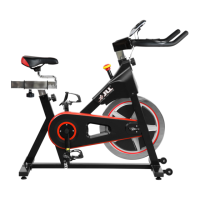
Maintenance must be performed on a regular basis. Performing maintenance actions can
aid in providing safe and trouble-free operation of all JLL
®
equipment.
JLL
®
are not responsible for performing regular inspection and maintenance actions for
your machine. JLL
®
representatives are available to answer any questions that you may
have on +44 (0)800 6123 988.
PREVENTIVE MAINTENANCE ACTIVITIES
Every JLL
®
bike that comes from the factory is already maintained, however, you just
need to follow simple steps to maintain it. Keeping the bike in a clean state will help to
prolong its life. Perform regular preventive maintenance to ensure
normal operation of the unit. Keep a log of all maintenance actions to assist in staying
current with all preventive maintenance activities. JLL
®
is not responsible for
performing regular inspection or maintenance.
Read all instructions and warnings listed both in this chapter and in the
Safety
chapter. Contact JLL
®
Customer Service on +44 (0)800 6123 988 for any
maintenance or service concerns.
Requirements:
• Water
• Dry cloth
• Vacuum
1. Only use water to clean and dust. Do not use any cleaning product because they
may damage the bike.
2. Be careful not to spill or get excessive moisture between the edge of the
monitor, as this might create an electrical hazard or cause failure of the
electronics.
3. Direct spraying could cause damage to the electronics and may void the
warranty.
WARNING


 To Next Page