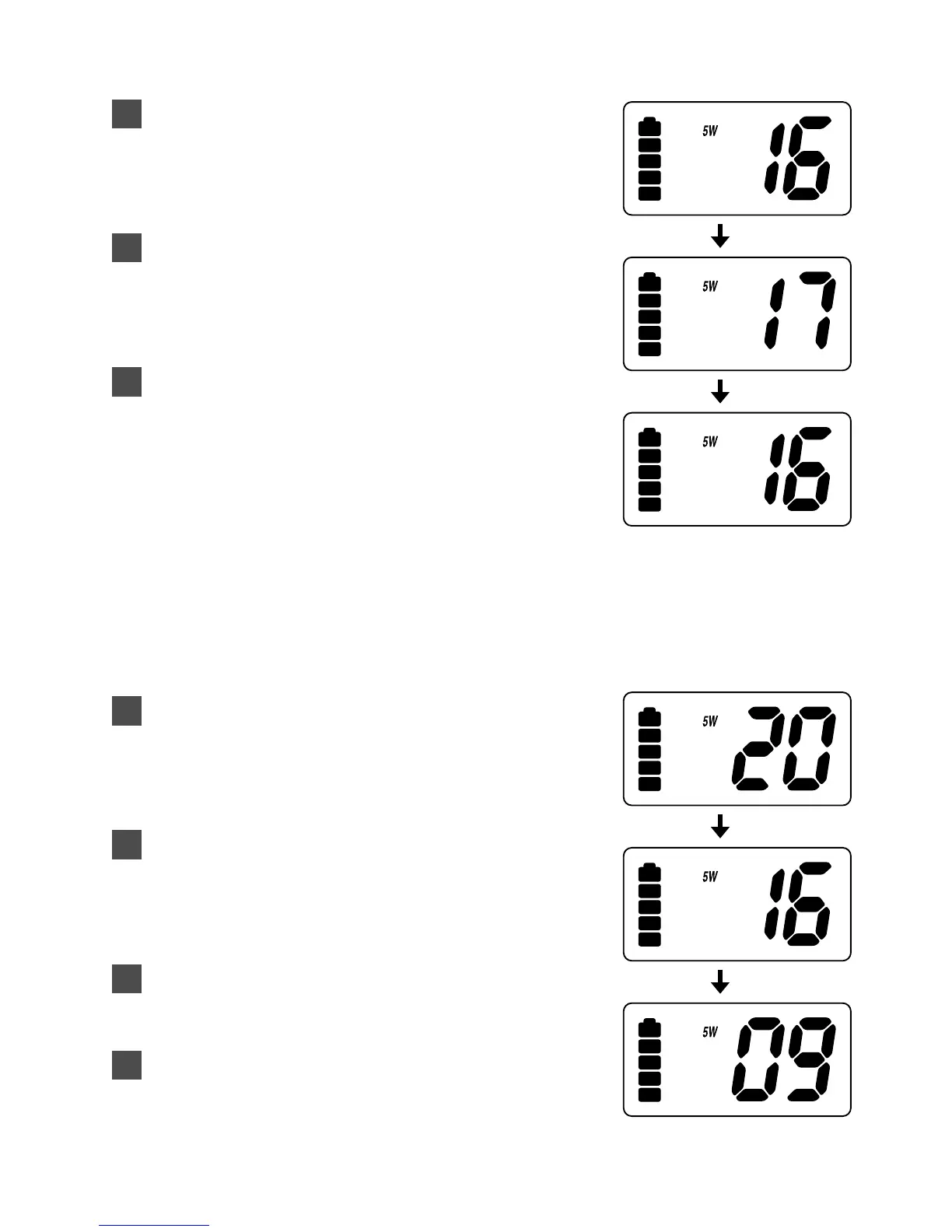
Selecting a Channel
Turn On your RTP1000.
To select a higher channel,
press the ▲ button.
To select a lower channel,
press the ▼ button.
• To change the channel continuously,
press and hold the ▲ or ▼ button for
more than 1 second.
One-touch Channel 16/9
Example: While you are monitoring channel 20, you want to check
channel 16 or channel 9.
You are now on channel 20.
To monitor channel 16, press the 16/9
button.
To monitor channel 9, press the 16/9
button again.
To return to channel 20, press the
16/9
button again.
4
3
2
1
3
2
1
12


 To Next Page