Triple Watch
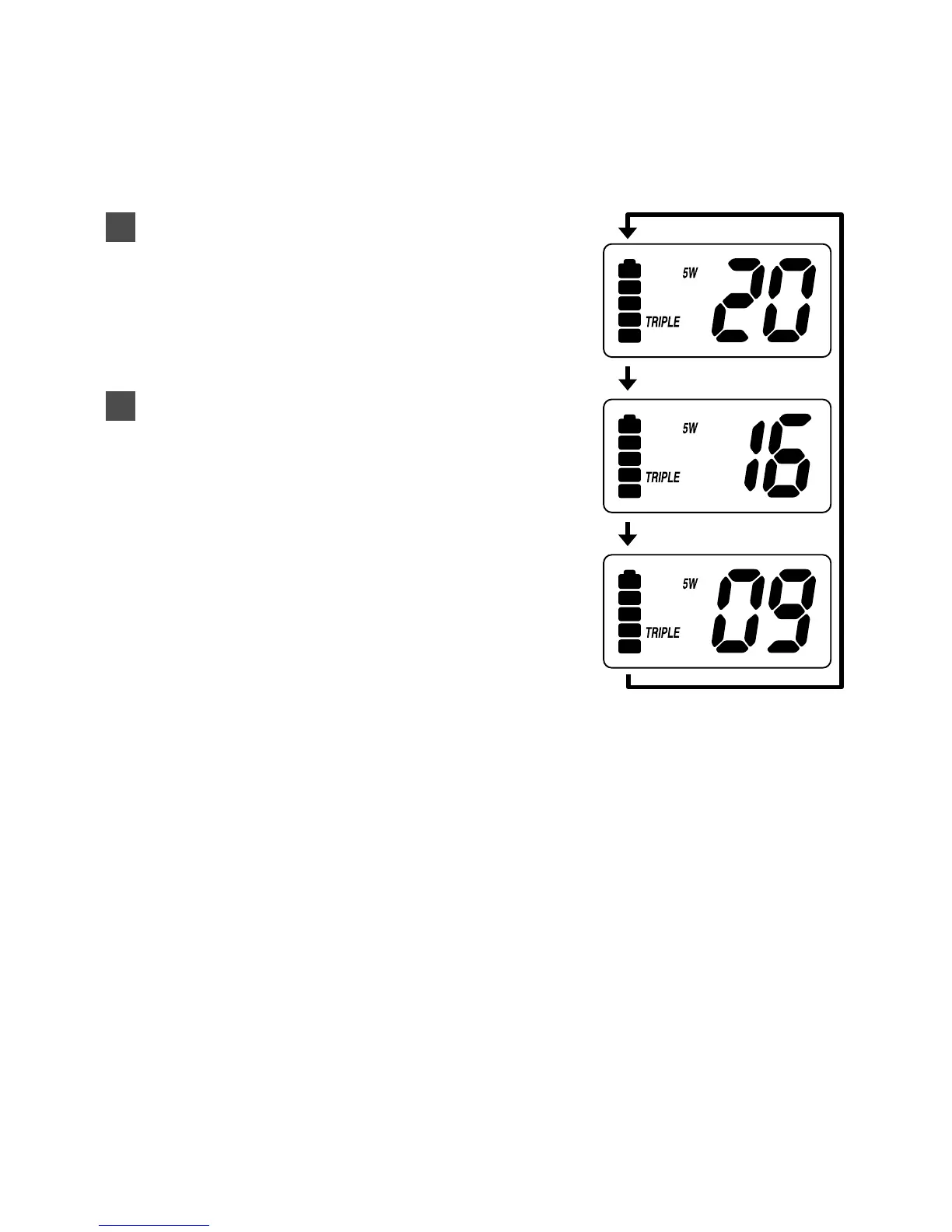
Triple Watch mode monitors channels 16 and 9 for a signal while
you listen to the currently selected channel. The marine radio
checks channel 16 and 9 for activity every 2 seconds.
To select Triple Watch mode, press the
TRI button. TRIPLE appears on the
display.
To exit from Triple Watch, press the
TRI
button. TRIPLE disappears.
• While in Triple Watch mode, you can
change the currently selected channel
using the
▲ or ▼ button.
2
1
13


 To Next Page