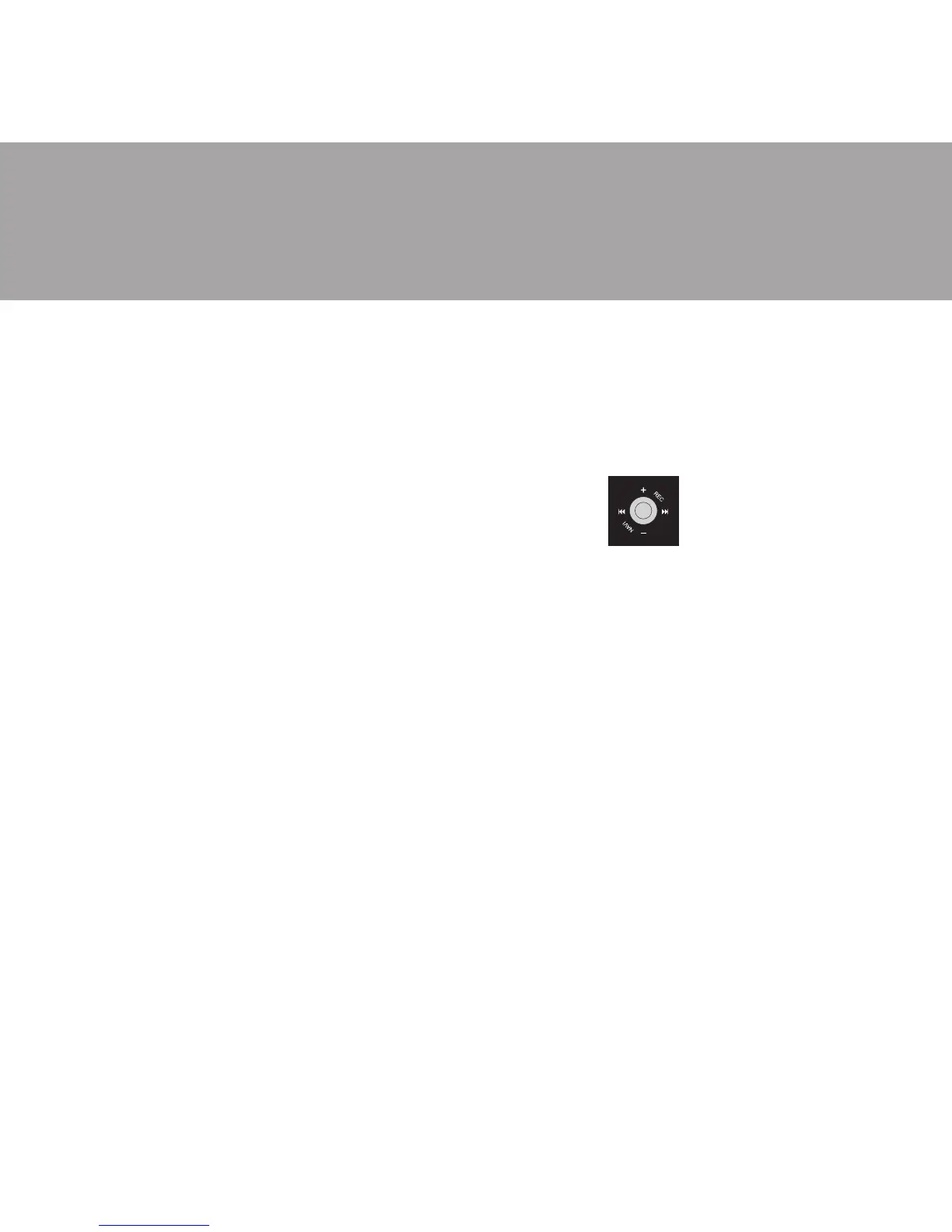
7
function if the 9 button is pressed and held for a longer time. The
unit will stop when previous FM station is detected.
= Press ;4 button once, then STORE and Channel number icons will
be shown on LCD.
= Press : to increase Channel Number.
= Press 9 to decrease Channel Number.
= Press ;4 button again to store this FM frequency in selected
channel number. (The STORE icon will be turned off)
u Operating with Preset Channel
= If the PRESET icon is off, then press < button to turn on the
PRESET icon.
= Press : to increase the preset channel by 1.
= Press 9 to decrease the preset channel by 1.
= To delete the preset channel, then press and hold ;4 button.



 To Next Page