2.2 Switch on
Switch on the organ with the on/off piston at
the right, next to the manuals. Wait several
seconds. Starting the control functions and the
settings will take some time.
The lamps of the 0 piston and the as standard
set functions light up. The settings appear on
the display.
2.3 Transport and storage
Pay attention to the following during transport and storage:
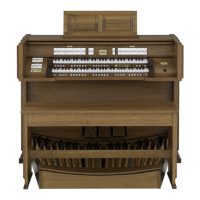
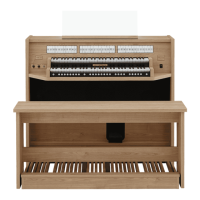
1. Remove the music desk and the pedal board from the organ.
2. Relative humidity within the storage area: 40 to 60%.




 To Next Page