Display
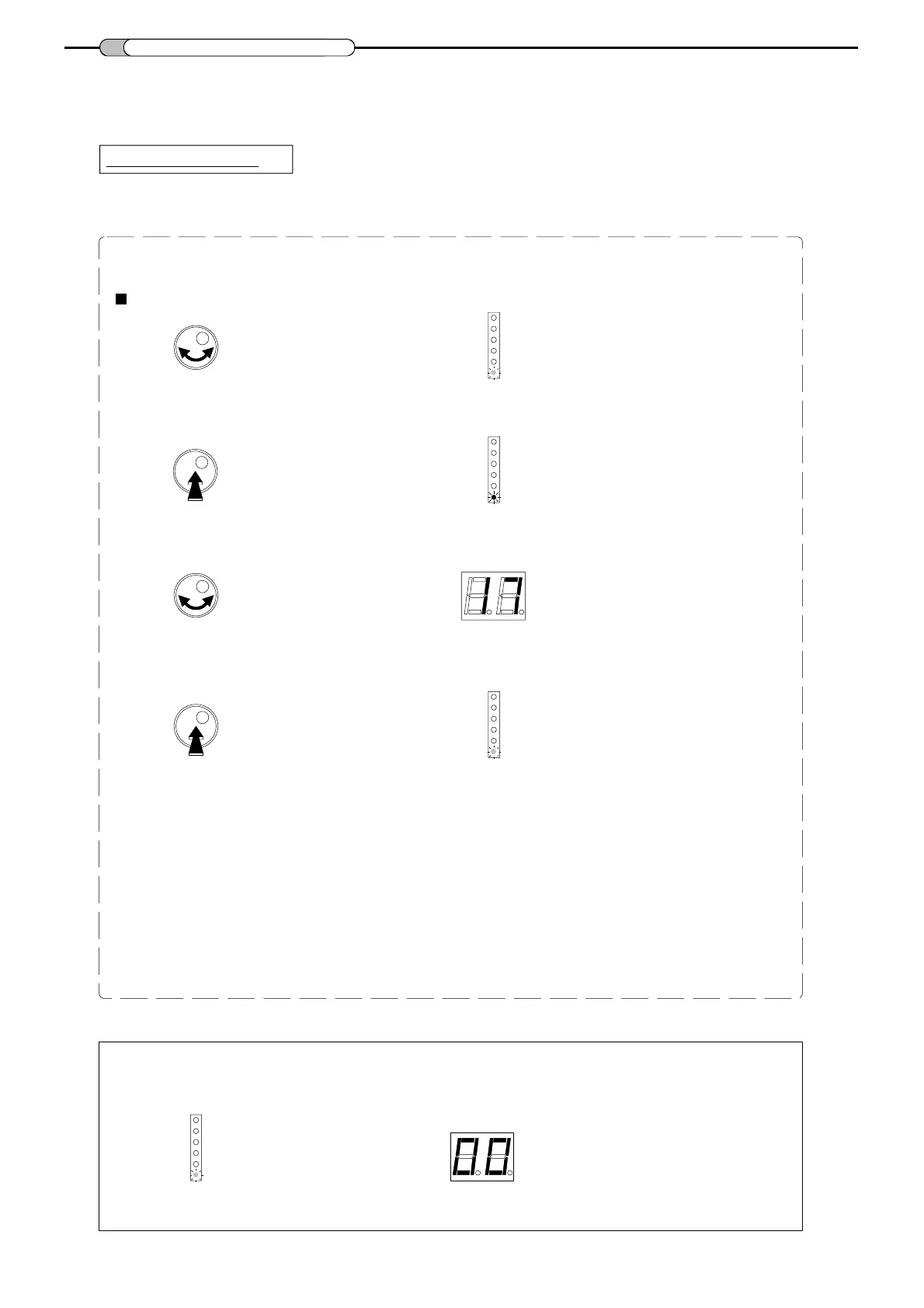
To recall a preset
- The filter-equalizer has 40 presets.
See the list of presets in annex.
5
PRESETS
- Turn the button to select
Preset : 01~40.
- Push the rotary button to enter the selected mode.
LED is green
- Inside the mode, turn the button to select the desired preset number.
- Push the button to confirm.
LED is green
Example : preset n° 17
Preset : 01~40
Preset : 01~40
LED is red
Preset : 01~40
Notes:
In the preset mode "01 to 40" the channels are "fixed".
The level adjustments, the input amplifier and configuration of input can be modified.
00 : programmable
00 : programmable
00 : programmable
The "00" configuration allows to set all parameters.
Display
Preset : 01~40
00 : programmable



 To Next Page