10
Before using for the first time
Setting and changing the
time
3
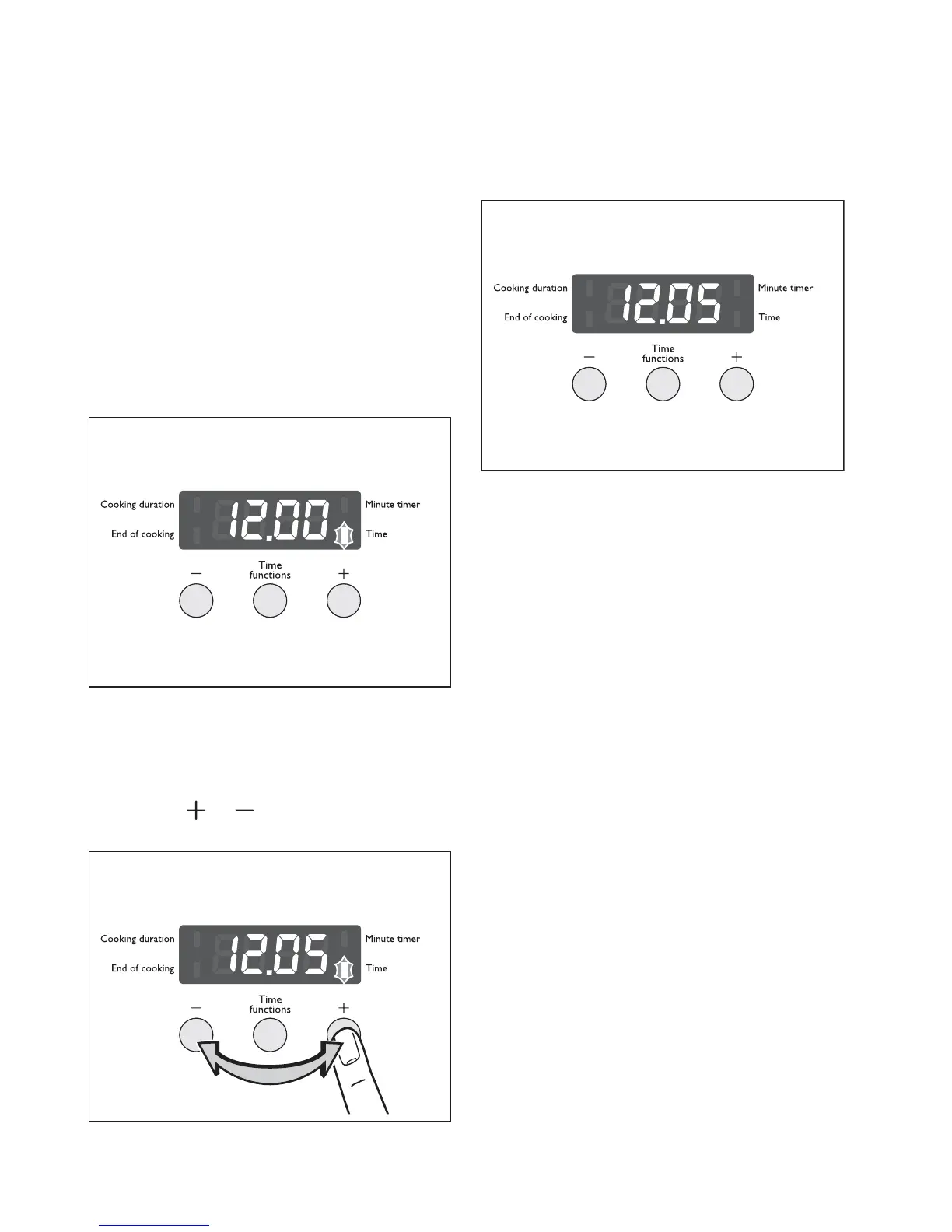
The oven only operates when the time
has been set.
When the appliance has been connect-
ed to the electrical supply or when
there has been a power cut, the func-
tion indicator Time flashes automatical-
ly.
1.
To change a time that has already been set,
press the Time functions button repeatedly
until the function indicator Time flashes.
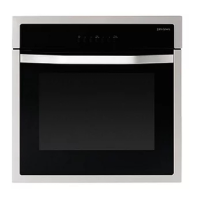
2.
Using the or
button, set the current
time.
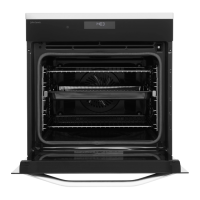
After approx. 5 seconds, the flashing stops and
the clock displays the time set.
The appliance is now ready to use.
3
The time can only be changed if no au-
tomatic function (Cooking duration or
End of cooking) has been set.



 To Next Page