8 ©2011 Johnson Level & Tool
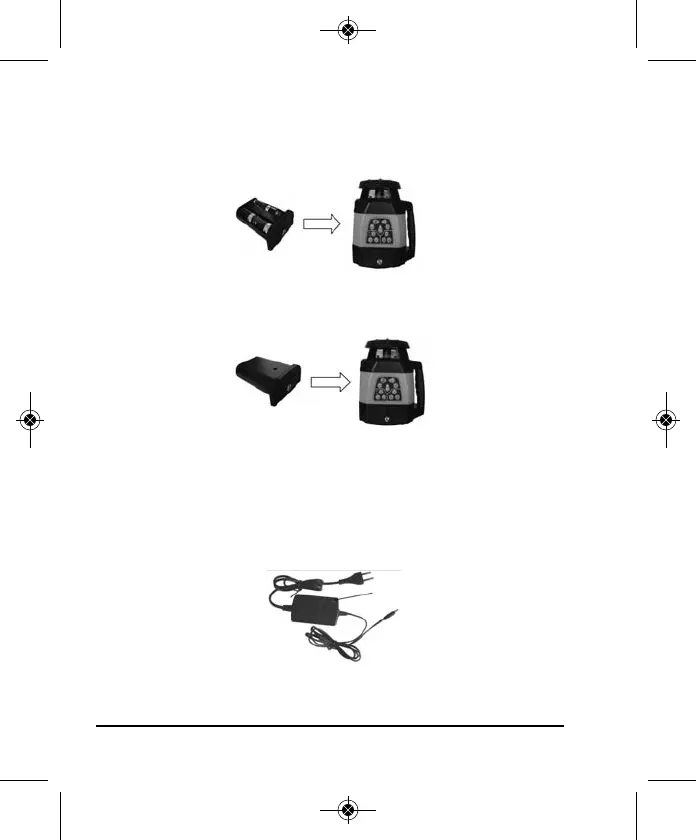
Alkaline Battery Installation
Put 4 “C” alkaline batteries into the alkaline battery pack according
to polarity direction, then insert the battery pack into the laser.
Insert the rechargeable battery into the laser.
Charging the Rechargeable Batteries
Insert the charger into an AC outlet and into the rechargeable battery
pack, the rechargeable battery is now charging. The charger
indication light is red when it is charging, and it turns green when
the battery is full.
Charger indicator light
4411H-English_Manuals 3/11/11 1:13 PM Page 8



 To Next Page